DocsHelp
Ask Ladeworks
Ask Ladeworks is a chat that knows your workspace. Say what you want in your own words and it answers, opens the right page, or starts the setup for you.
Open it
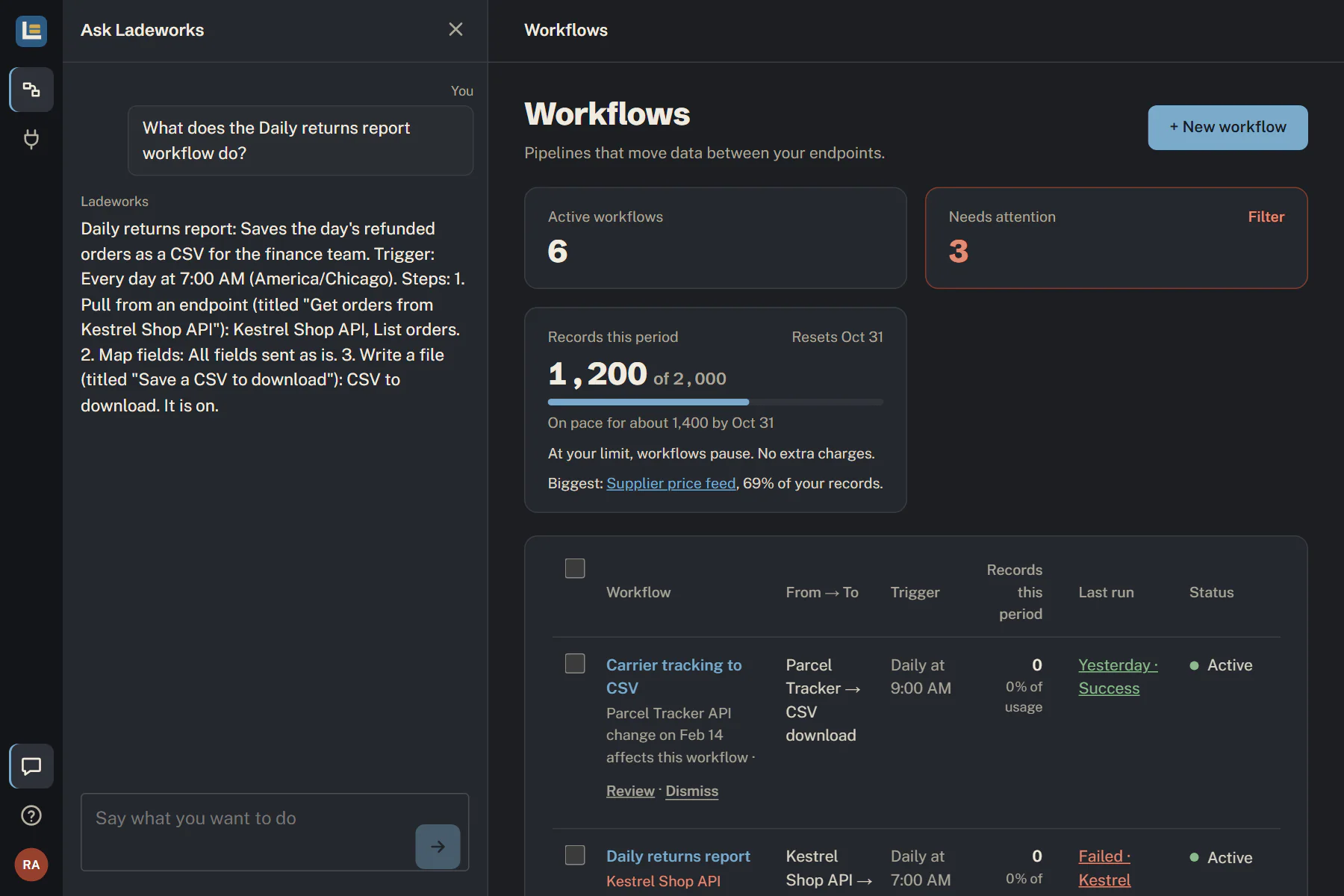
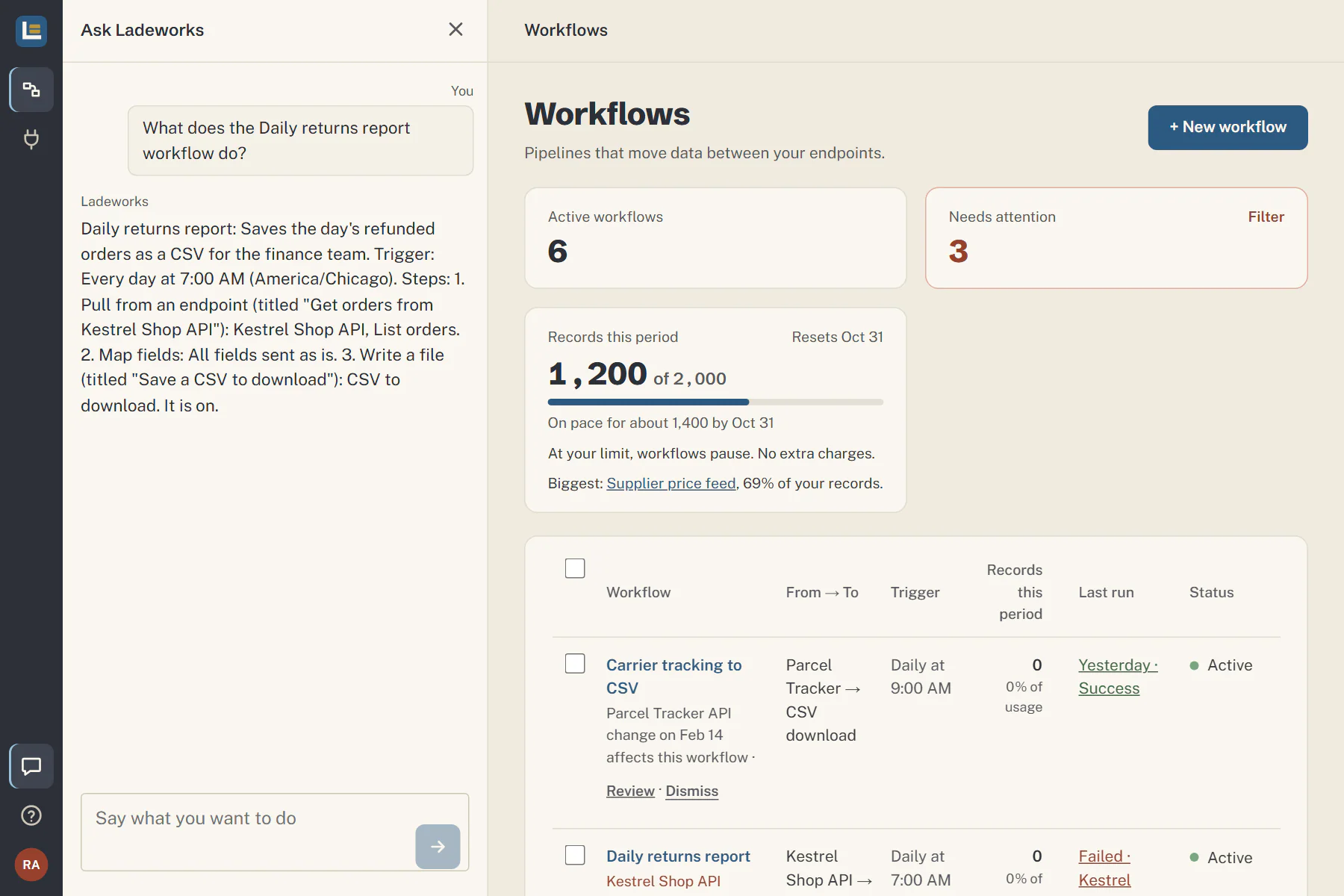
Choose Ask Ladeworks, the chat icon in the left rail. A panel slides out beside the rail and the page moves over, so you can keep looking at what you were doing. Type under Say what you want to do and press Enter or choose Send. Close Ask Ladeworks or Escape closes it. On a phone it fills the screen.
 (opens the full size image in a new tab)
 (opens the full size image in a new tab)
What it does
- Answers questions about your runs and integrations. "Why did my last run fail?" or "What does this workflow do?" It reads the workflow, its recent runs and the integration's health. It never sees your rows, requests or responses.
- Answers questions about the whole workspace. "Which workflows are paused?" or "What failed this week?" It knows whether each workflow is on or paused, how it starts and how its last run went. "What plan are we on?" and "Who is on the team?" work for everyone. See What it can see for what each role is shown.
- Knows an integration's endpoints and API changes. With an integration open, or when you name it, ask "What endpoints does Shopify have?" or "Did the API change?" It can open an endpoint for you.
- Points you to a guide. Ask how to set up a system that has a setup guide and it links the guide.
- Sets up integrations. Tell it what you want to connect and it starts the guided setup.
- Drafts workflows. Describe what a workflow should do and it opens a draft.
- Edits a workflow by sentence. With a workflow open, say what to change, for example "skip cancelled orders". The change goes into the builder. Check the steps, then choose Save, or Undo to take it back.
- Opens pages and tells you where things are. It can take you to a run, an integration or a setting.
- Passes on what is missing. See Missing something?
It never saves, sends or runs anything by itself, and you never type a key or password into the chat.
What it can see
Ask Ladeworks is shown only what your role can already see in the app. Each time you send a message it is given the following, and nothing else:
- Your integrations and workflows by name, and whether each integration is connected.
- The plan. Owners and managers, who can see Plan and billing, also get the records used this period, when they reset, the spending cap for extra records and the AI actions left. People who can start AI actions are told how many of each kind are left this month.
- The members of the workspace, by name and role, and no email addresses. Owners and managers also get the number of pending invites.
- For anyone who can see workflows: whether each workflow is on or paused, how it starts, how its last real run went and how many real runs failed in the last 7 days. Test runs are not counted. For the workflow you have open, and workflows you name, it also reads the steps and the recent runs, with anything that looks like a name, email address, phone number or key hidden.
- The endpoints (name, method and path, with ids hidden) and the latest API changes of the integration you have open, or that you name.
- The addresses of these docs and of the setup guides.
It never sees keys, tokens, passwords or their hints, email addresses, webhook addresses, the rows a run moved, or the requests and responses of your systems. A workflow's webhook address is in the trigger panel in the builder.
Things to try
- "Connect Shopify"
- "Send new Shopify orders to QuickBooks"
- "Save new orders to a CSV every night"
- "Why did my last run fail?"
- "Skip cancelled orders in this workflow"
- "Only send paid invoices"
- "Tell me in Slack when a workflow needs a look"
- "What does this workflow do?"
- "Which workflows are paused?"
- "What failed this week?"
- "What endpoints does Shopify have?"
Limits
Chat is free. It never counts against your AI allowance, but the setups, drafts and edits it starts do. To keep the chat to Ladeworks work, the answers it writes are capped: 100 on Free, 500 on Starter, 500 on Pro and 2,000 by default, and a number set for your workspace if staff change it on Business messages a month for the whole workspace, and for each person 10 a minute and 50 a day. A few messages in a row that are not about integrations or workflows move that person to the basic rules for the rest of the day.
The basic rules notice
Past a limit, a gray notice says "Ask Ladeworks is using its basic rules" and until when. The basic rules still add integrations, draft workflows, open pages and answer common questions about runs, with fixed answers instead of written ones. Nothing is lost: the full chat is back when the limit resets.