DocsUsage and billing
Billing through Shopify
A workspace with a Shopify store connected pays for Ladeworks on its store's Shopify bill. The records and the prices are the same. You approve each charge in Shopify instead of entering a card.
How a workspace pays through Shopify
A workspace pays through Shopify once you connect a Shopify store to it, unless it already paid for a plan by card. A workspace you create after installing Ladeworks from Shopify pays through Shopify from the start: Plans asks you to connect Shopify before you choose a plan.
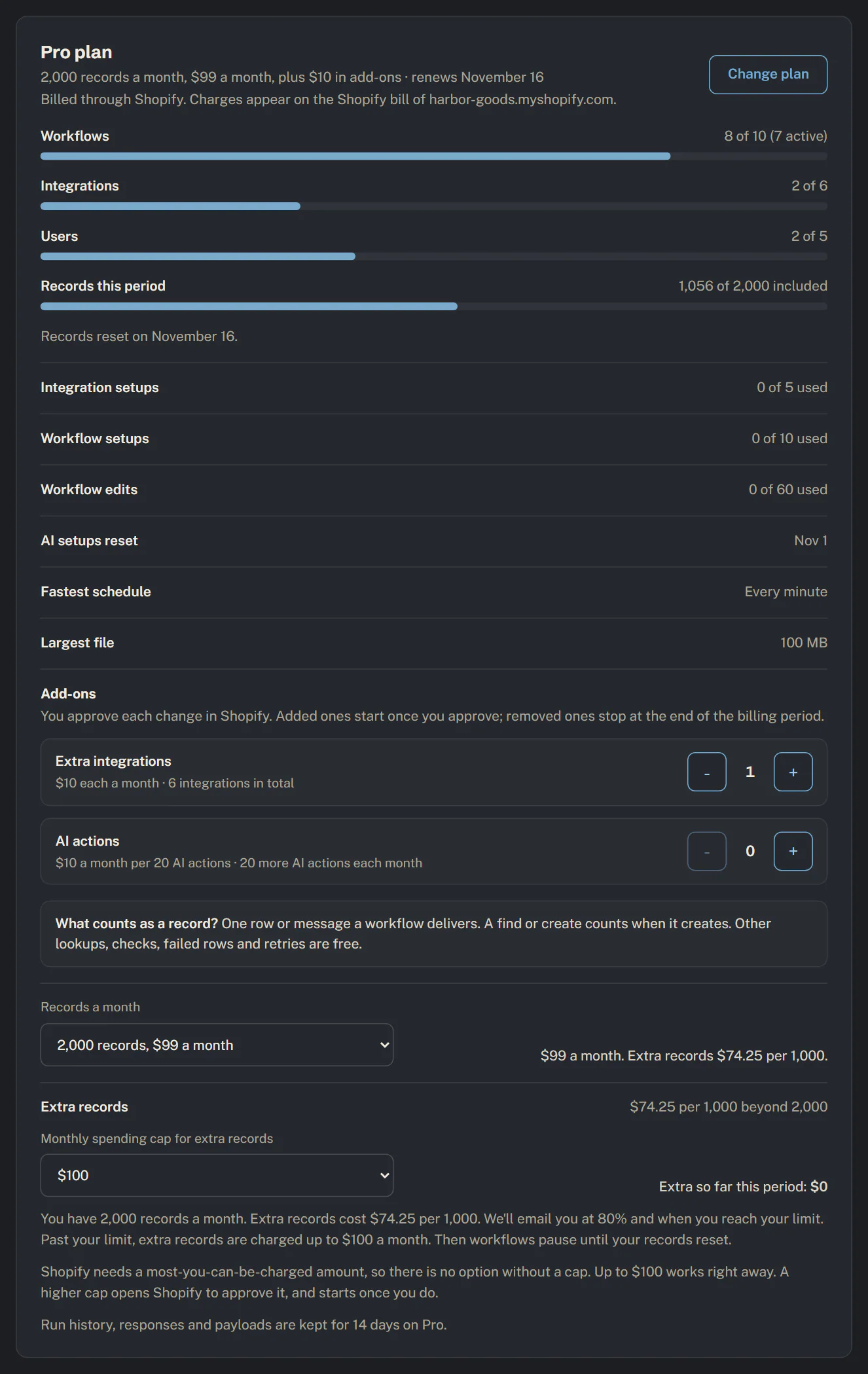
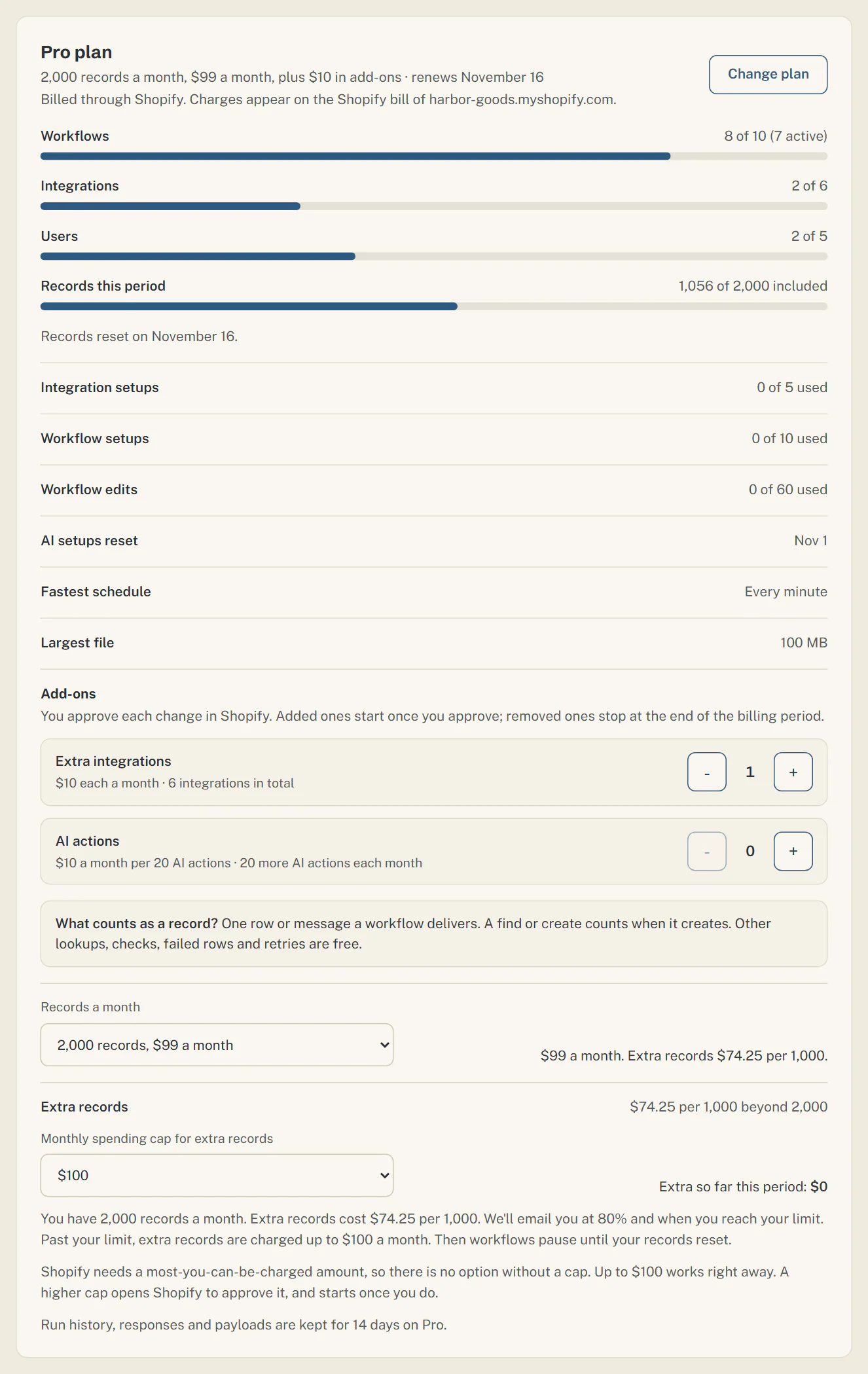
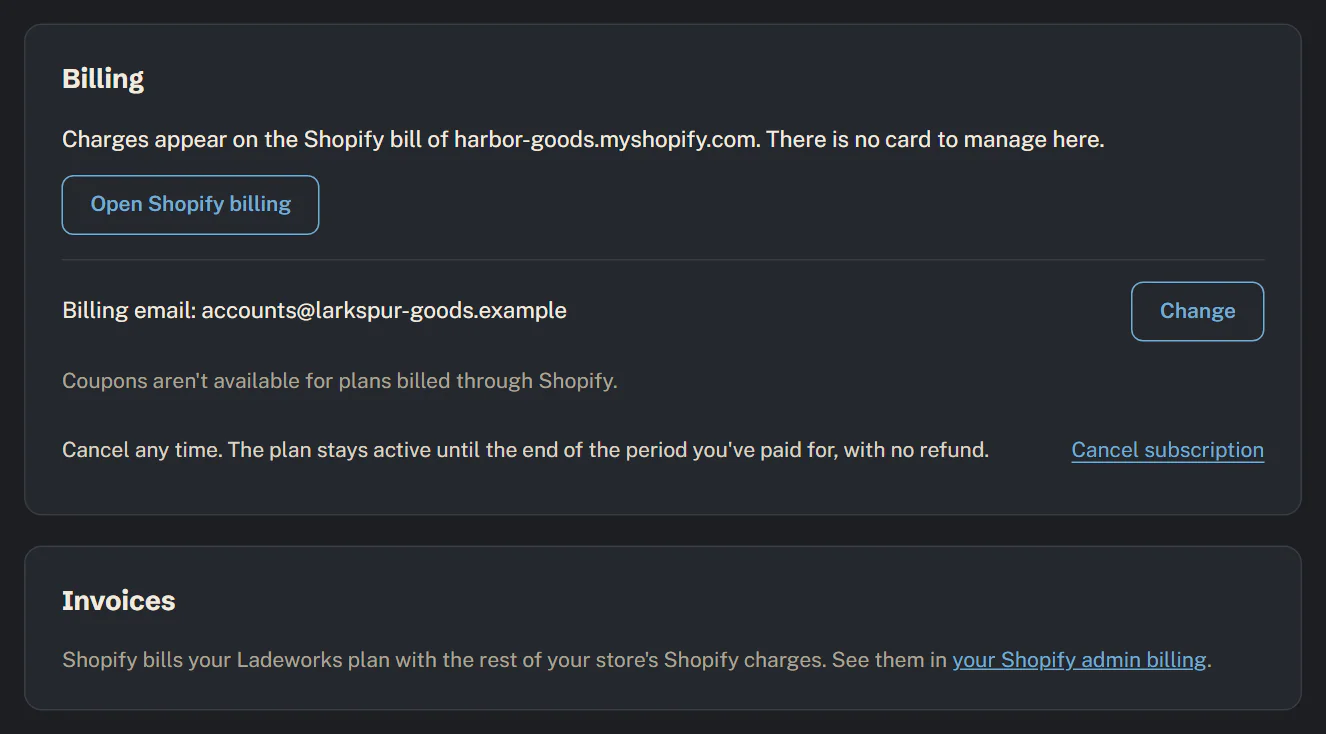
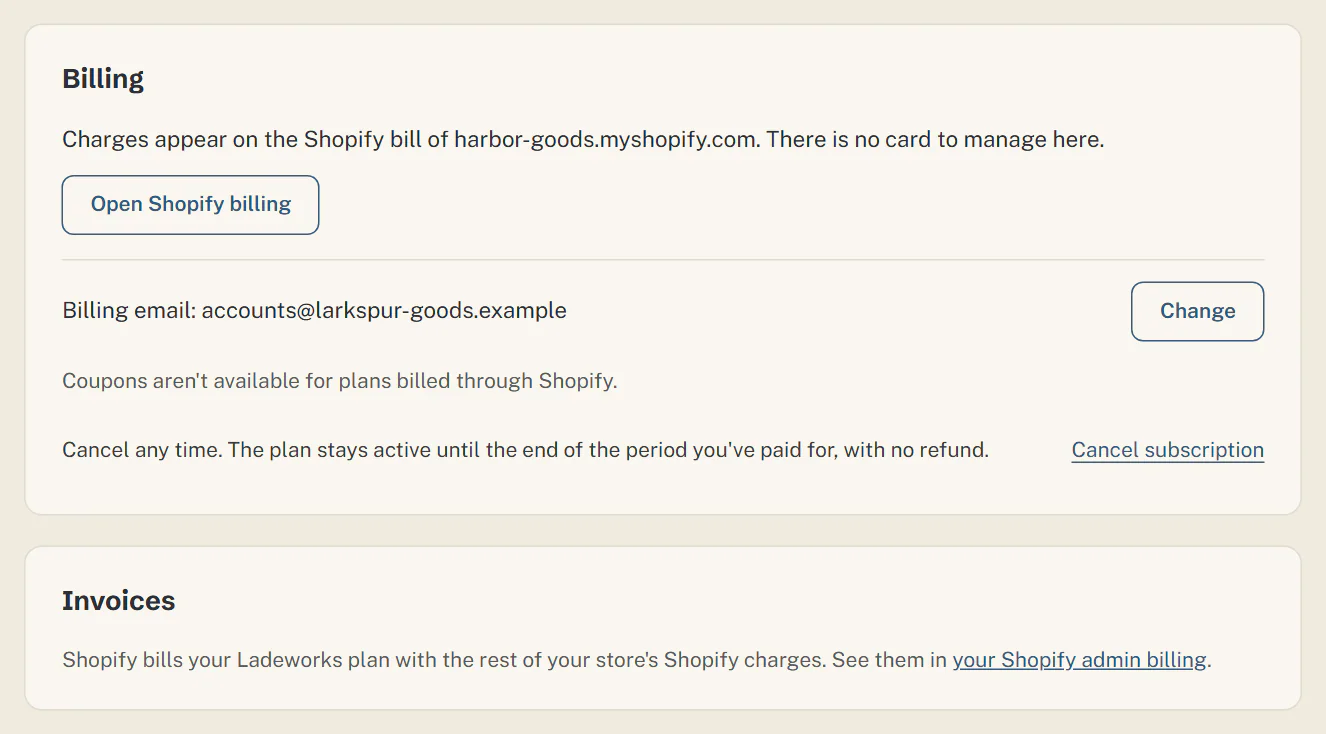
Plan and billing says so under the plan name: "Billed through Shopify. Charges appear on the Shopify bill of" your store. The Billing card says "Charges appear on the Shopify bill of" your store "There is no card to manage here." and has Open Shopify billing, which opens the billing page of your Shopify admin. Where invoices would be, it says "Shopify bills your Ladeworks plan with the rest of your store's Shopify charges."
Charges are every 30 days. Prices are in USD, and Shopify adds any tax to your Shopify bill. Coupons are not available: the app says "Coupons aren't available for plans billed through Shopify." There is no card form, and no account credit.
 (opens the full size image in a new tab)
 (opens the full size image in a new tab)
 (opens the full size image in a new tab)
 (opens the full size image in a new tab)
Choose or change a plan
Open Change plan as usual. The page says "You approve each change in Shopify, and the charges appear on your store's Shopify bill." Starter, Pro and the How many records a month? slider work as on any other workspace, up to 20,000 records. Business is arranged with us, so it is not shown when you pay through Shopify. Checkout has the same If you go past your records choices, with no payment form. The summary button is Approve in Shopify, and the note under it says "You approve the charge in Shopify. Your plan starts as soon as you do." If you are on a trial, it adds that Shopify starts billing when your trial would have ended. While Shopify opens, the button reads "Opening Shopify".
Upgrades start when you approve. The confirmation says "You'll approve" the new amount "every 30 days in Shopify. Shopify takes off what you already paid for this period and shows the exact amount before you approve. New limits apply as soon as you approve." A downgrade waits for the end of the billing period: "You keep" your plan "until" that date, "then move to" the lower plan, and you approve the change in Shopify. Plan and billing then says "You move to" the lower plan "on" that date, "when this billing period ends. Until then you keep what you have now." A downgrade is blocked, as on any plan, until your usage fits.
When Shopify sends you back, Plan and billing says "Checking with Shopify..." and then what happened. If a change is still waiting, a notice says "A change is waiting for your approval in Shopify." with Open the approval page.
Extra records and the spending cap
Shopify needs a most-you-can-be-charged amount, so there is no No cap choice. Pausing at the limit and every amount are offered. The page says "Up to" an amount "works right away. A higher cap opens Shopify to approve it, and starts once you do."
Add-ons
Add-ons need your approval too: "You approve each change in Shopify. Added ones start once you approve; removed ones stop at the end of the billing period." The summary says "New total" and the amount "every 30 days. Shopify shows the exact amount when you approve." and the button reads Approve in Shopify.
Banners
- Approve your plan in Shopify again. Ladeworks was installed again on your store and your plan has no active Shopify charge. Approve it to keep your plan. Workflows keep running meanwhile. The button is Approve in Shopify.
- Shopify paused your Ladeworks charge. The Shopify bill of your store is unpaid. Workflows keep running for now. Pay the bill in your Shopify admin to keep your plan, with Open Shopify billing.
- Your Ladeworks charge needs attention in Shopify. The same two cases, as a banner on the Workflows page, with Open Plan and billing.
Canceling
Cancel subscription works as on any other workspace, with the same dialog and the same end date. Ladeworks cancels the Shopify charge itself just before the period ends, so you do not need to do anything in Shopify. See Canceling. If you delete the workspace, the charge is cancelled too.