DocsMonitoring and alerts
Needs attention
A workflow can be active and still need you. The Workflows page points at it three ways: a card that counts them, a coral line under the name that says what happened, and a gray note when an API you use is changing.
The Needs attention card
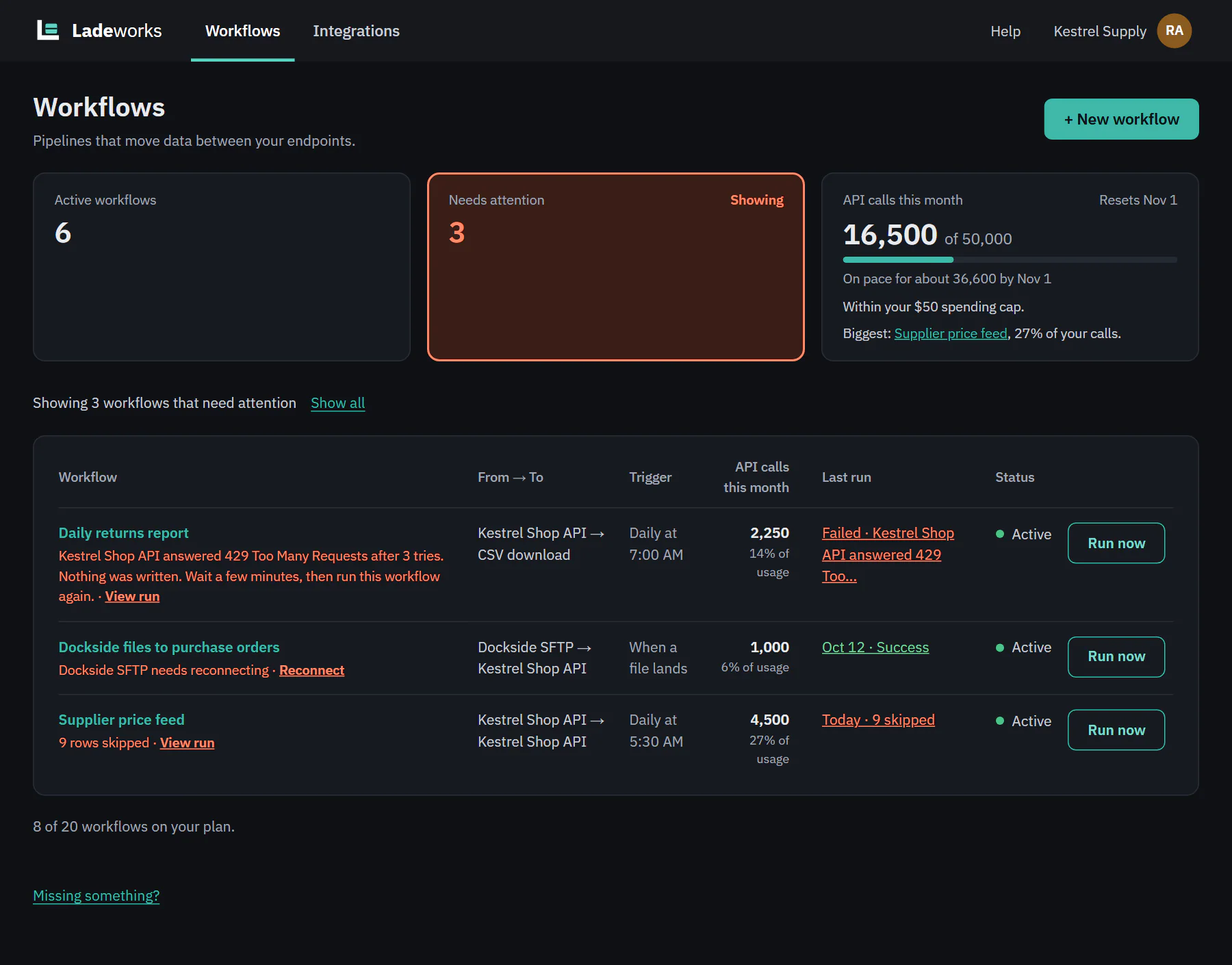
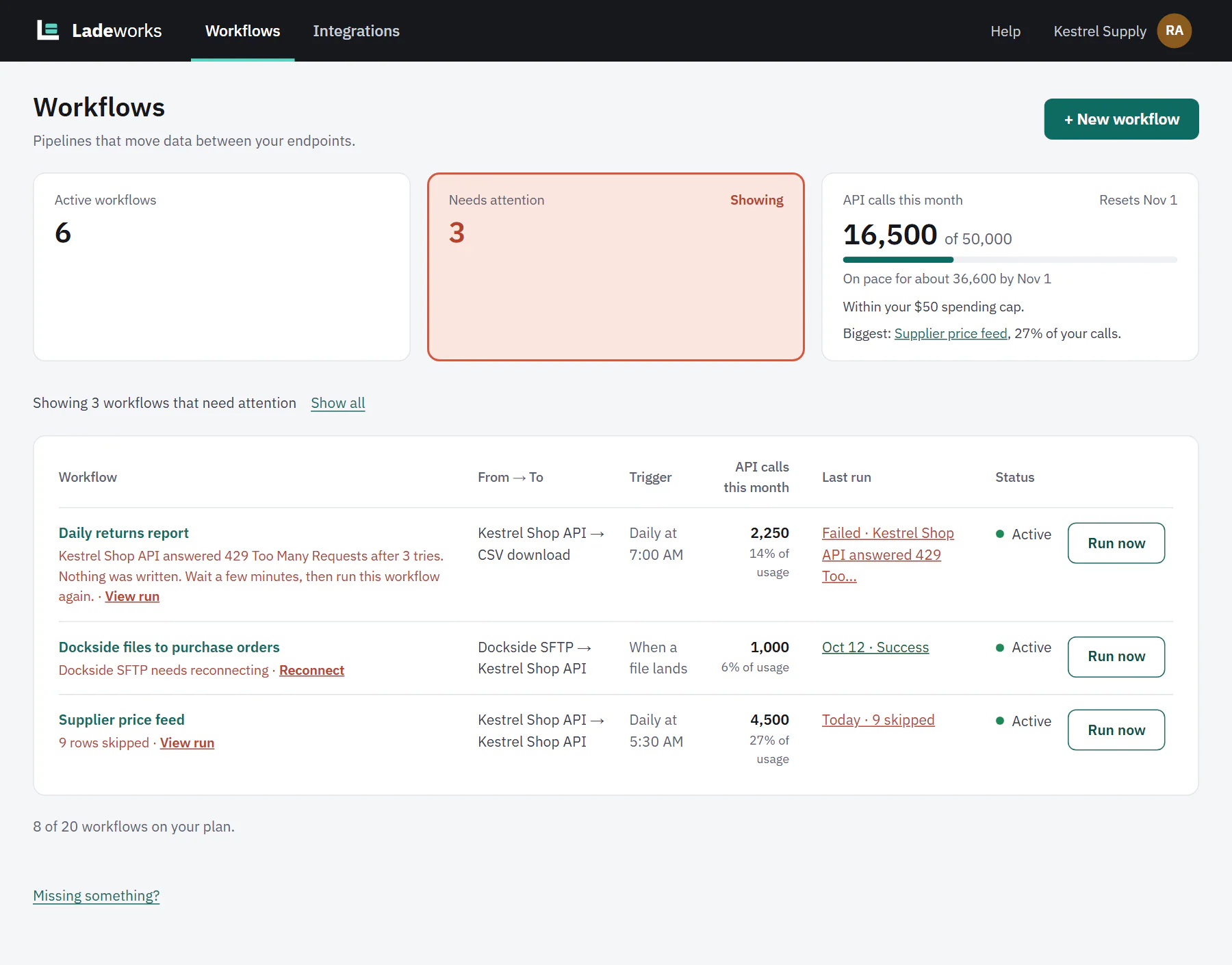
The second summary card counts workflows with a problem. It turns coral when the count is above 0 and looks like the other cards at 0. Click it, or its Filter label, to show only those workflows. The table then reads "Showing 3 workflows that need attention", and Show all clears it.
A workflow counts when one of these is true. If more than one is, the integration comes first.
- An integration it uses needs reconnecting.
- Its last run failed.
- Its last run finished with skipped rows.
 (opens the full size image in a new tab)
 (opens the full size image in a new tab)
Issue lines
Under the workflow name, a coral line says what is wrong and ends with a link to the fix.
| The line says | Link | Where it goes |
|---|---|---|
| "Dockside SFTP needs reconnecting" | Reconnect | The integration's Settings tab, to sign in again. |
| The run's own message, shortened to 140 characters, for example "Kestrel Shop API answered 429 Too Many Requests after 3 tries." | View run | The failed run, with the request, the response and what to do next. |
| "9 rows skipped" | View run | The run, with the reason for each skipped row. |
The issue goes away on its own: reconnect the integration, or the next run finishes without a failure or skipped rows. The Last run column shows the same result, such as "Failed" or "9 skipped", as a link to that run.
A workflow with an issue line keeps its normal status. A failed run does not pause a workflow, so the next scheduled run still happens.
API change notes
Ladeworks checks the APIs you use every week. When a change affects a workflow, a gray line appears under its name: "
Review opens the integration's API changes tab. Dismiss hides the note and marks the change as dismissed. Only Owners and Admins see Dismiss. These notes do not count toward the Needs attention card. Each change is rated Action needed, Heads up or No impact, and an alert goes out for it if you have asked for one (see Your notifications).