DocsTeam and security
Change roles, remove people, transfer ownership
Owners and Admins manage people from Settings, then Members. The Owner is fixed: only a transfer changes who it is.
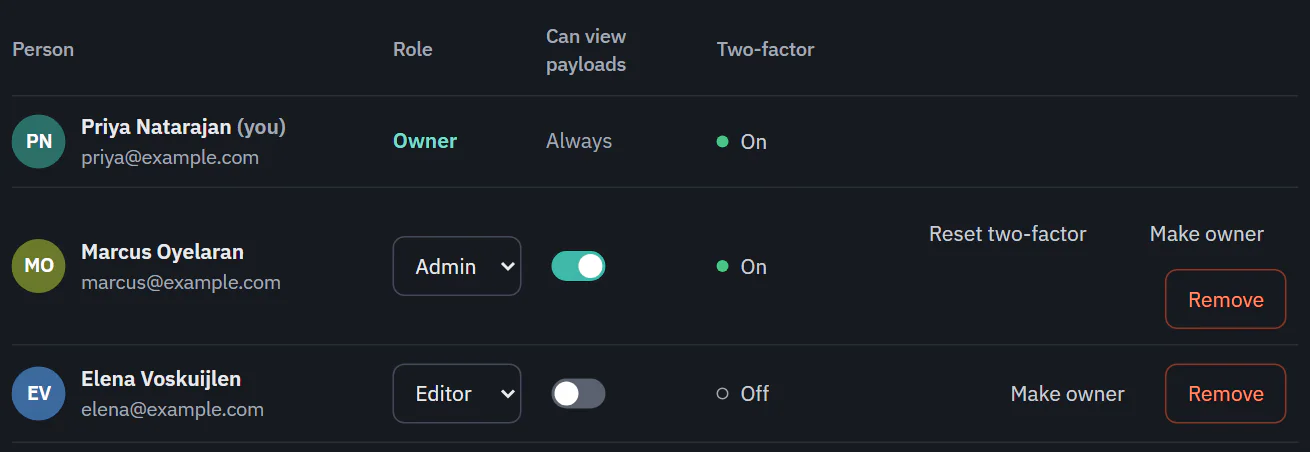
Change a role or payload access
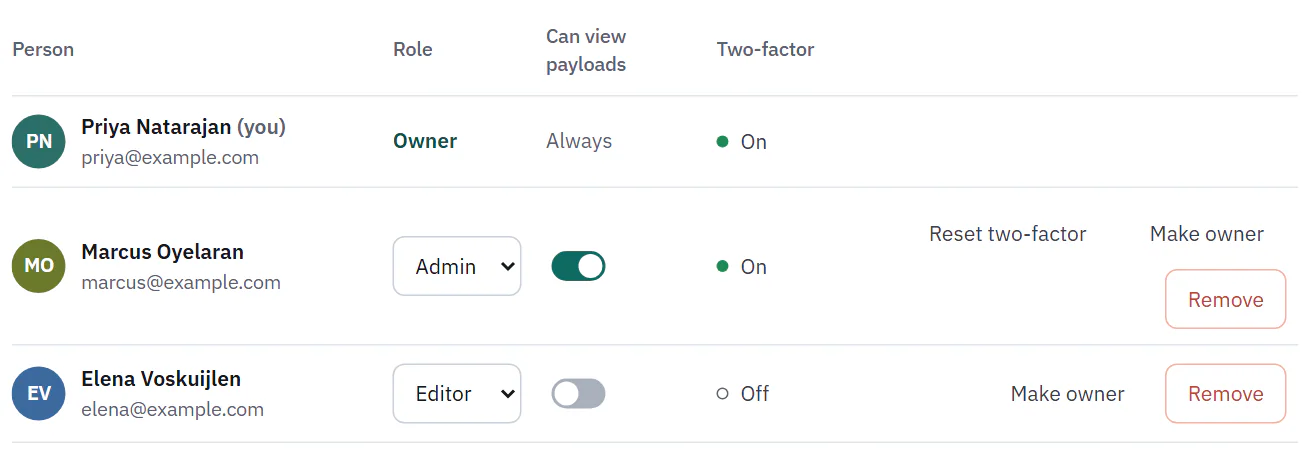
In the Role column, choose Admin, Editor or Viewer for a person. The change applies right away. The Can view payloads switch changes just as quickly and does not depend on the role. The Owner's role and payload access cannot be changed. Nobody can be promoted to Owner from the role list.
 (opens the full size image in a new tab)
 (opens the full size image in a new tab)
Remove someone
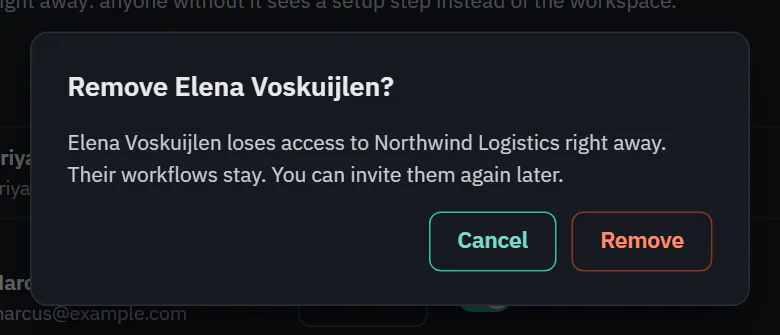
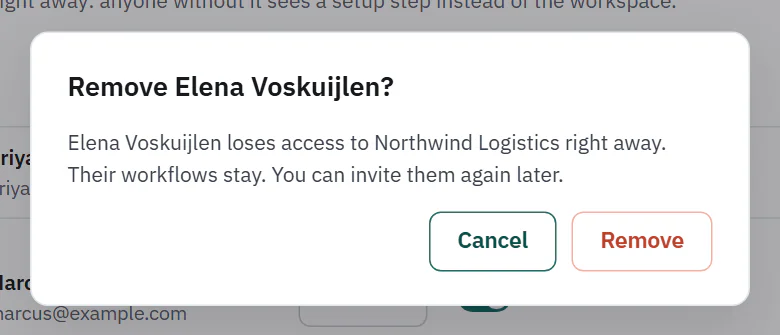
Choose Remove on a person's row. The dialog "Remove" followed by their name and a question mark explains it: they lose access to the workspace right away, their workflows stay, and you can invite them again later. You cannot remove the Owner or yourself from this list.
 (opens the full size image in a new tab)
 (opens the full size image in a new tab)
Transfer ownership
Only the Owner can do this. Choose Make owner on a member's row. That person becomes the Owner, you become an Admin, and the new Owner gets payload access. Only the Owner can delete the workspace or transfer ownership, so you cannot undo it yourself: ask the new Owner to hand it back.
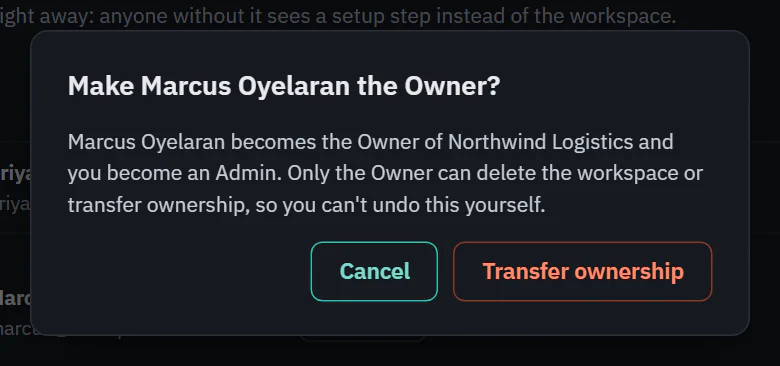 (opens the full size image in a new tab)
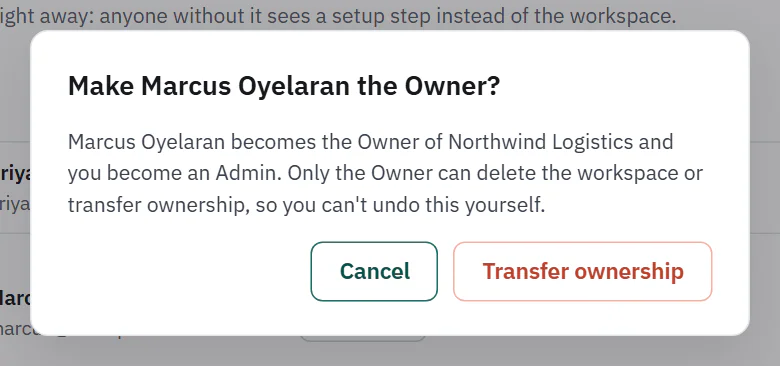 (opens the full size image in a new tab)
The person must already be an active member. If the workspace requires two-factor sign-in, the new Owner must have it turned on first. Ladeworks says "
Deleting your account or leaving a workspace also needs ownership to be settled first. See Leave or delete a workspace, delete your account.