DocsTeam and security
Your profile
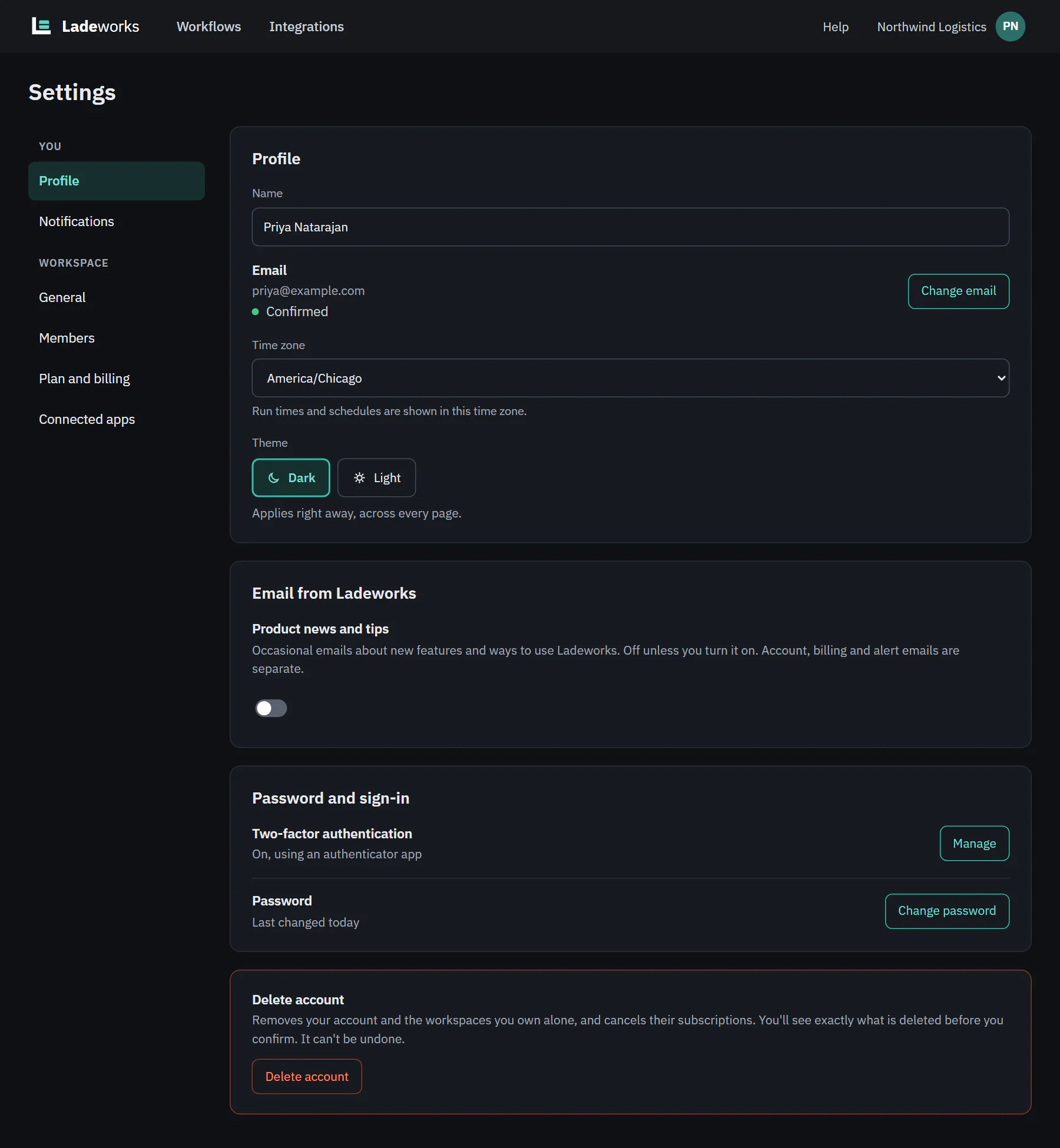
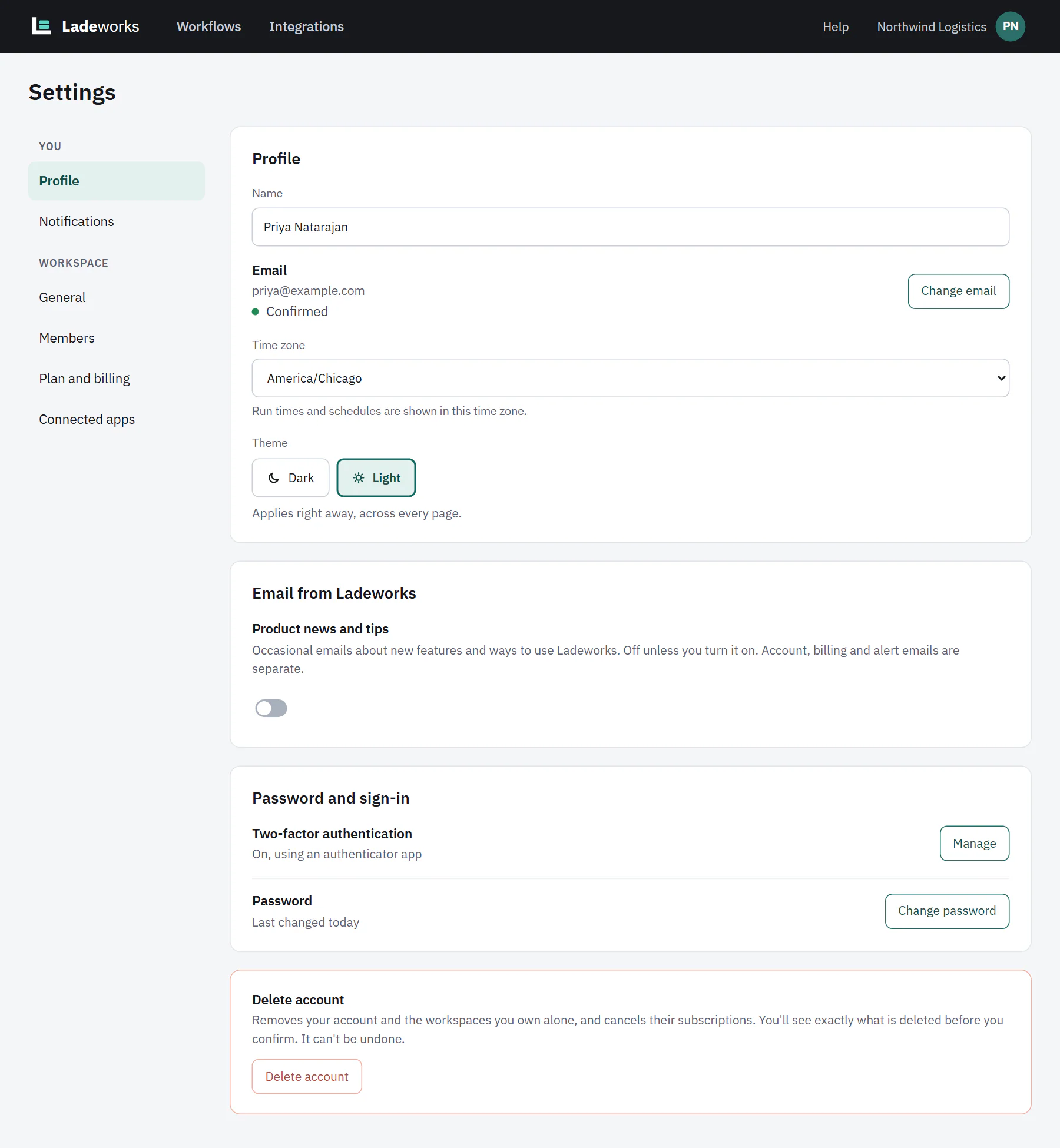
Profile is about you, not a workspace. Open Settings, then Profile, under You.
 (opens the full size image in a new tab)
 (opens the full size image in a new tab)
Name, time zone and theme
- Name. Shown on your avatar, in the members list and on runs you start.
- Time zone. "Run times and schedules are shown in this time zone."
- Theme. Dark or Light. It applies right away across every page and is saved to your profile, so it follows you to other devices.
Name and time zone save together. When you change them, a bar at the bottom of the page offers Save changes and Discard. The theme saves as soon as you choose it.
Email, and changing it
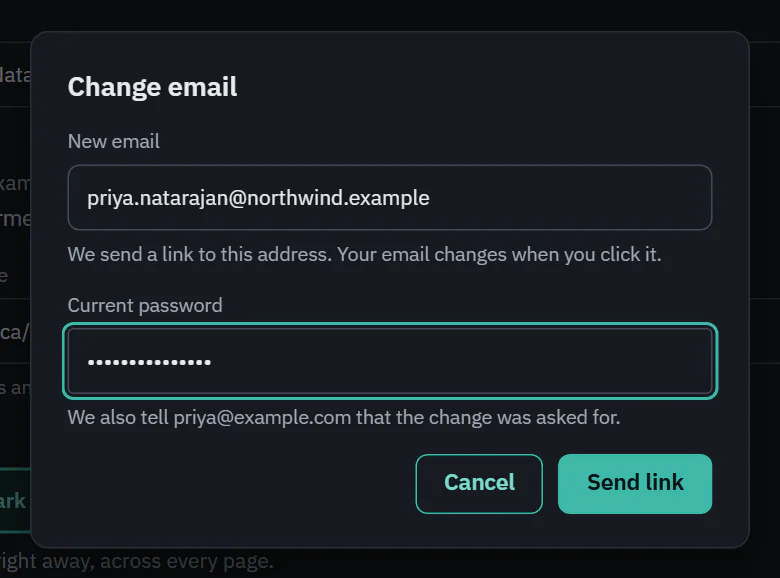
Under Email you see your address and whether it is Confirmed or Not confirmed. Choose Change email to move to a new address:
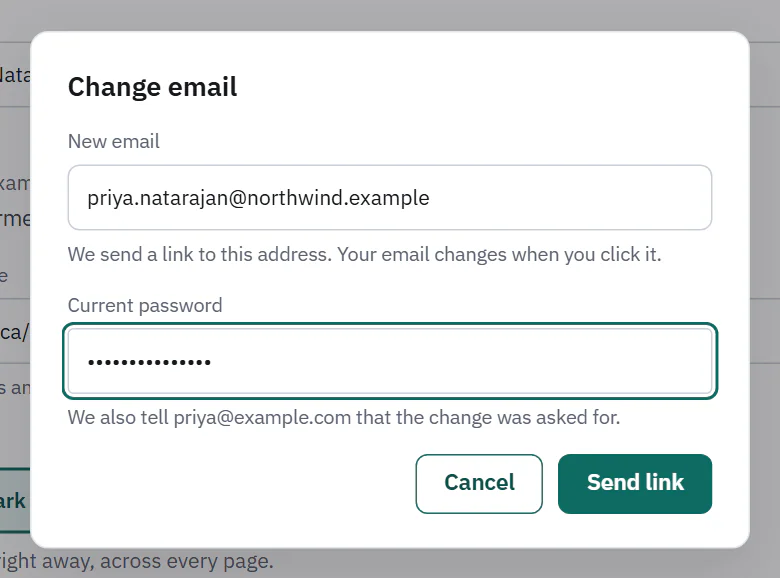
- Enter the New email and your Current password, then choose Send link.
- Ladeworks sends a link to the new address and tells your old address that the change was asked for.
- Click the link. Your email changes only then. Until you do, you keep signing in with the old address, and Profile says "Waiting for you to click the link we sent to" the new address, with Resend and Cancel the change.
 (opens the full size image in a new tab)
 (opens the full size image in a new tab)
If you sign in with Google, your email comes from your Google account, so it can't be changed here.
Password
Change password asks for your current password and a new one of at least 10 characters. When it saves, your other devices are signed out. If you only ever signed in with Google, there is no password yet: choose Forgot it? on the log in page to add one.
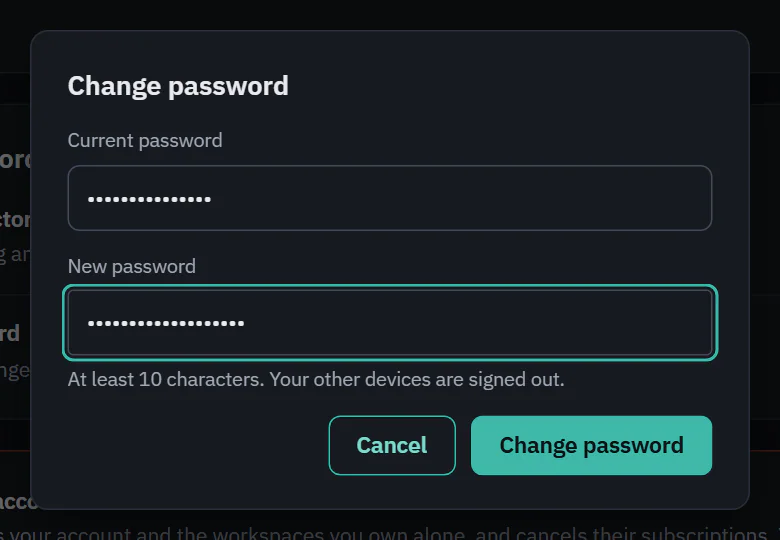 (opens the full size image in a new tab)
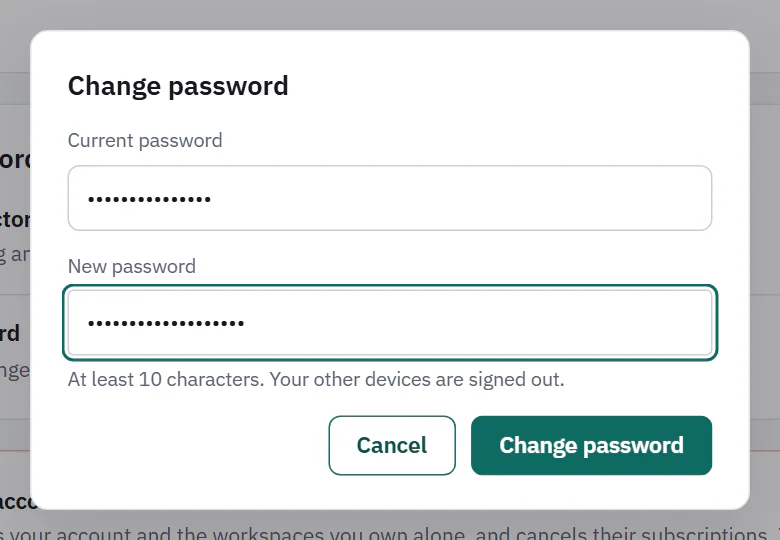 (opens the full size image in a new tab)
Email from Ladeworks
The Product news and tips switch is off unless you turn it on. Account, billing and alert emails are separate and do not depend on it.
Two-factor sign-in is on the same page, under Password and sign-in. Two-factor sign-in explains it.