DocsShaping data
Map fields
Decides what each column is called on the way out and what happens to its values. It makes no API calls. Put it before Push or Write a CSV.
One field at a time
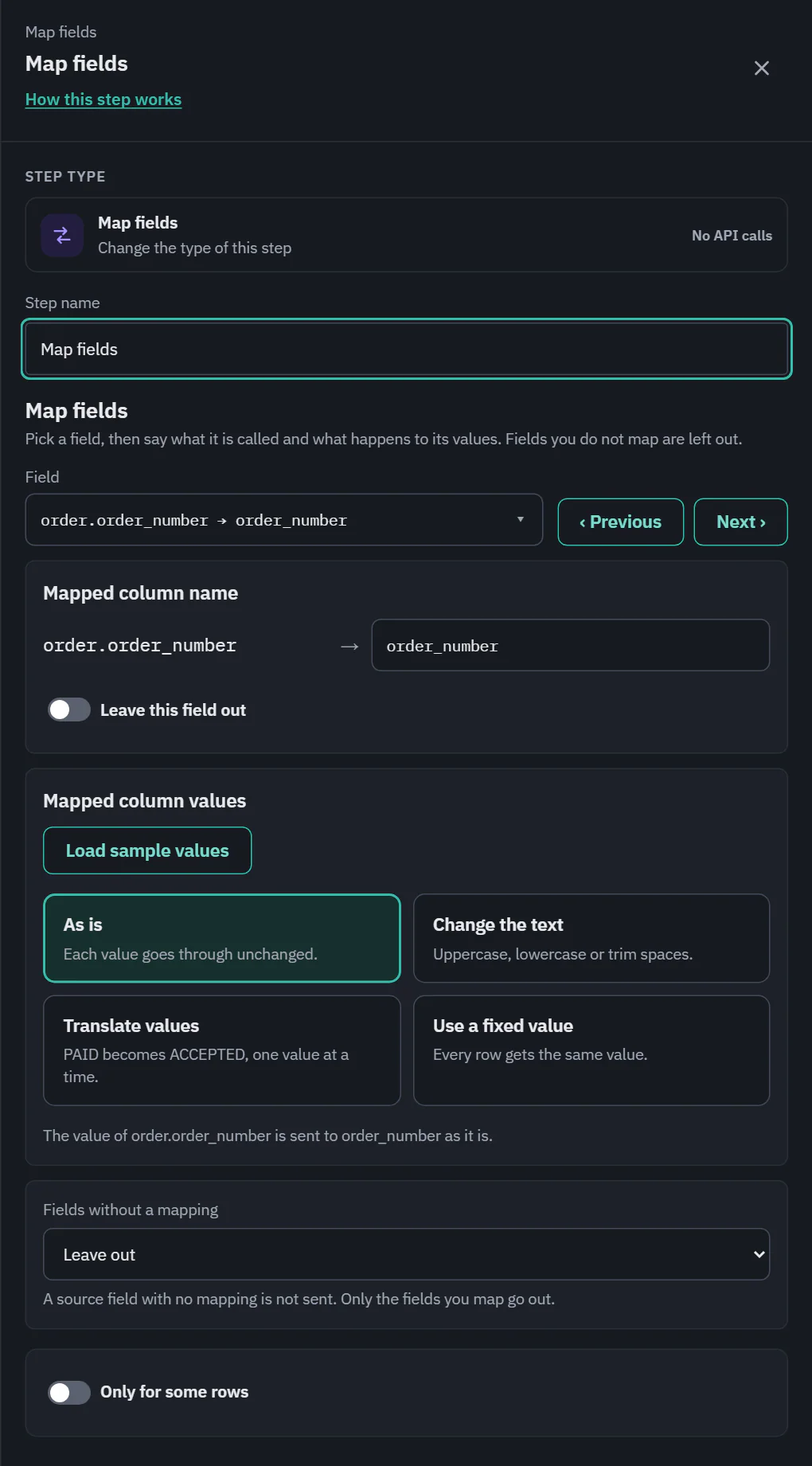 (opens the full size image in a new tab)
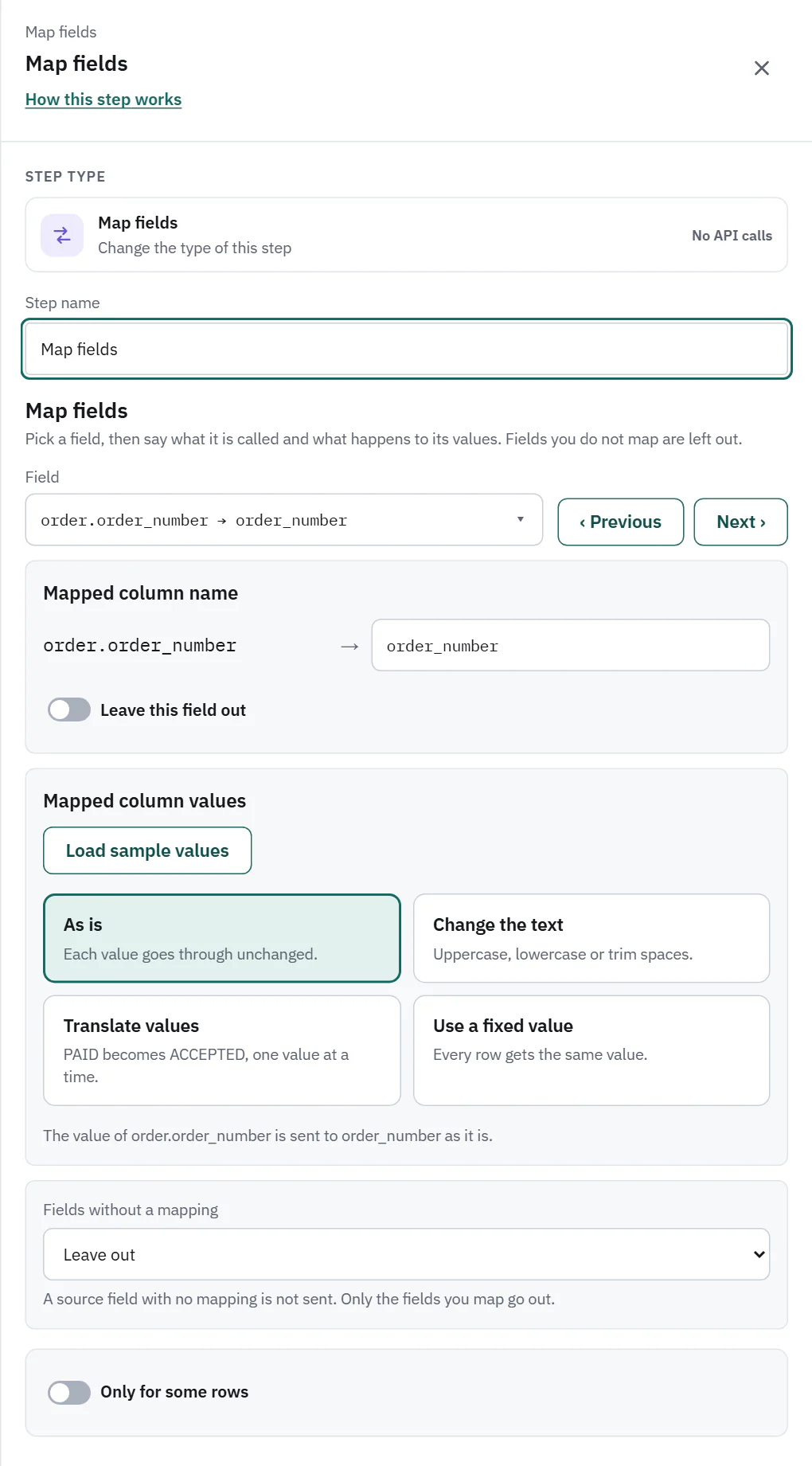 (opens the full size image in a new tab)
The drawer works on one field at a time. Field lists every source field the step receives (what the pull returns, a CSV's columns, or the columns a Split step makes), searchable. Each option says where it goes and how:
- id → order_id: renamed.
- status → status · Translated (3): with a translation of three values.
- total → total (as is): sent under its own name.
- ssn → left out: not sent.
- USD → currency (fixed value): a value that comes from no field.
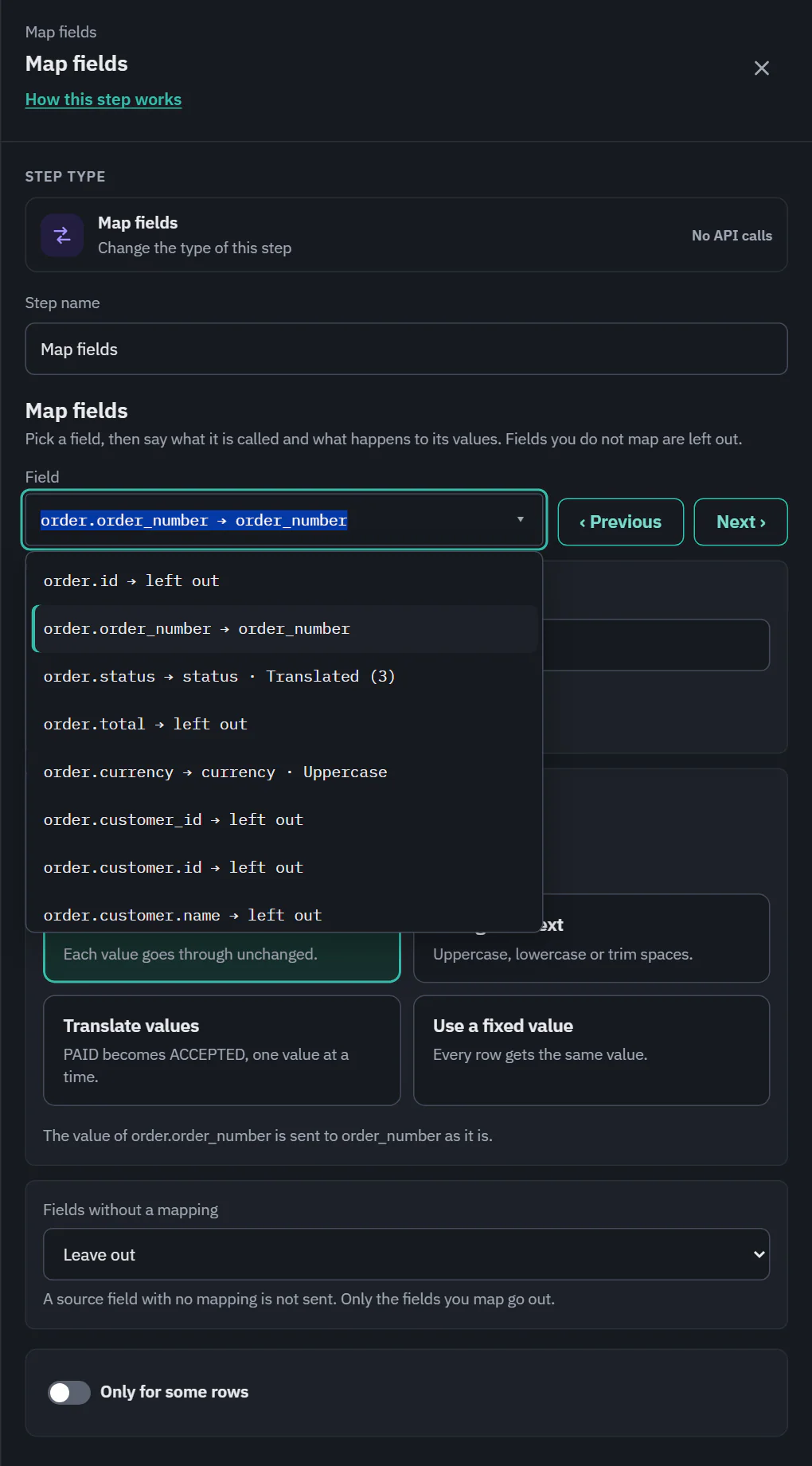 (opens the full size image in a new tab)
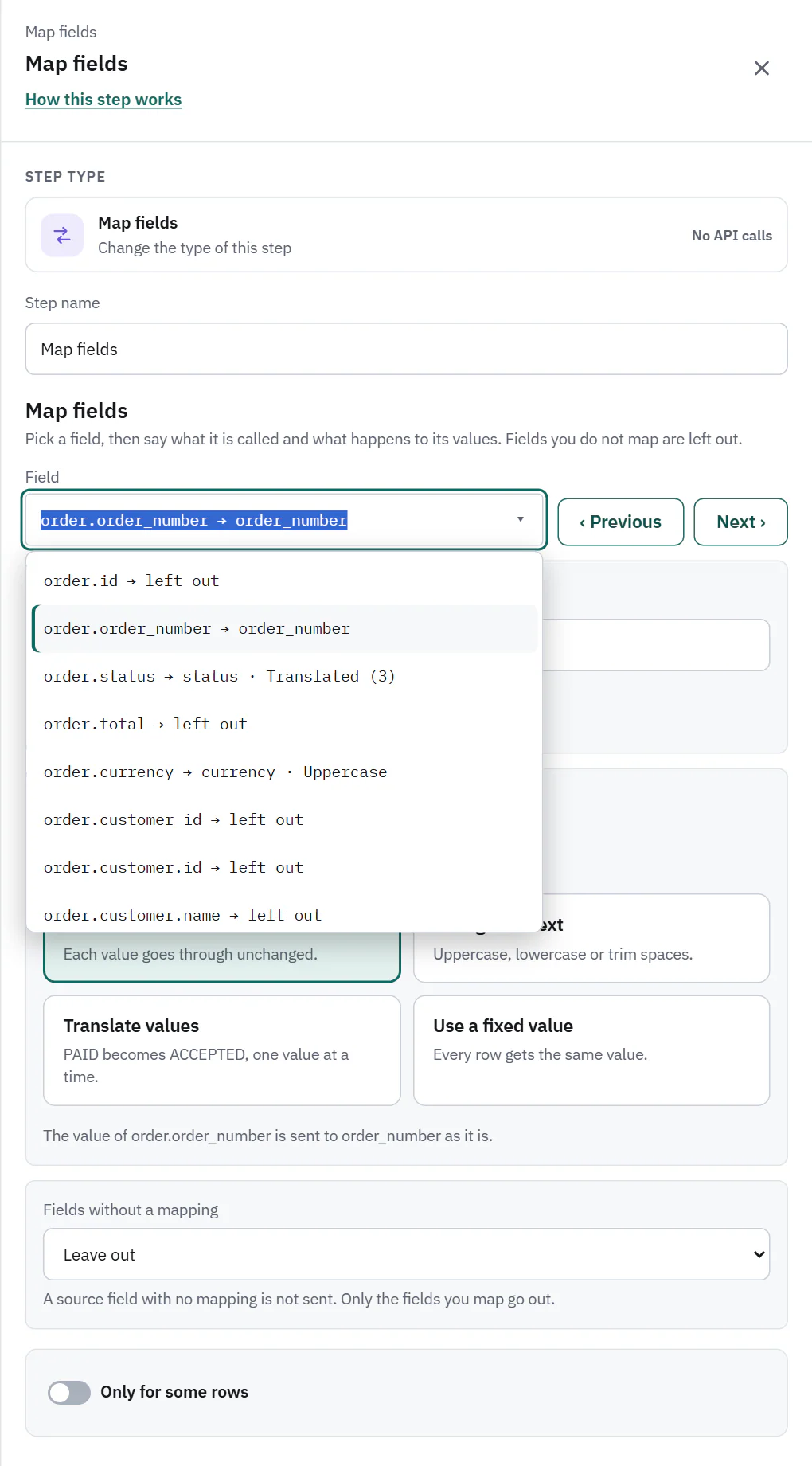 (opens the full size image in a new tab)
Previous and Next step through the list, and the first field with a problem is selected at first. A problem is marked on the option ("1 not translated yet", "fix needed"). + Add a fixed value adds a value that comes from no field. Auto-map by name fills the names by matching and says what it changed ("Matched 2 fields by name: carrier → carrier, tracking_number → tracking_number."). When the destination is an API, a line such as "Tallowmere Shop API still needs: order_id (required)" lists required fields nobody fills yet; click one to fill it from a field with a matching name, or to add a fixed value.
Mapped column name
For an API destination this is a list of the endpoint's fields, with Same name (as is) and Leave this field out. For a CSV it is a text box, plus a Leave this field out switch. A name the API does not list is still sent, with a gray note. If another field goes to the same name, a note says the later one wins.
Mapped column values
Four choices say what happens to the field's values:
- As is: each value goes through unchanged.
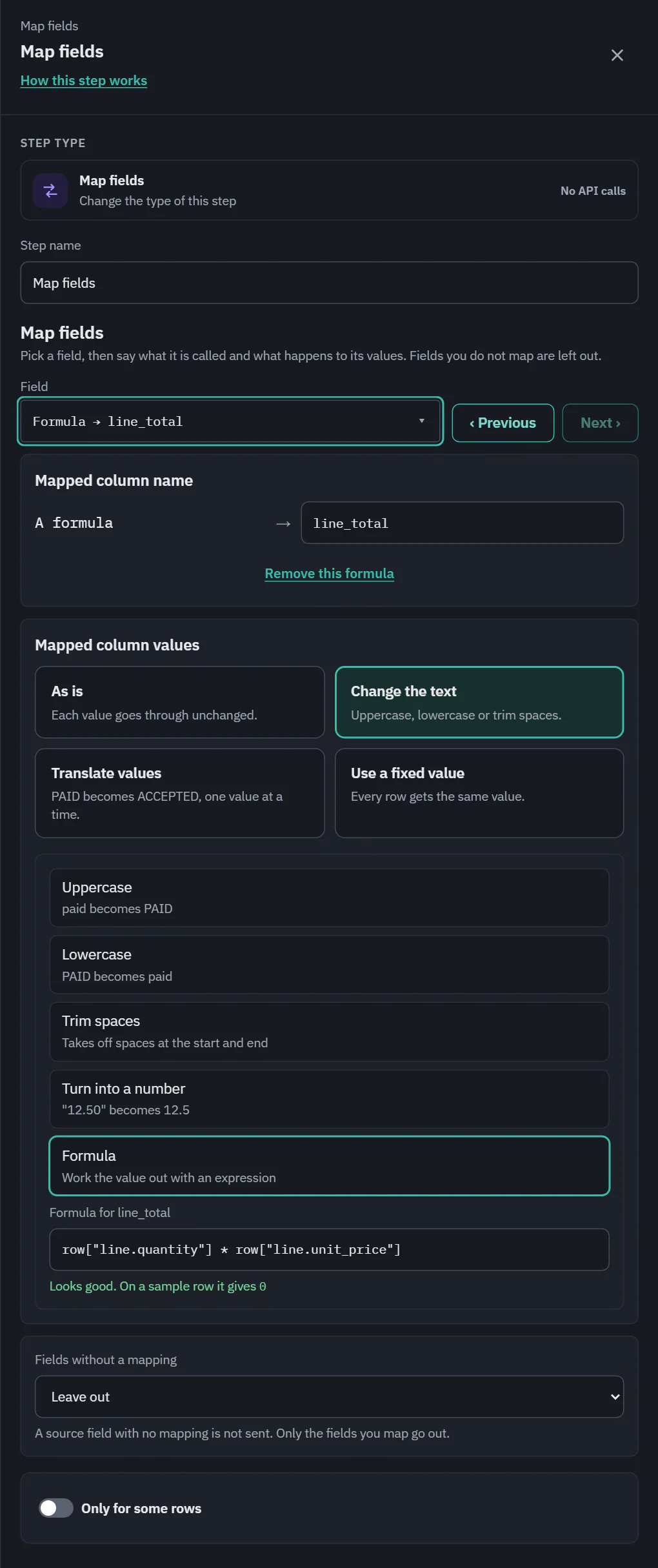
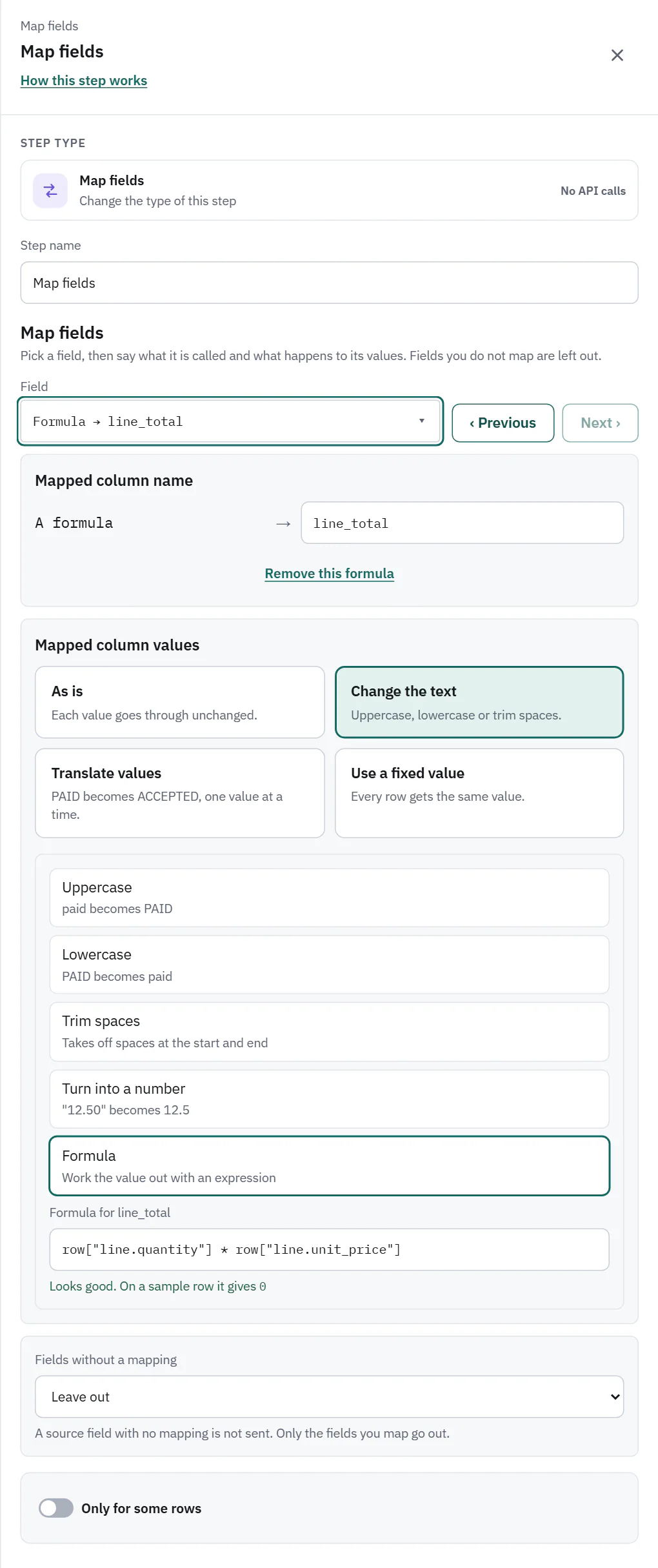
- Change the text: Uppercase (paid becomes PAID), Lowercase, Trim spaces, Turn into a number ("12.50" becomes 12.5) or Formula. On Starter, Pro and Business.
- Translate values: PAID becomes ACCEPTED, one value at a time. Every plan has it.
- Use a fixed value: every row gets the same value, under Value to send.
Before choosing, Load sample values reads up to 100 records of the pull and shows the values the field takes, with counts. It is never counted as API calls and nothing is stored. It needs payload access, and when the records are not where the endpoint says it links to the endpoint.
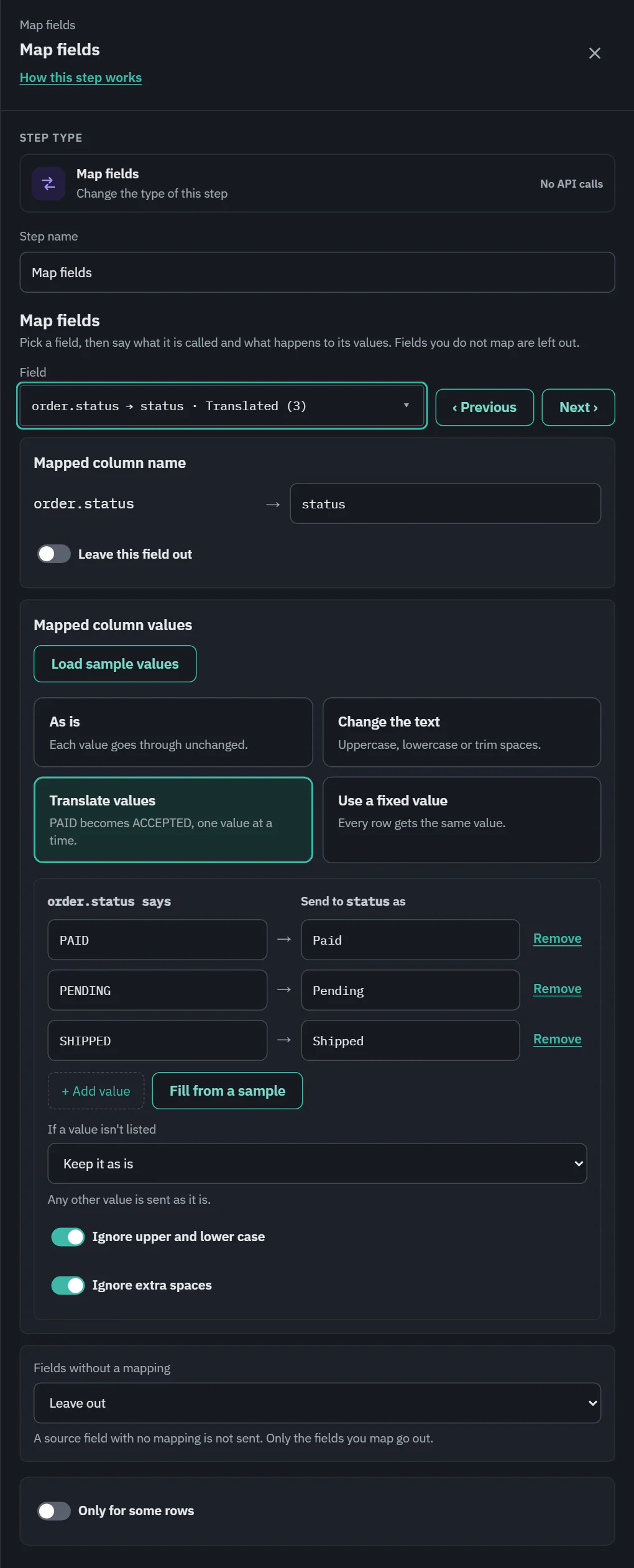
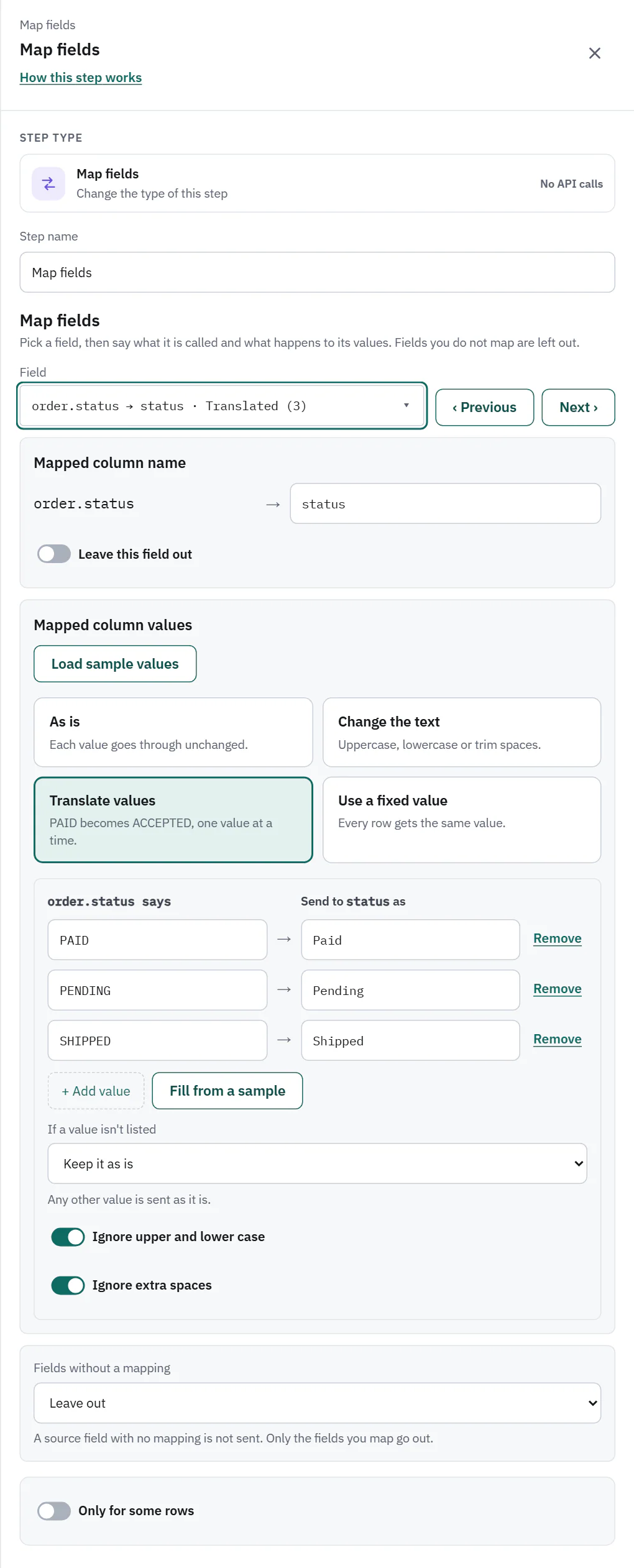
Translate values
A small table of two columns, "the source field says" and "Send to the column as". + Add value adds a row and Fill from a sample reads the values from up to 100 records, marking each "Not translated yet". The right column is a list when the destination allows only certain values (an enum in the API's spec), and free text otherwise. It works on the value after the mapping has worked it out, so a Trim spaces first and then a translation is fine.
If a value isn't listed says what happens to any other value:
- Skip the row (default): the row is skipped with the cause Mapping. Run details offer to add the value.
- Keep it as is: any other value is sent as it is.
- Use this value: any other value is replaced by the one you give.
- Leave it blank: any other value is sent empty.
Ignore upper and lower case and Ignore extra spaces are on by default. A value listed twice is flagged. The card reads "Translate 3 values, otherwise skip".
 (opens the full size image in a new tab)
 (opens the full size image in a new tab)
Expressions
Formula works a value out with an expression, such as row["line.quantity"] * row["line.unit_price"] for a line total, or concat("acme-", row.order_id). On Starter, Pro and Business. It is checked as you type. Use row.name for a field, or row["name.with.dots"]. A mapping that uses more than the basic transforms is marked on its option when the plan does not include it.
 (opens the full size image in a new tab)
 (opens the full size image in a new tab)
Fields without a mapping
A setting of the step, at the bottom of the drawer: Send as is or Leave out.
- Send as is (the default for new steps): a source field with no mapping goes out under its own name with its value unchanged. A mapped field goes out under its mapped name only.
- Leave out: only the fields you map go out.
Leave this field out excludes one field in either mode. Write a CSV gets the mapped columns first, then the others in source order. Map steps saved before this setting existed are set to Leave out, so nothing changed for them.
The card reads like "2 fields mapped, like carrier to carrier, the rest sent as is".
Cost and the run line
No API calls. A run shows "120 mapped", or "117 mapped, 3 skipped" when a translation had no answer for some rows. Those rows have the cause Mapping and a one-click fix in the run details.