DocsConnect an integration
Connecting an integration
An integration is a saved, tested connection to an API or a file server. Set it up once, and any workflow can pull from it or send to it.
Two kinds of integration
- An API. A REST API, like a CRM, store or billing system. You paste a link to its docs, and Ladeworks looks for the spec, the sign-in method and the endpoints. See Connect an API from a docs link.
- A file server. SFTP, FTPS or FTP, where files are picked up or dropped off. On Starter, Pro and Business. See Connect a file server.
Ladeworks connects to REST APIs and file servers. GraphQL is not supported yet.
Start from the Integrations page
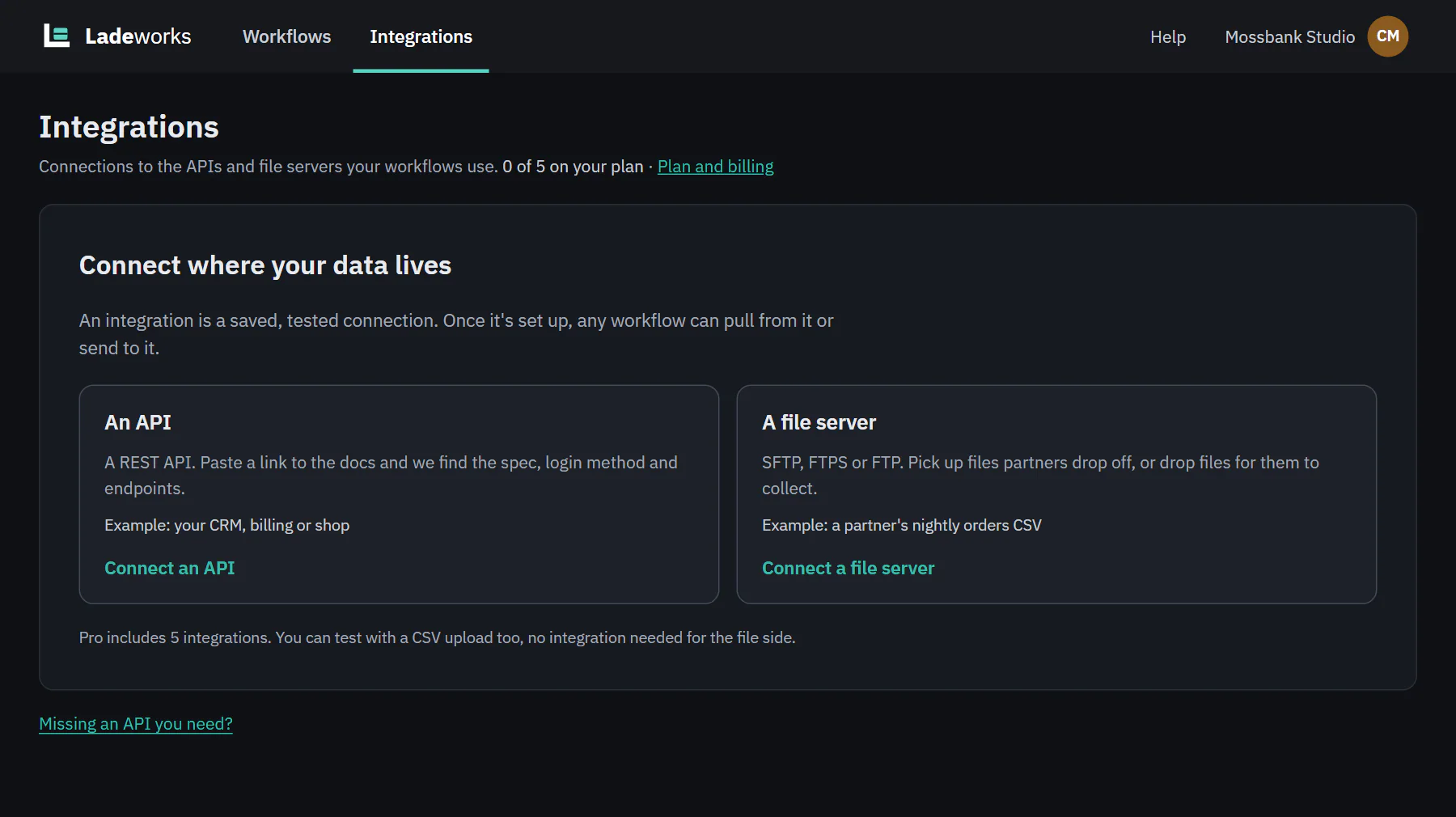
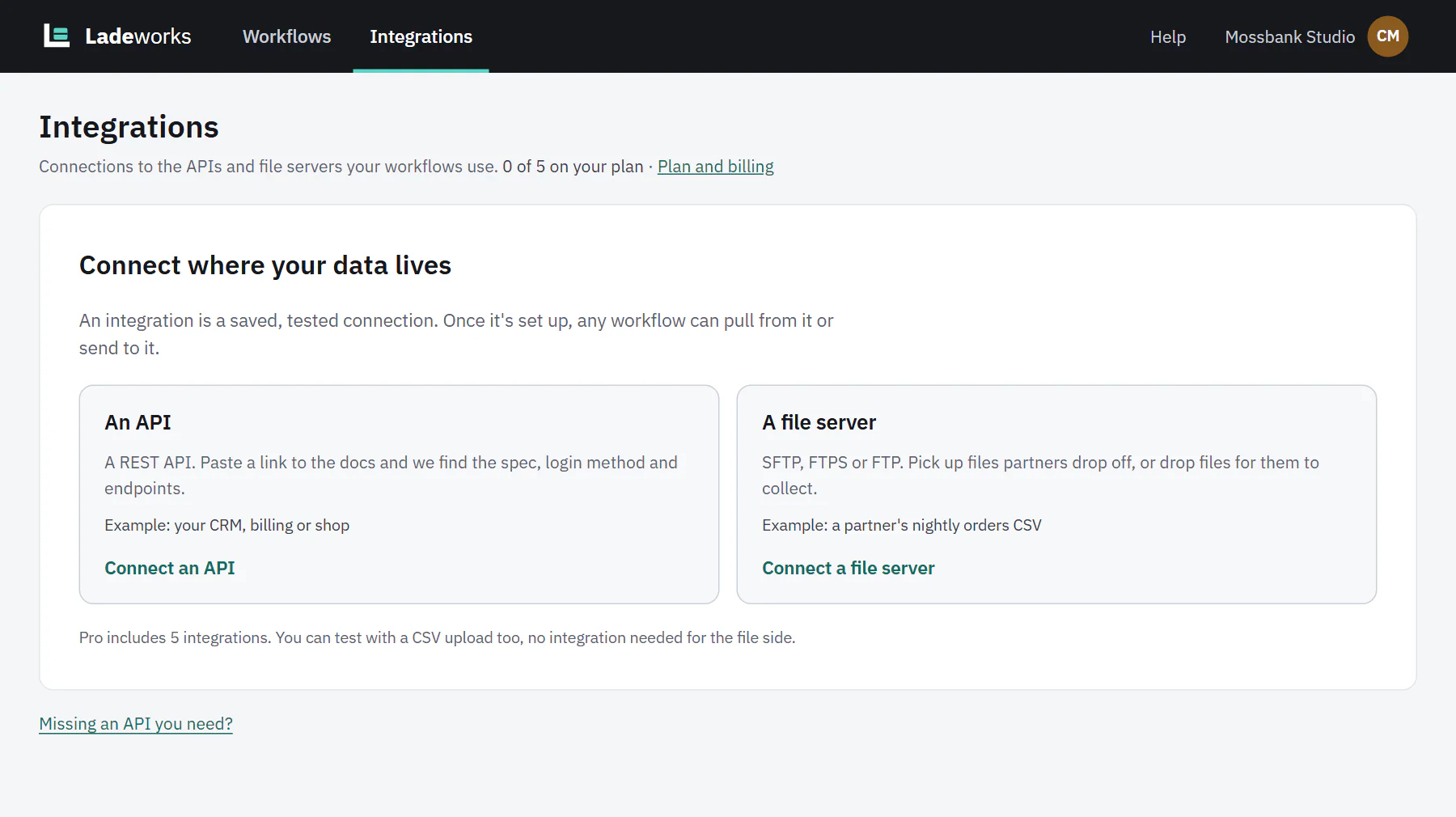
Open Integrations in the top bar. With nothing connected, the page says "Connect where your data lives" and offers Connect an API and Connect a file server. Once you have integrations, + New integration starts the setup.
The line under the title counts what you use against your plan, for example "0 of 5 on your plan". Only Owners and Admins connect and change integrations. Everyone else sees "View only. Owners and Admins connect and change integrations."
 (opens the full size image in a new tab)
 (opens the full size image in a new tab)
Five steps
The setup is five steps with a progress bar. A Summary panel beside the steps fills in as you go, so you can see what Ladeworks has so far.
- About the API or About the server. Name it, and choose how to start.
- Location. The base URL for an API, or the host, port and starting folder for a file server.
- Sign in. How Ladeworks proves who it is. See Sign-in methods.
- Test. A real request, or a real sign-in. See The test step.
- Endpoints for an API, or Folders for a file server.
Nothing is created until you choose Create integration. Your setup is saved as you go, so you can leave the page and come back. Cancel throws the setup away.
Credentials are encrypted and shared by every endpoint in the integration. Ladeworks never shows a saved secret again, only the last few characters.
When you finish
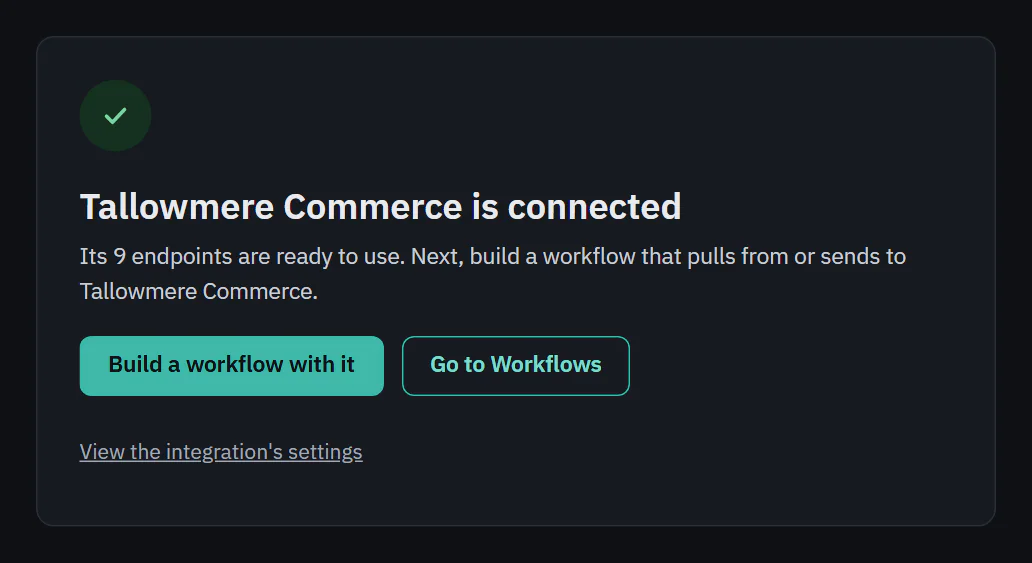
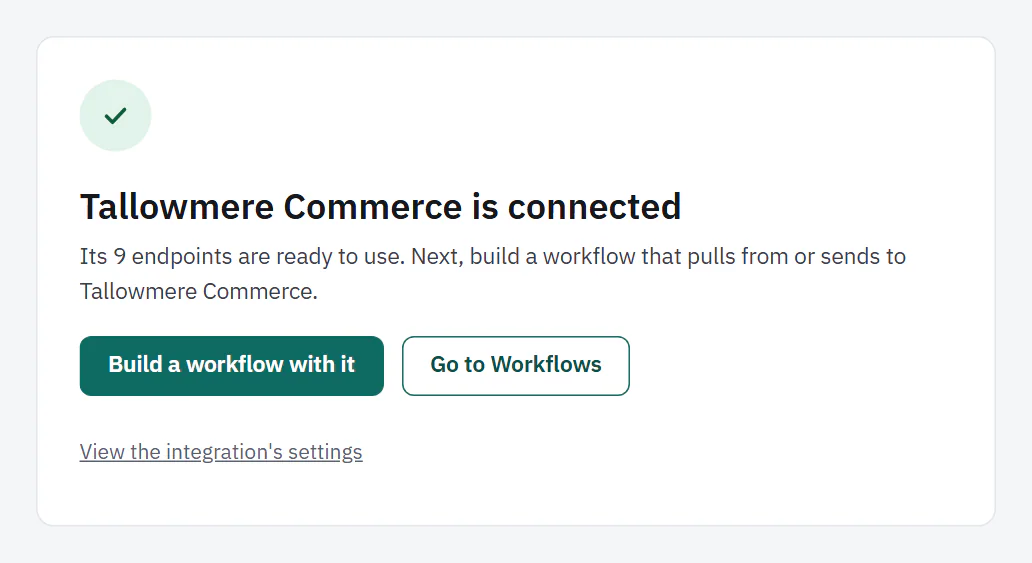
A confirmation appears in place, for example "Tallowmere Commerce is connected". It says how many endpoints are ready to use. Build a workflow with it opens the new workflow page with this integration chosen, Go to Workflows goes home, and a small link opens the integration's settings.
If the last test did not pass, the integration is saved but marked Needs attention, and the confirmation says so. Open its settings to fix the connection.
 (opens the full size image in a new tab)
 (opens the full size image in a new tab)