DocsShaping data
Suggestions
Sometimes you know what you want but not which step does it. Say you want the list from one endpoint and then the details of each record from another. The builder points at the step for it.
Where they show
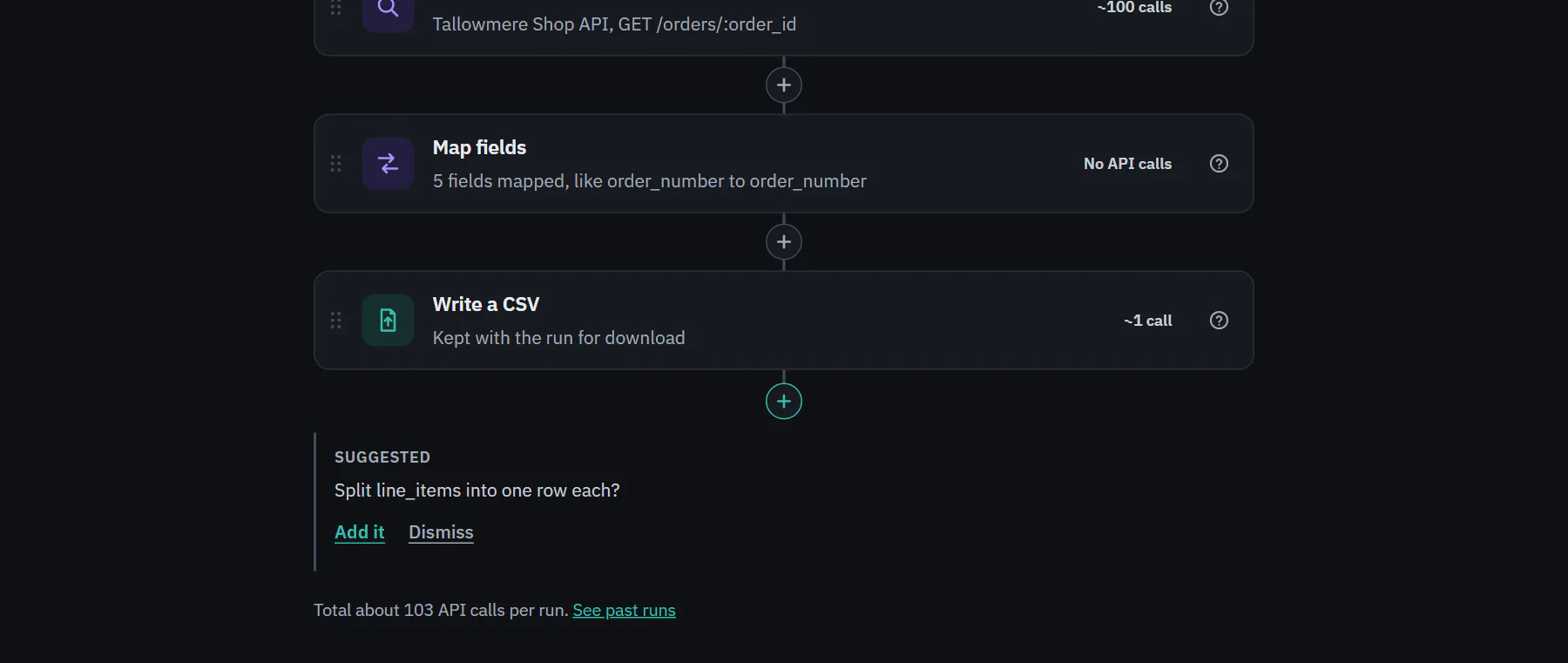
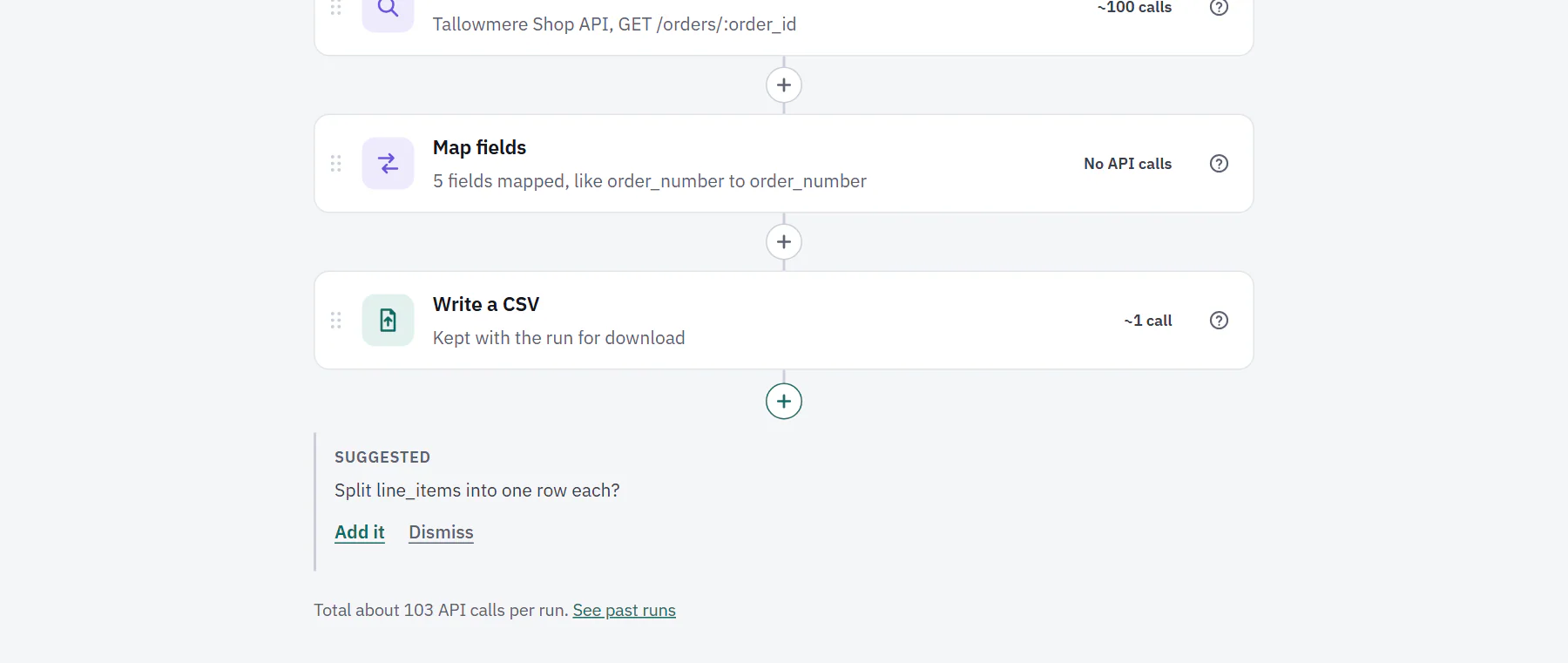
Below the last step and its + button, a gray Suggested list. At most two show at once, and each has one text button: Add it, which inserts the step with its settings filled in and opens it, and Dismiss. They are never teal buttons, never a pop-up, and never shown to people who can only view or on a phone.
 (opens the full size image in a new tab)
 (opens the full size image in a new tab)
How they are chosen
The server decides, by rules over what it already knows: the endpoints and fields stored for the integrations your steps use, and the results of the workflow's latest finished run. No model is involved, so every suggestion can be explained and tested. Your unsaved edits count. The rules, best first:
- The pull returned no rows. The latest run pulled nothing from a list endpoint. "Check where the records are on this endpoint", with an Open the endpoint link that brings you back to the step. It adds no step. It is not shown for "only changed since the last run" pulls, or when an End run if step is there.
- List, then details. The rows have a field for every :placeholder of another GET endpoint of the same integration that is about the same thing (/jobs.json and /jobs/:slug.json), and no Get details for each row step calls it yet. "Get each job's full record from /jobs/:slug.json?" inserts Get details for each row right after the pull, with the value filled in.
- A list of records. A response field is a list with fields of its own, and no Split step uses it. "Split line_items into one row each?" inserts Split a list into rows.
- Fields the destination needs. The Push endpoint has required fields that no pulled field matches by name, and there is no Map fields step. "Shipments needs amount and currency, and nothing sets them yet. Add a Map fields step?" adds one before the Push, with the matching names mapped.
A suggestion for a step your plan does not include still shows, with the plan that has it and a lock. People who manage billing get Upgrade in place of Add it, and others are told an owner or admin can upgrade. A suggestion that would pass the plan's step limit shows the same way.
Dismiss is remembered for you, on this workflow, on every device. Once a step is added, its suggestion goes away.
Searching in the Add a step panel works from goals too, so you can look for "stop sending the same record twice" or "drop repeated rows". Add, move and change steps covers it.