DocsYour first workflow
Test and run
A new workflow has never run, so the builder asks you to check it before it does anything real. The order is: check the mapping, test with 10 rows, turn it on, run it.
Check the mapping, then test
 (opens the full size image in a new tab)
 (opens the full size image in a new tab)
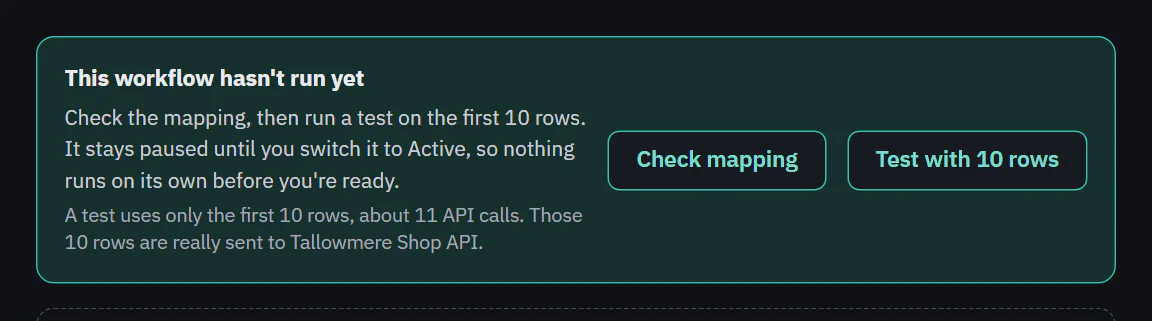
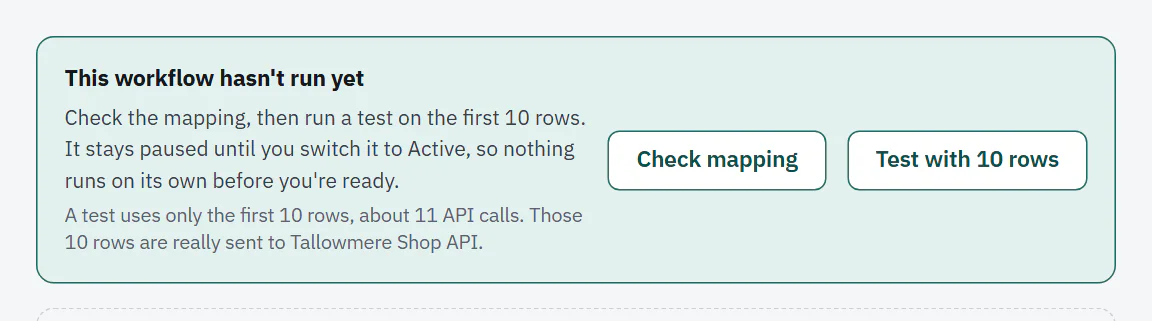
Until a workflow has run, the Steps tab and the Runs tab show This workflow hasn't run yet and "No runs yet". Check mapping opens the Map fields step. In our example the shipment needs an order_id and the orders have an id, so the step says "Tallowmere Shop API still needs: order_id (required)" until you choose the id field and name its column order_id.
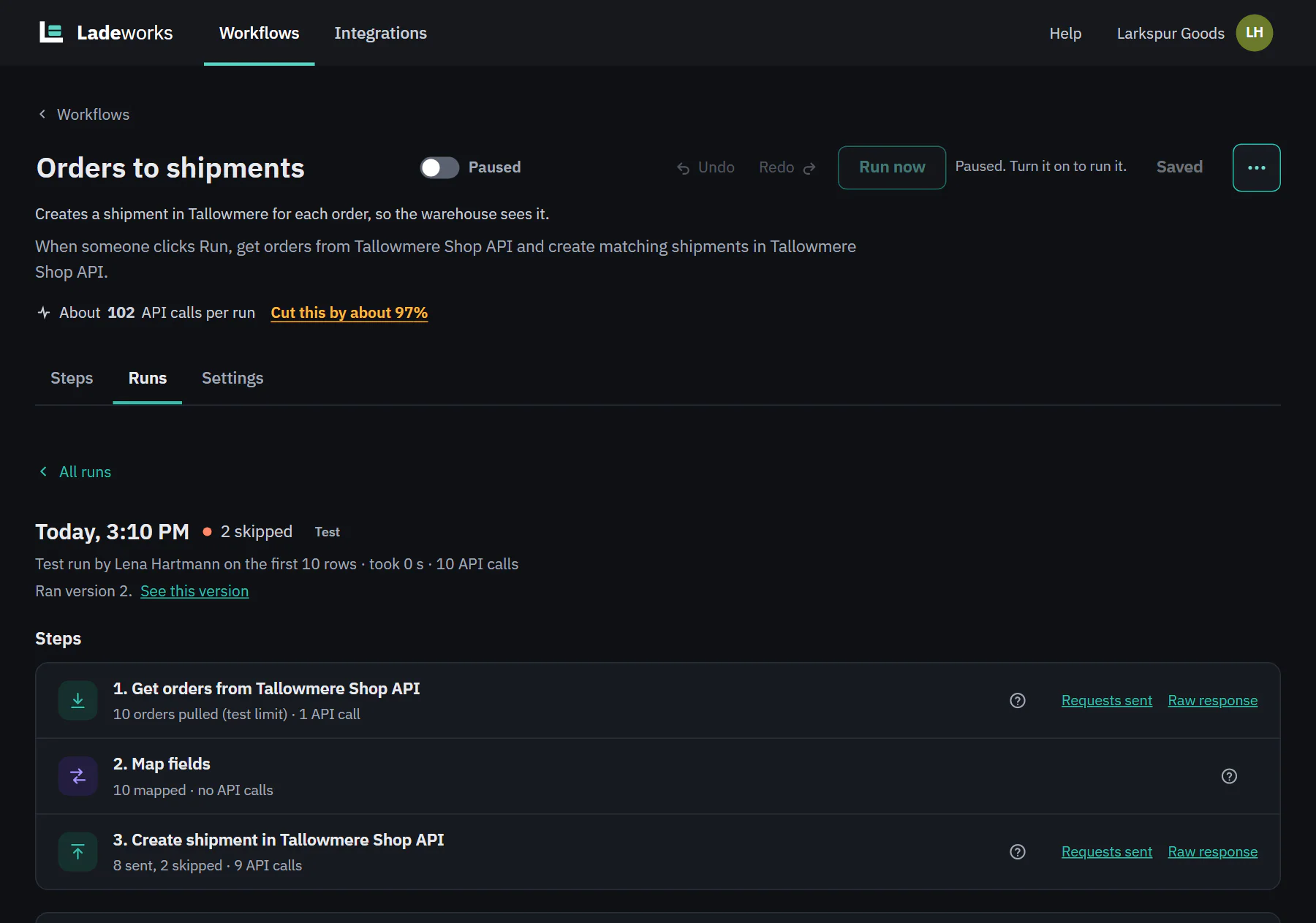
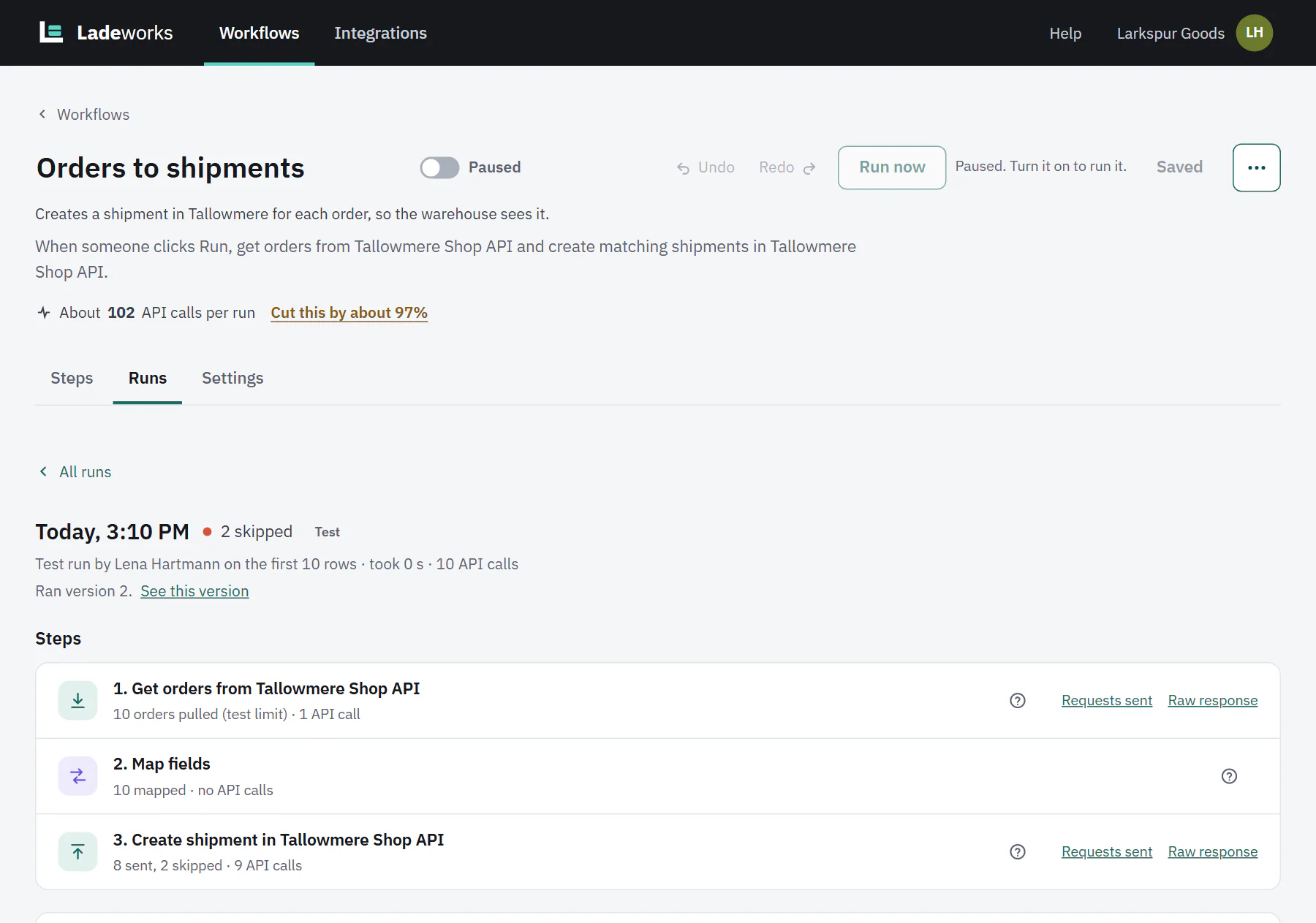
Test with 10 rows runs the workflow on only the first 10 rows. The line under the panel says what it will use: "A test uses only the first 10 rows, about 11 API calls. Those 10 rows are really sent to Tallowmere Shop API." A test really sends. It is not a dry run: the 10 rows go to the destination, and test runs count against your API calls like any other run. With "Don't send records that were already sent" on, the records a test sent are left out by the next run. A test appears in the Runs tab with a Test label. A paused workflow can still be tested.
If the workflow reads an uploaded CSV, Ladeworks asks you to choose the file first.
 (opens the full size image in a new tab)
 (opens the full size image in a new tab)
Turn it on
Switch the workflow to Active with the switch next to its name. From then on schedules, file triggers and webhooks can start it. This workflow's trigger is Only when someone clicks Run, so it still waits for you.
The switch is disabled until your email is confirmed, and until every step fits the plan.
 (opens the full size image in a new tab)
 (opens the full size image in a new tab)
Run now
Run now starts a run at once. It is in the builder header and on each row of the Workflows page, where it shows Queued and Running in place and then the result with a View run link. In the builder it opens the run's details. Run now saves your edits first. If the first step reads an uploaded CSV, you choose the file.
A run can be started by only one thing at a time. If one is going, Run now says so and takes you to it. A running run has Stop this run: rows already sent stay where they are, and a file that was being written is not completed.
A paused workflow cannot be run by hand, from the builder, the Workflows page or the API. The button is disabled with the reason (a gray note in the builder, a tooltip on the Workflows page), which is "Paused. Turn it on to run it." when a person paused it, or what the status says (out of calls, spending cap, a step that needs a fix).
The run check
Before a run you start by hand, Ladeworks compares what it is expected to use with the calls you have left this month. If it fits, the run just starts. If not, a dialog explains, and it never blocks you: Run anyway always starts the run, and the usage gate still stops it call by call at the limit. Scheduled, file and webhook runs, and tests, are not checked.
The dialog shows one of two things:
- This run may stop partway. The run may reach your included calls (when the spending cap is set to pause there) or the spending cap. It says about how many calls it may need, how many are left, that it will stop partway and that workflows pause until your calls reset. It also says whether the next run picks up where this one stopped (every Push step has "Don't send records that were already sent" on) or sends every record again, naming the step where it is off. Buttons: Run anyway and Cancel. People who manage billing also get a link to see plans, to raise the spending cap or to allow extra calls.
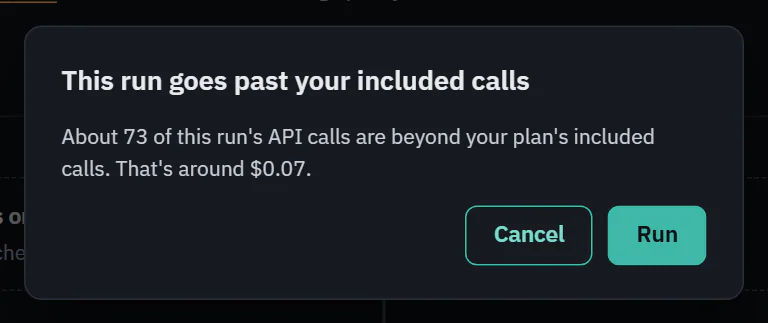
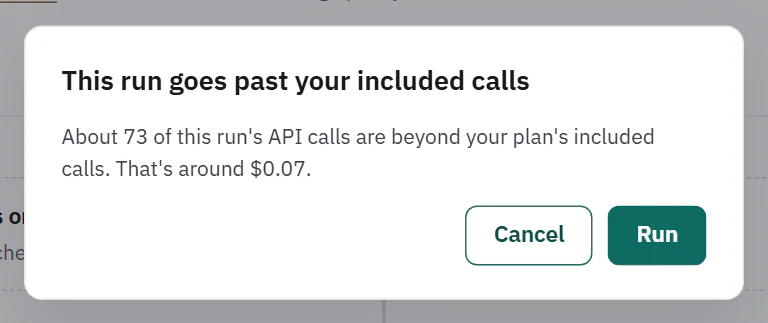
- This run goes past your included calls. It fits under the spending cap, but part of it costs extra. It says about how many calls are beyond what is included and, for people who manage billing, about what that costs. Buttons: Run and Cancel.
 (opens the full size image in a new tab)
 (opens the full size image in a new tab)
When the workflow has never run, the dialog adds that the estimate assumes 100 rows. In the builder, a shorter gray note appears next to the usage line when one run needs more calls than you have left.
Next: reading a run.