DocsTeam and security
Require two-factor for the workspace
The Owner can require two-factor sign-in for everyone in the workspace, including people who log in with Google. It works on every plan.
The switch
At the top of Members, the Owner sees Require two-factor sign-in for everyone in this workspace. Everyone else sees whether it is Required or Not required, and "Only the Owner can change this."
- The Owner needs two-factor on their own account first. Until then the switch is off-limits and says "Turn on two-factor for your own account first", with a link to Profile.
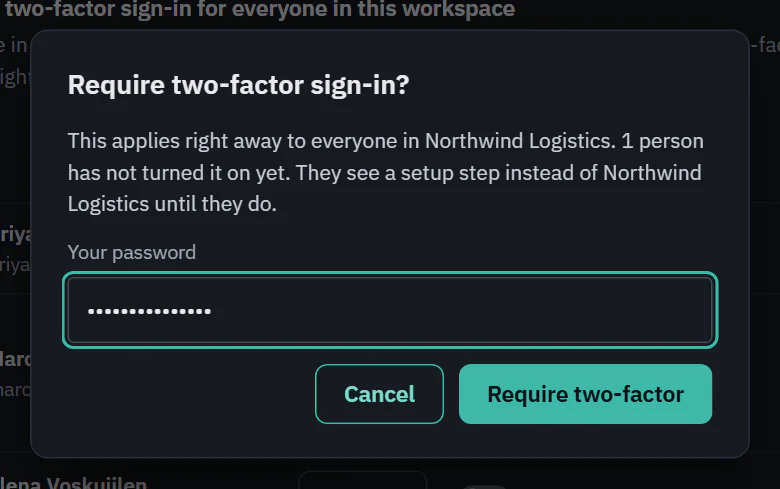
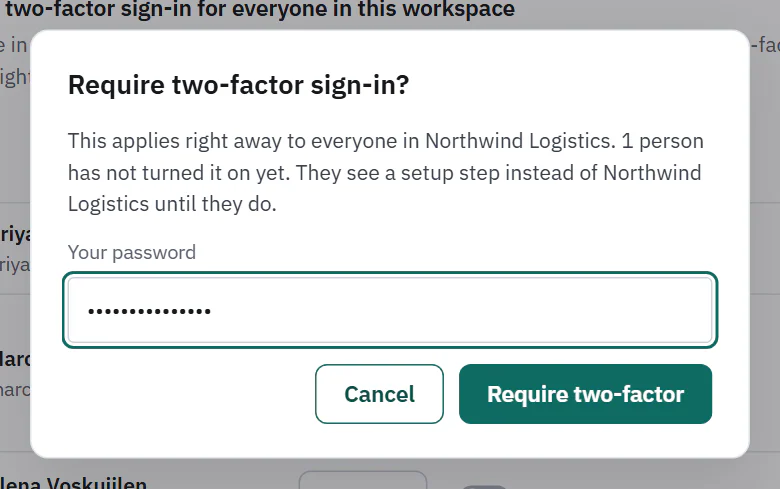
- Turning it on or off asks for the Owner's password. An Owner who only uses Google types their email address instead.
- The dialog says how many people have not turned two-factor on yet, and that they see a setup step instead of the workspace until they do.
 (opens the full size image in a new tab)
 (opens the full size image in a new tab)
It applies right away. Turning it off again lets everyone in without two-factor, and people keep any two-factor they already set up.
What members see
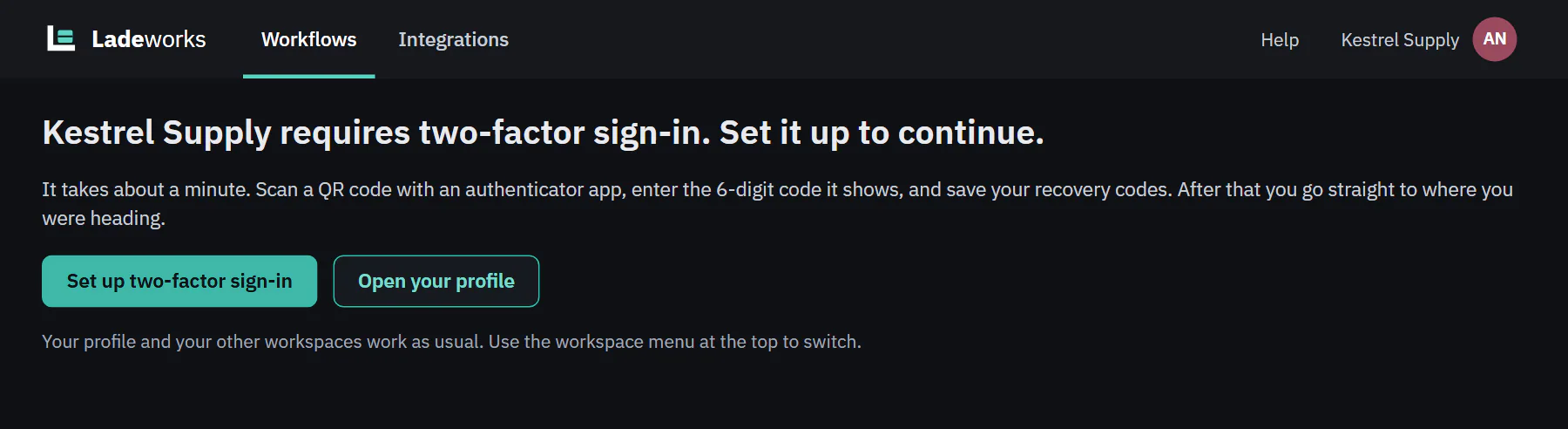
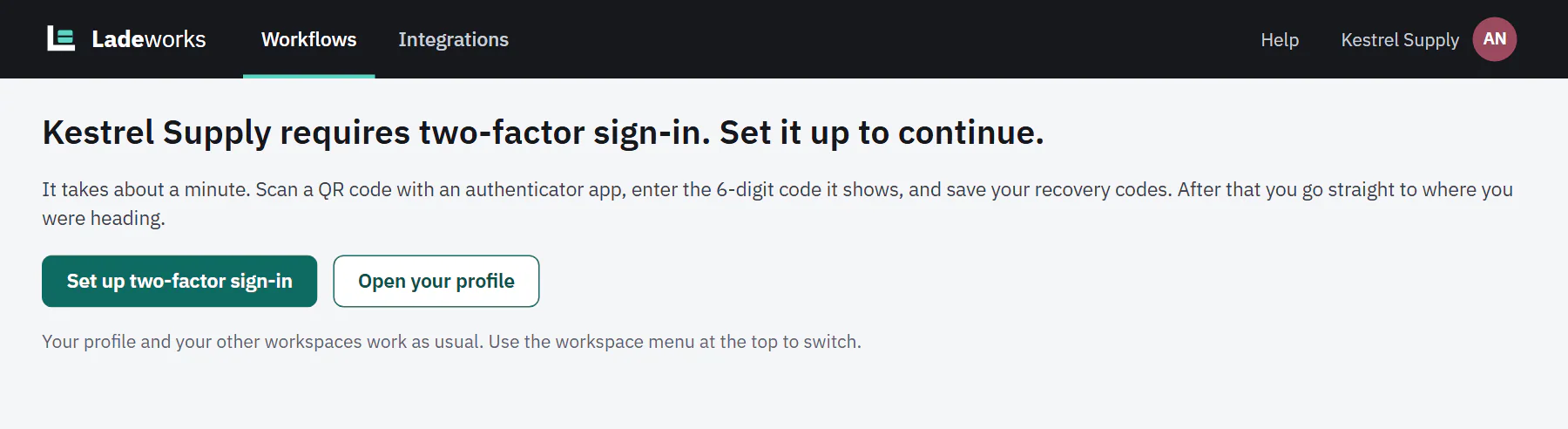
A member without two-factor sees "
 (opens the full size image in a new tab)
 (opens the full size image in a new tab)
An invite to a workspace that requires two-factor leads to the same step. Scheduled runs, file triggers and webhooks keep running: the requirement is about people signing in.
The Two-factor column
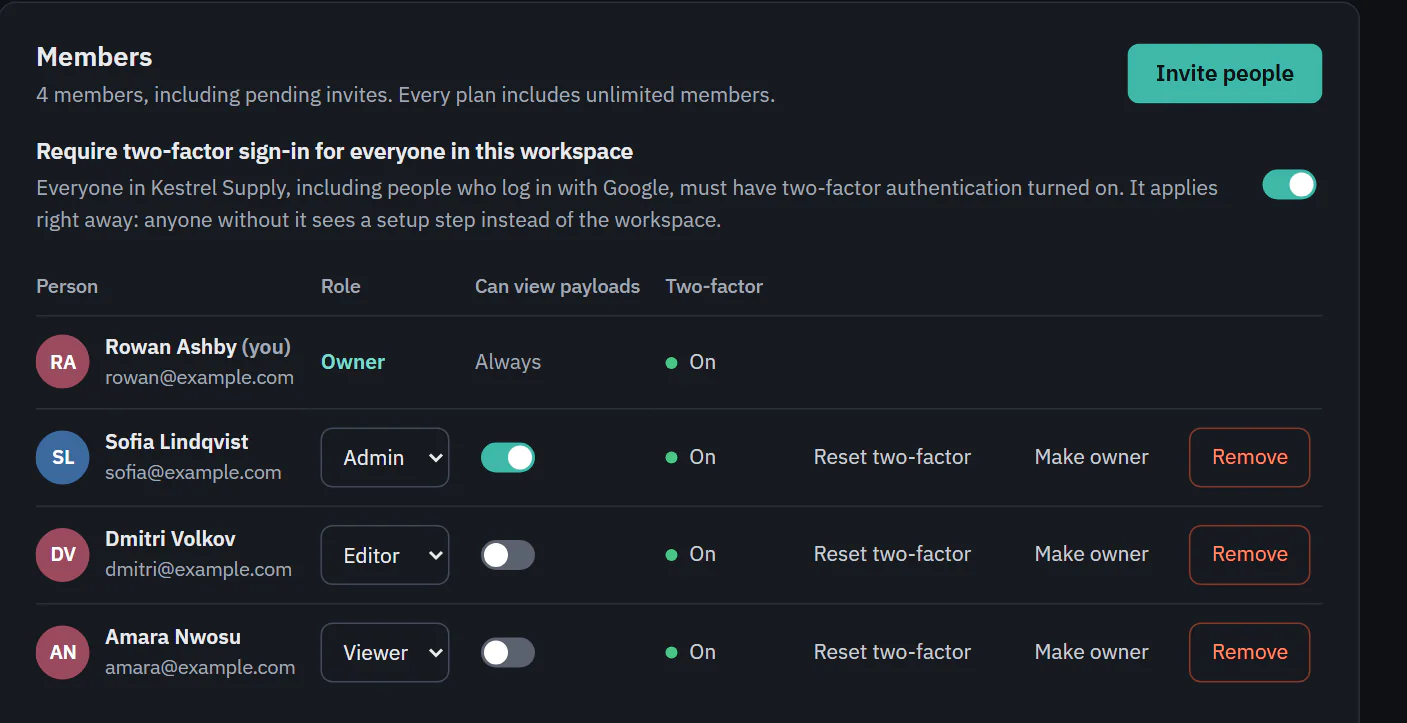
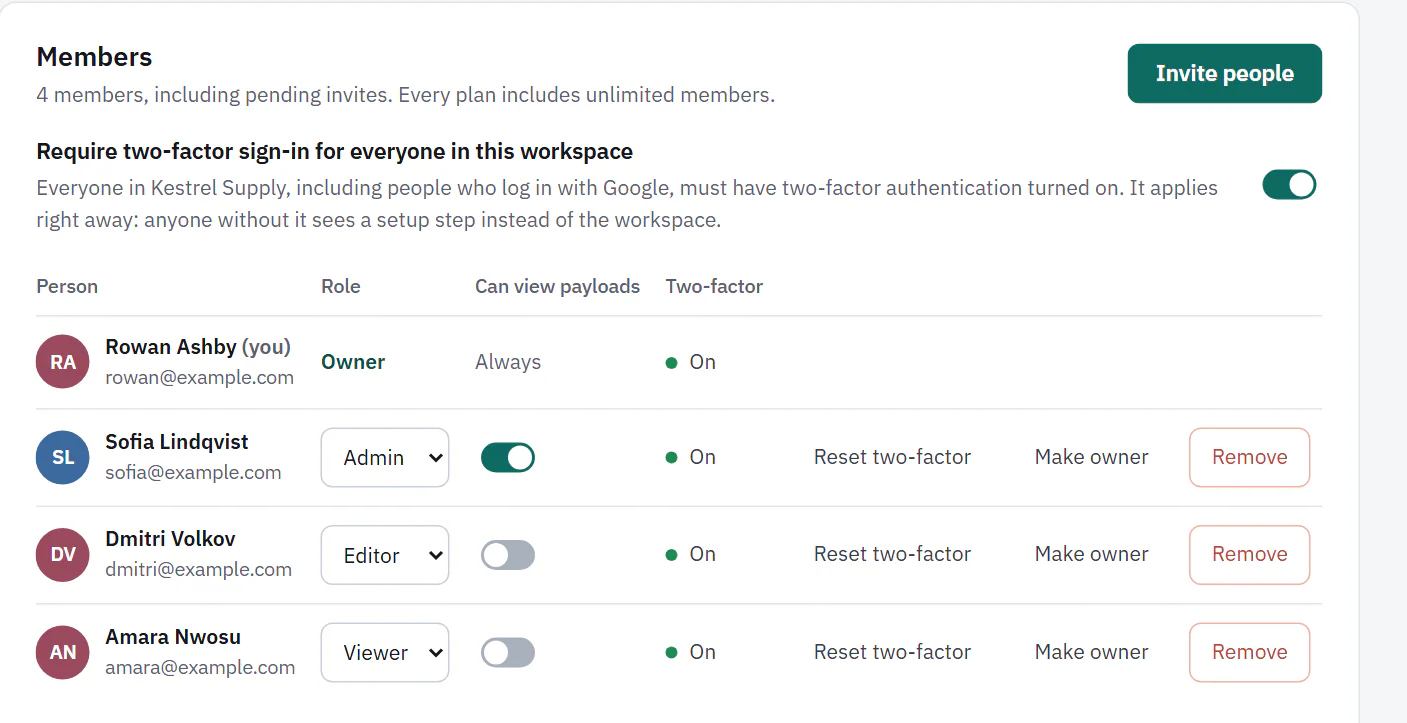
Owners and Admins see a Two-factor column on Members: On with a dot, or Off with an empty circle. Editors and Viewers do not see it. Use it to find who has not set up two-factor before you turn the requirement on.
 (opens the full size image in a new tab)
 (opens the full size image in a new tab)
Resets by the Owner
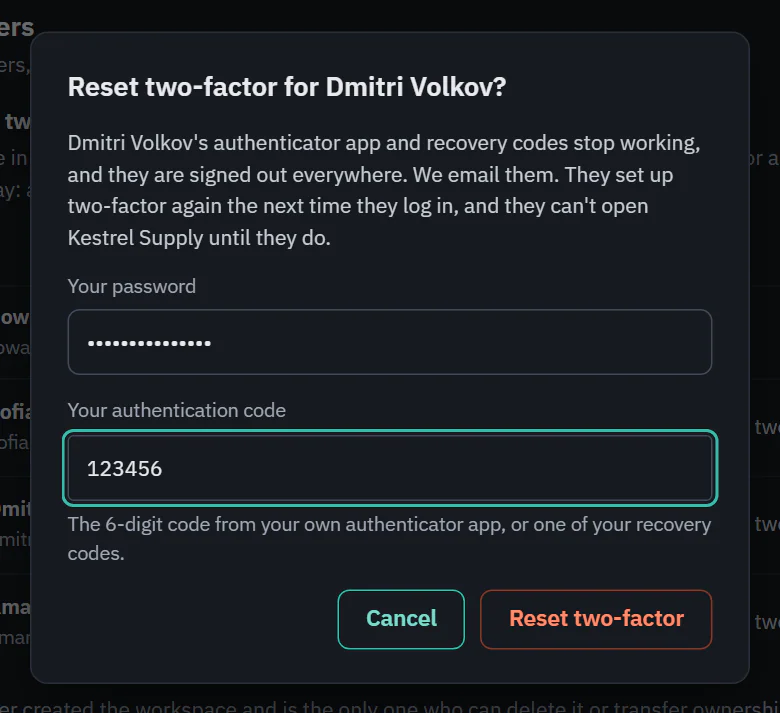
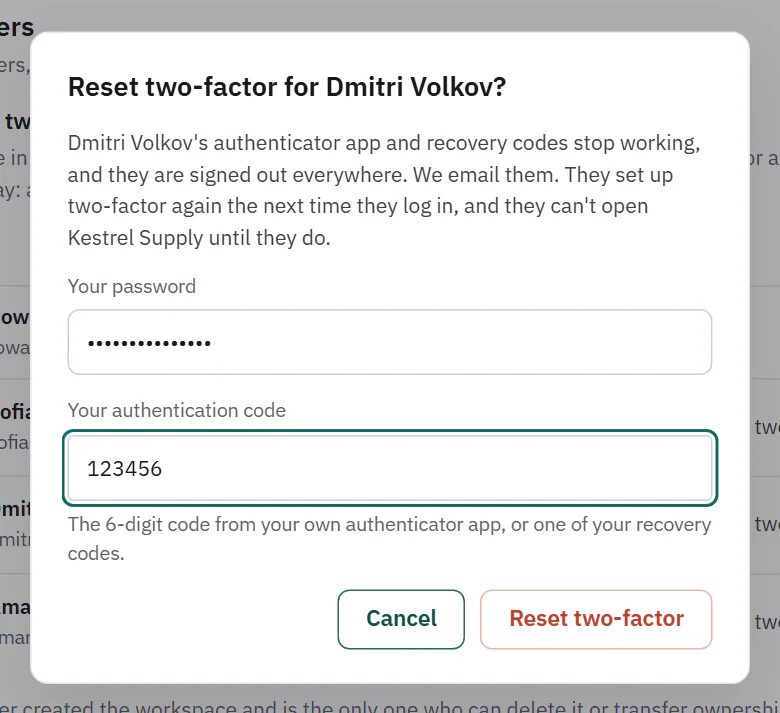
If a member loses their phone and their recovery codes, the Owner can clear their two-factor so they can set it up again. Choose Reset two-factor on their row. The dialog asks for your password (or your email address if you only use Google) and a current code from your own authenticator app, or one of your recovery codes.
 (opens the full size image in a new tab)
 (opens the full size image in a new tab)
What happens: the member's authenticator and recovery codes stop working, they are signed out everywhere, and Ladeworks emails them to say who did it. They set up two-factor again the next time they log in. If the workspace requires it, they cannot open it until they do. Both the reset and turning the requirement on or off are recorded as security events.
Limits
- Only the Owner can reset, not an Admin, and not for themselves. To change your own, turn two-factor off and on again in Profile.
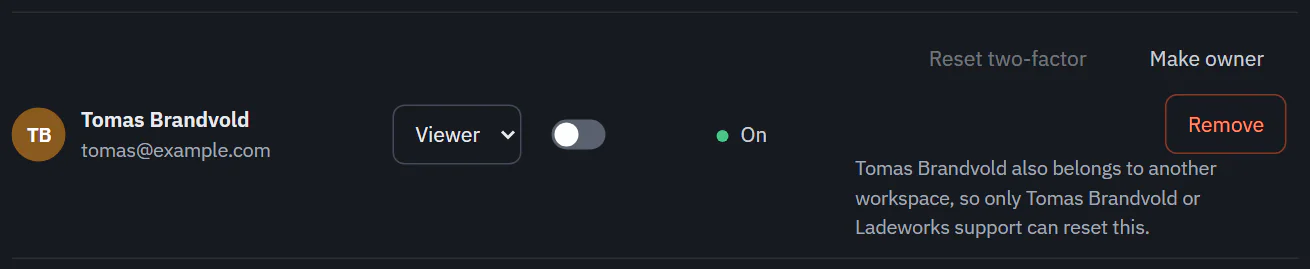
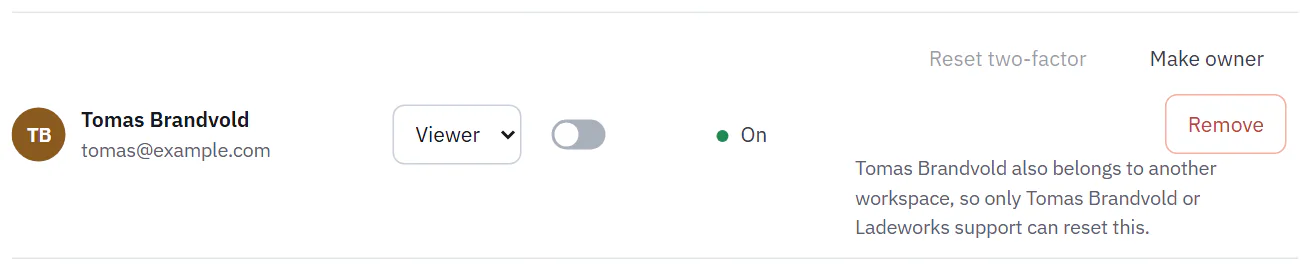
- The member's account can belong to no other workspace, whether they own it or joined it. Pending invites do not count.
- There is no reset by email.
When the person is in another workspace, Reset two-factor is unavailable and the row says "
 (opens the full size image in a new tab)
 (opens the full size image in a new tab)
You cannot turn off your own two-factor while a workspace you own requires it. Turn off the requirement first.