DocsShaping data
Write a CSV
Saves the rows it gets as a CSV file. It is usually the last step.
Settings
 (opens the full size image in a new tab)
 (opens the full size image in a new tab)
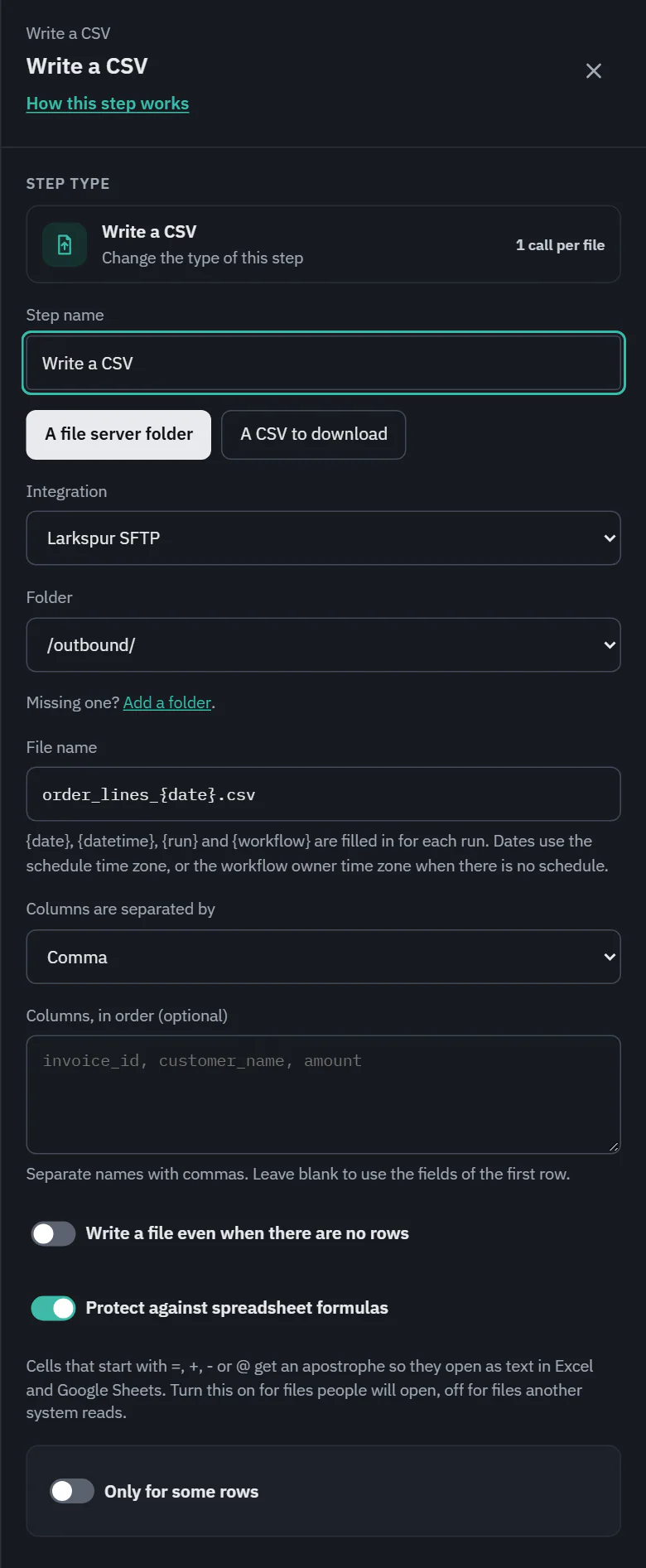
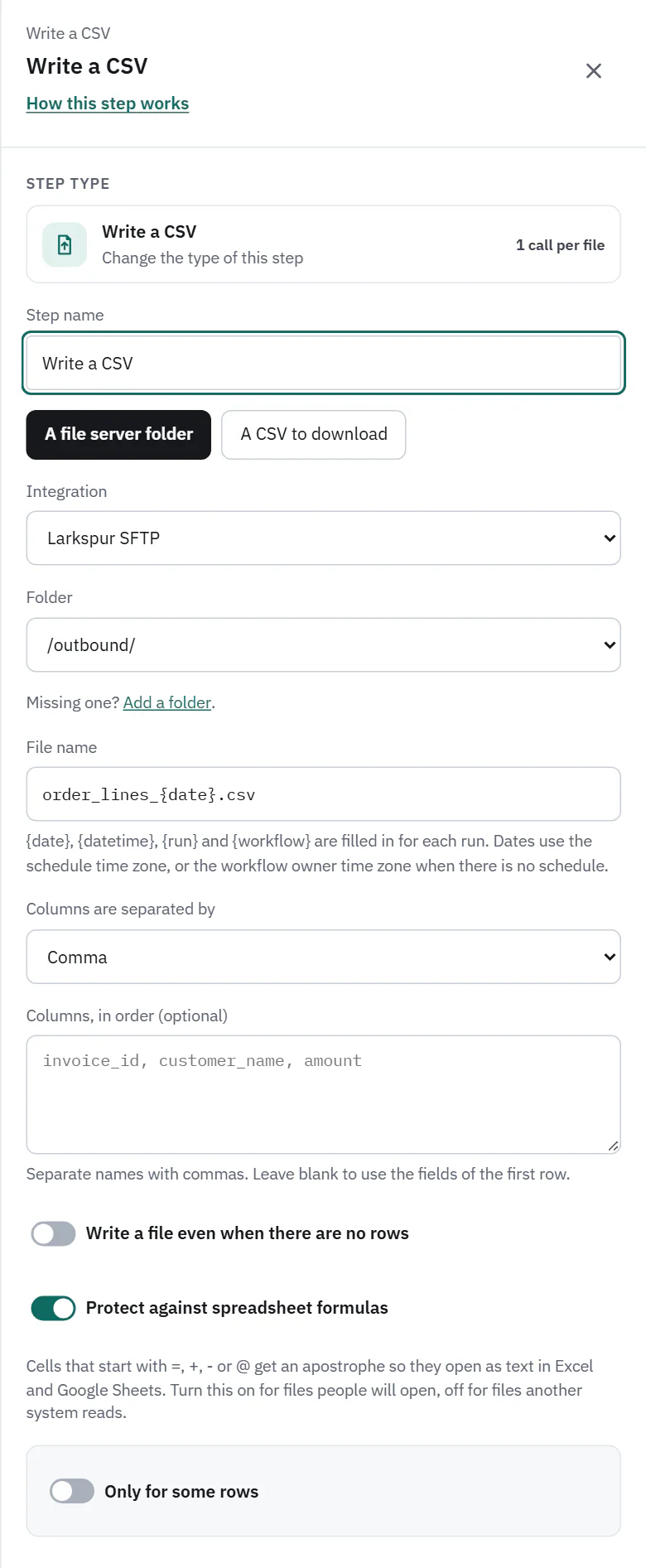
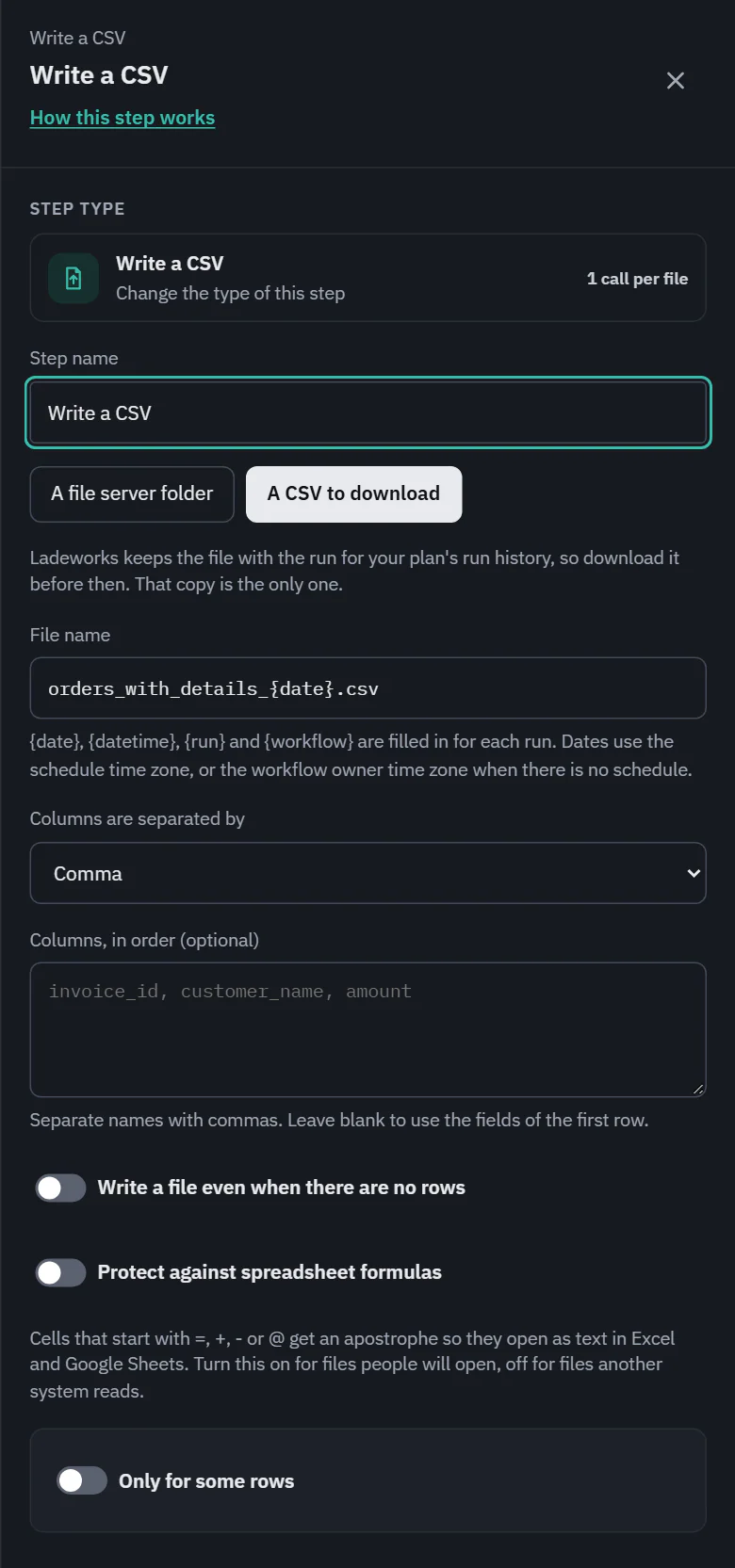
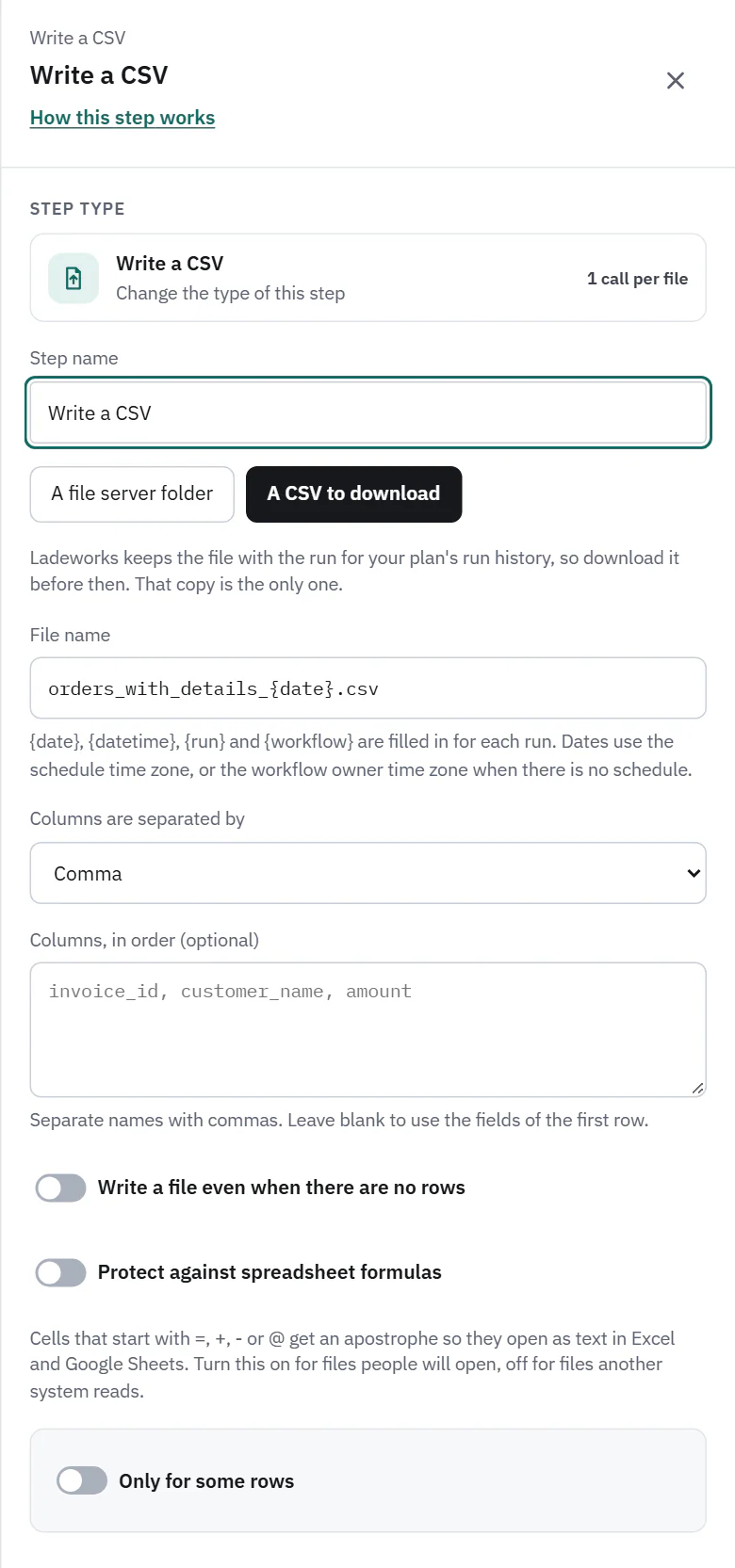
- Where the file goes: A file server folder or A CSV to download. On Starter, Pro and Business.
- File name: a template. {date}, {datetime}, {run} and {workflow} are filled in for each run. Dates use the schedule's time zone, or the workflow owner's when there is no schedule. A bad name (a slash, a control character, a trailing dot or space, or more than 255 bytes once filled in) is refused when you save and again when the run starts.
- Columns are separated by: comma, semicolon, tab or pipe.
- Columns, in order (optional): names separated by commas. Blank uses the fields of the first row. A Map fields step before it sets the names and the order, mapped columns first.
- Write a file even when there are no rows: off by default, so a run with nothing to write makes no file and costs nothing. When on, the file has the header line when only a filter, duplicate removal, End run if or an empty Map step lie between the Read a CSV step and this one.
- Protect against spreadsheet formulas: off by default. When on, a cell that starts with =, +, - or @ (or a tab or carriage return) gets an apostrophe in front, so Excel and Google Sheets open it as text. Plain numbers such as -5 are left alone. Turn it on for files people will open, off for files another system reads.
 (opens the full size image in a new tab)
 (opens the full size image in a new tab)
Where the file ends up
On a file server the file is written to the folder. If the server refuses the write, the run says what happened and what to do. It also appears in the run: the Output card shows its name, rows, columns and size, with a copy to download and a preview.
For A CSV to download that copy is the only one. Ladeworks keeps it for the plan's run history, 14 days on the plan these pages describe, then deletes it.
Cost and the run line
1 API call for each file, whether it goes to a file server or is kept for download. A write that makes no file costs nothing. The run line reads "214 rows written to Larkspur SFTP, /outbound/", or "No rows, so no file was written". A run that fails before the file is complete has sent nothing: the failed-run count and the alert count only rows that reached the destination.