DocsAdvanced workflows
Send a message
Send a message tells someone something in the middle of a run, or at the end of it: that a file was written, that a big order arrived, that rows were skipped. On Starter, Pro and Business. It is different from the alerts people get about runs, which are set per person: see notifications.
Send by
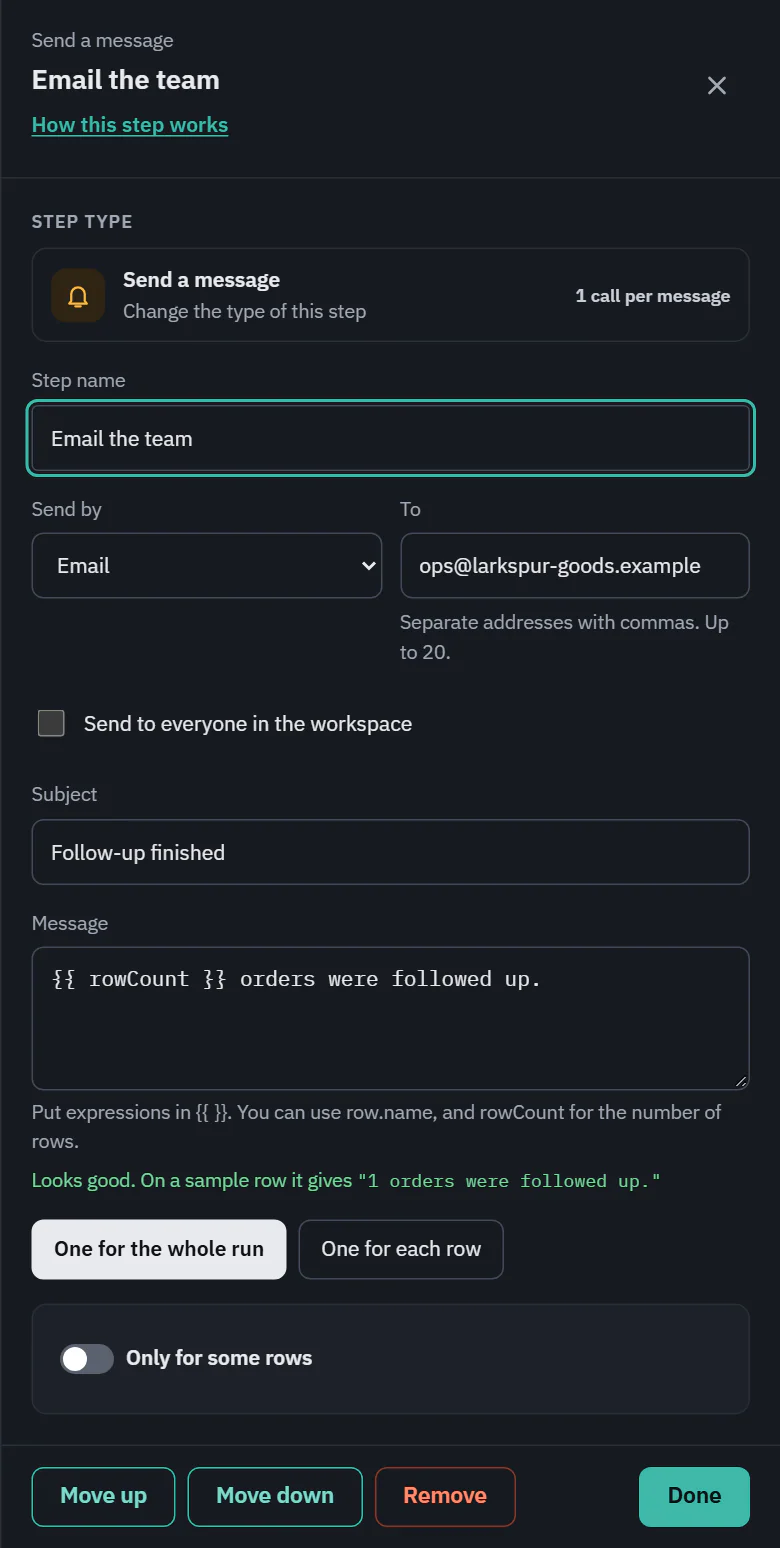
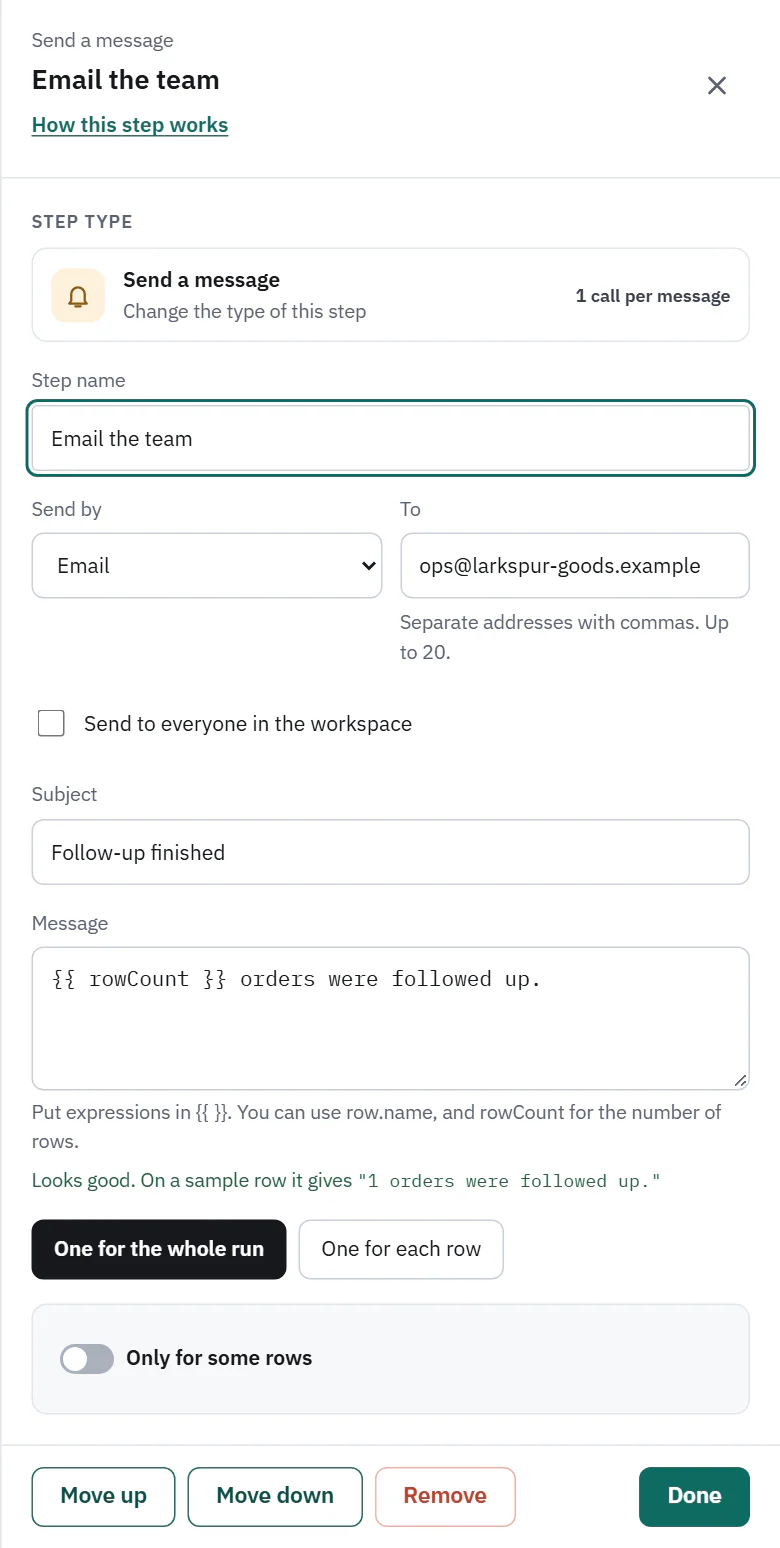
- Email. On Starter, Pro and Business. To takes up to 20 addresses separated by commas, or tick Send to everyone in the workspace. It also has a Subject.
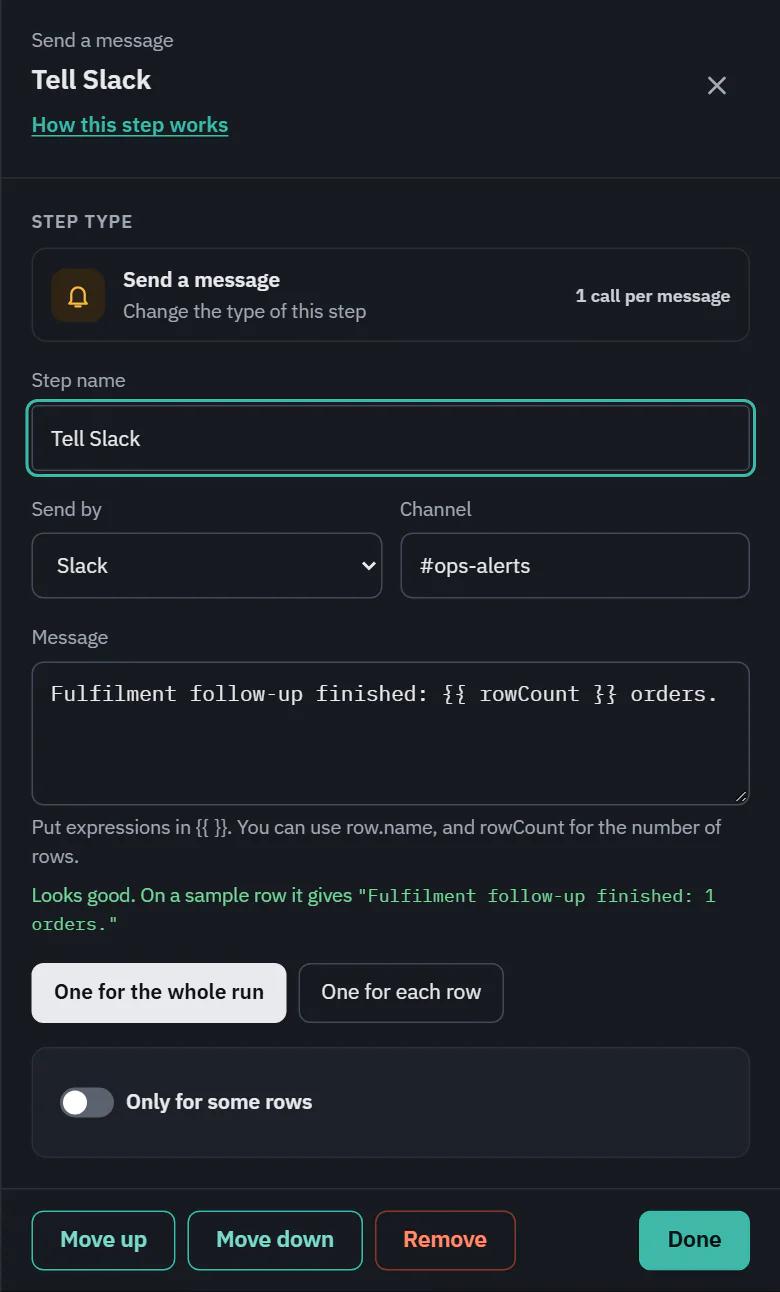
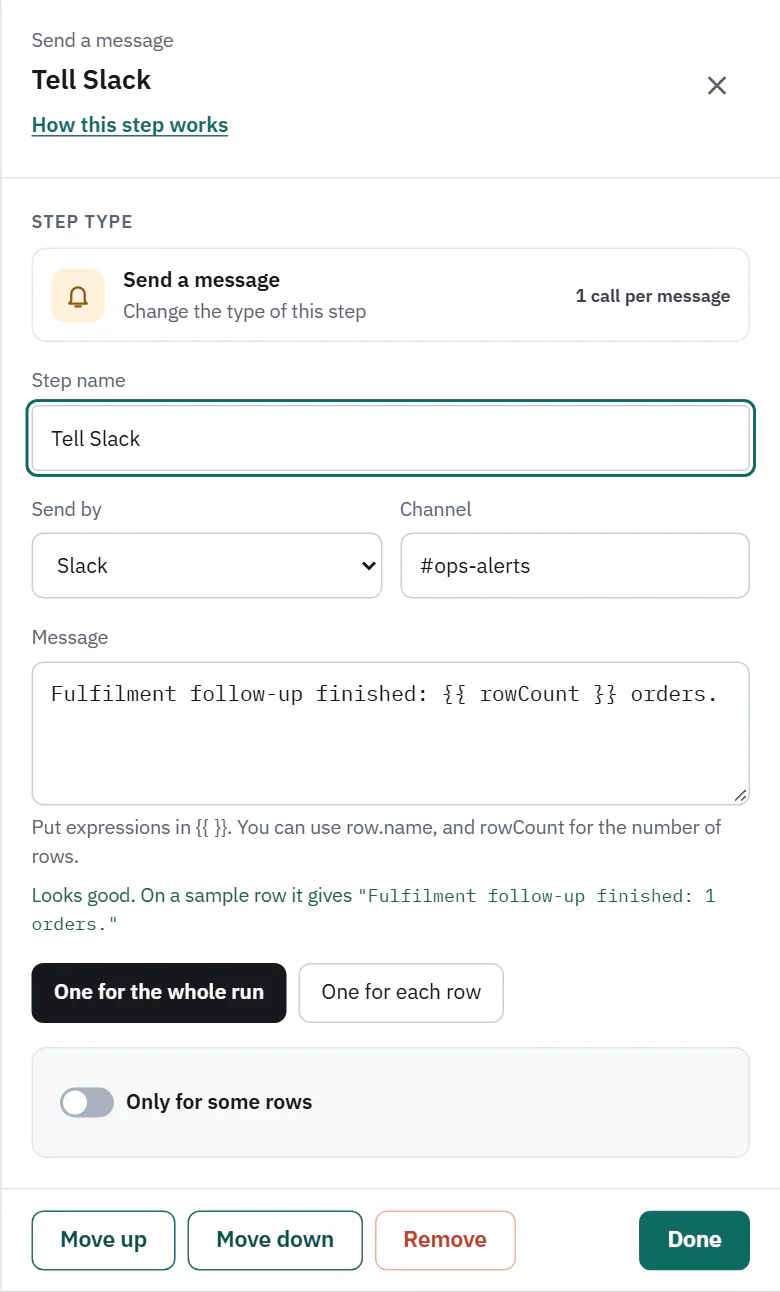
- Slack. On Pro and Business. Enter the Channel, such as #sales. Slack must be connected under Settings, Connected apps. Until it is, the list says Slack (not connected) and rows that reach the step are skipped.
- Discord. On Pro and Business. Choose a Channel from the ones added under Settings, General, Team alerts. Until one is added the list says Discord (no channel yet).
 (opens the full size image in a new tab)
 (opens the full size image in a new tab)
 (opens the full size image in a new tab)
 (opens the full size image in a new tab)
The message
Put expressions in double curly brackets. {{ rowCount }} is the number of rows that reached the step, {{ rowsSkipped }} and {{ rowsPulled }} are run totals, {{ apiCalls }} is the calls so far, and {{ row.customer_email }} is a field of the row. The box checks the message and shows how it reads on a sample row, so you see a mistake before the run does. A subject works the same way.
Under How many messages, One for the whole run sends one message when the rows have all passed, and One for each row sends one for every row.
Only for some rows
Turn on Only for some rows to send only for rows that match, for example total more than 500. With one message for the run, the message goes out only if at least one row matched. With one for each row, matching rows each get one. Conditions are described under conditions and flow. On Pro and Business.
What it costs, and what can go wrong
- Every message sent is 1 API call. The step line reads 1 message sent.
- A message that cannot be sent skips that row with "Couldn't send the message" and the reason, and the run goes on. Check skipped rows in the run.