DocsAdvanced workflows
Request a report and wait
Some APIs prepare data in the background. You ask for a report and get an id back, you check its status until it says done, which can take seconds or hours, and the finished answer holds a link to a file. Request a report and wait does that for you. On Pro and Business.
Larkspur Goods is a made-up shop that sells through a made-up platform called Tallowmere Commerce. Its data and its file server run on a test machine, so nothing here touches a real system. Its report API takes three checks, about 30 seconds, to finish.
Where it goes
It is a source step, so it is the first step, like Pull from an endpoint. Its output is one row: the fields of the finished answer. The usual next step is Read a file from a link, which reads the file the answer links to. See files from links. A webhook that takes its rows from the body cannot start with it.
The three sections
The settings are in three numbered sections.
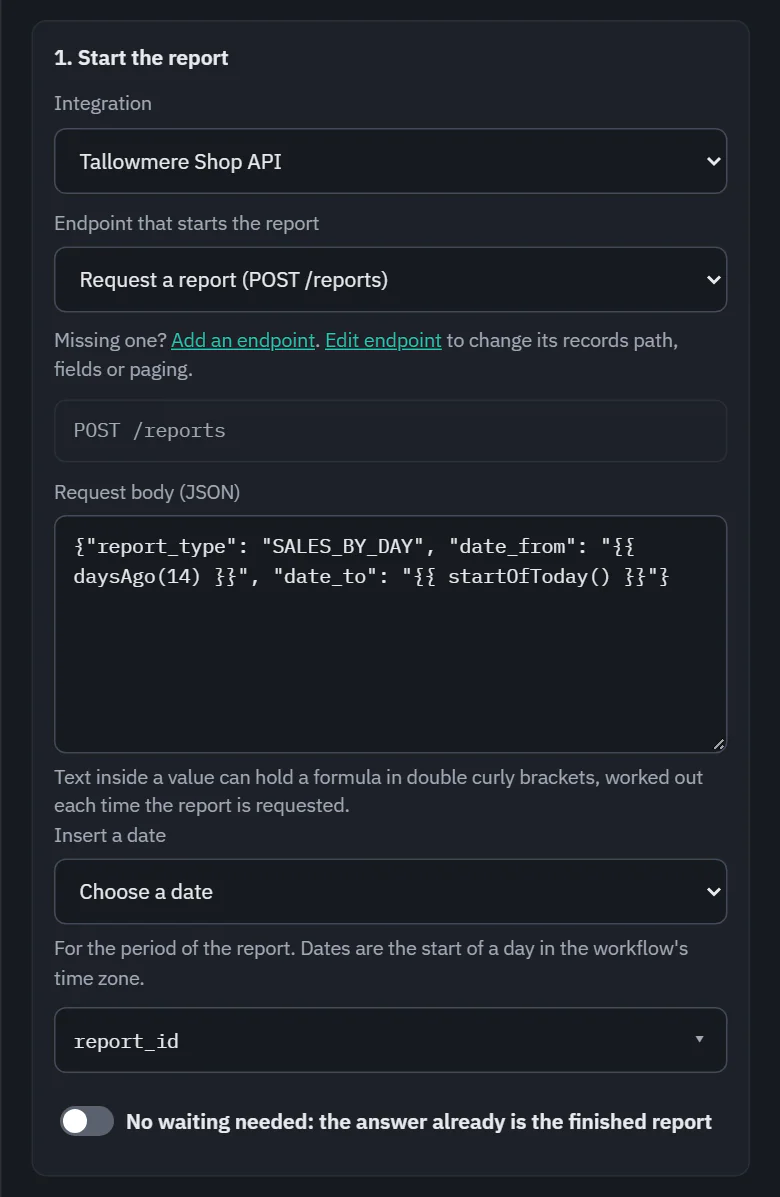
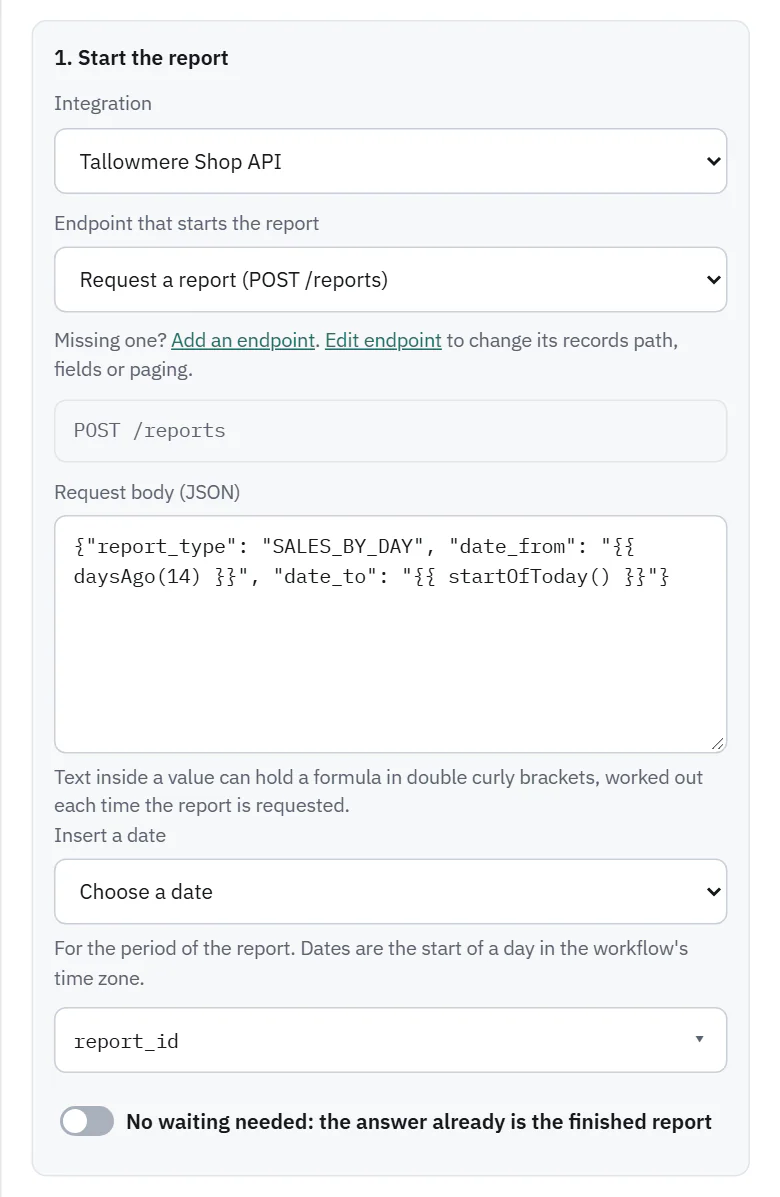
1. Start the report
- Integration and Endpoint that starts the report. It can be any method, usually a POST.
- Values the endpoint takes in its address, query or headers.
- Request body (JSON). Text inside a value can hold a formula in double curly brackets, worked out each time the report is requested, such as {{ daysAgo(14) }}. Insert a date adds one: Start of yesterday, Start of 7 days ago, Start of 30 days ago, Start of today or Today, as a date. Dates are the start of a day in the workflow's time zone. Start from the endpoint's body fields fills in a skeleton.
- Report id is in: the field of the answer that holds the report id. It is chosen for you when a field is called report_id or id.
- No waiting needed: the answer already is the finished report, for APIs that sometimes answer at once.
 (opens the full size image in a new tab)
 (opens the full size image in a new tab)
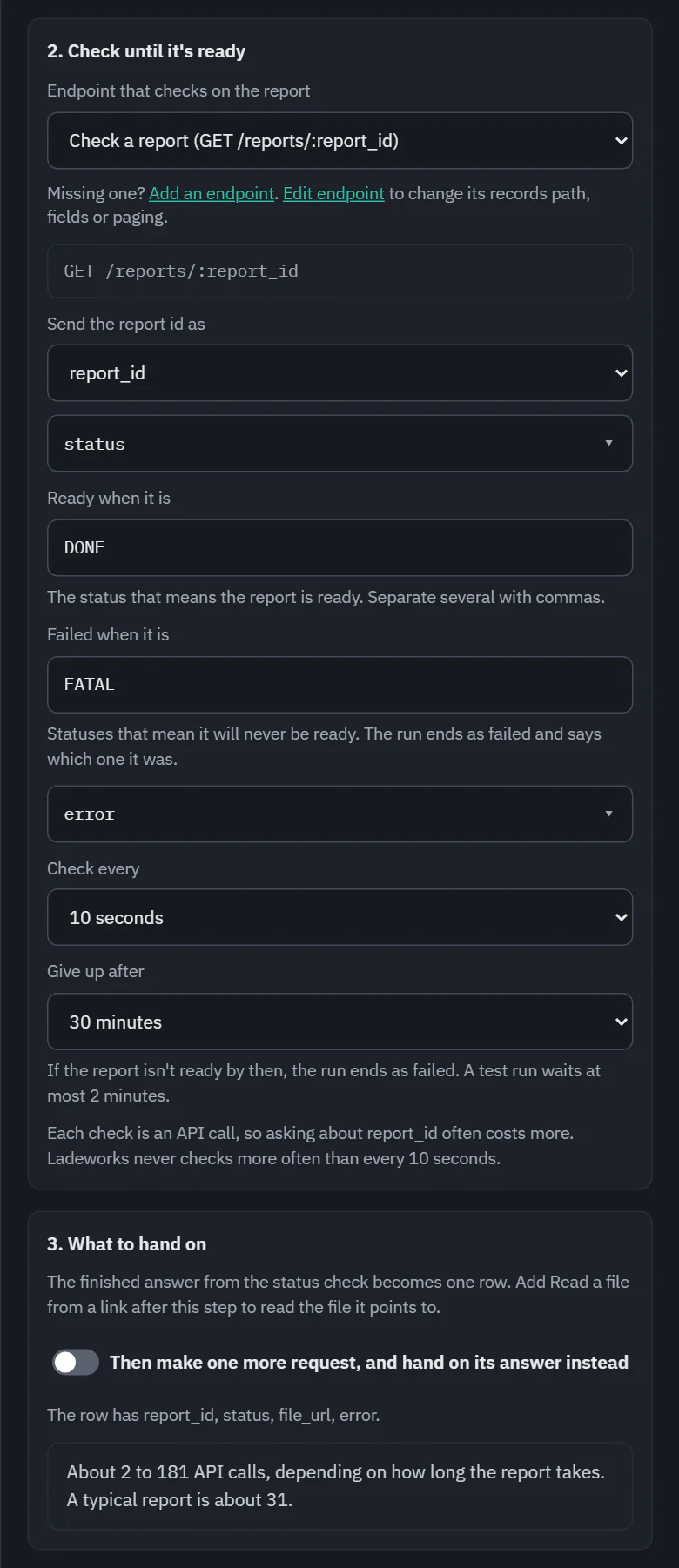
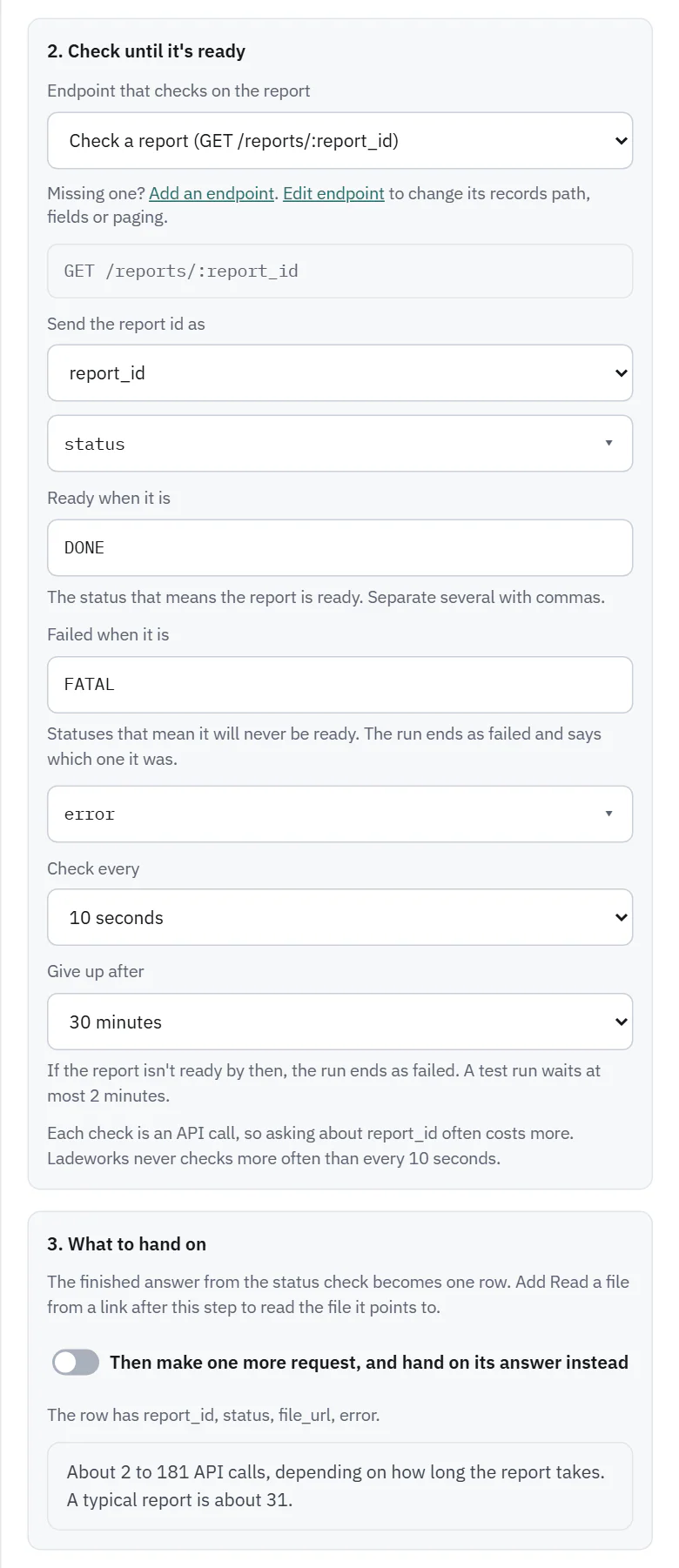
2. Check until it's ready
- Endpoint that checks on the report: a GET endpoint of the same integration, with Send the report id as the value that takes the id.
- Status is in: the field that holds the status.
- Ready when it is: the status that means ready, such as DONE. Several can be listed, separated by commas, compared without regard to case.
- Failed when it is: statuses that mean it will never be ready. The run ends as failed and says which one it was. Failure message is in (optional) names a field that says why.
- Check every: 10 seconds to 10 minutes. Give up after: up to 6 hours. Ladeworks never checks more often than every 10 seconds, and a test run waits at most 2 minutes.
3. What to hand on
By default the finished answer from the status check becomes the row. Then make one more request, and hand on its answer instead adds a GET endpoint whose value comes from the finished answer, for APIs where the finished report only holds an id for the document. The step lists the fields the row will have.
 (opens the full size image in a new tab)
 (opens the full size image in a new tab)
While it waits
After the request is sent, the run saves where it is and becomes Waiting for the report. It holds no worker and uses none of the workspace's run slots, so other work goes on, and a deploy or restart loses nothing. Ladeworks makes each check on its own schedule. When the report is ready, the same run carries on through the remaining steps, once, with the calls added up.
- The run's dot is an amber ring with Waiting for the report, on the run list and the Workflows page too.
- Run details say what has happened: Checked once, last status IN_PROGRESS, next check in 9 s, and when it stops waiting. The steps after it say Runs when the report is ready. The page updates by itself, and you can leave it.
- Stop waiting ends the run as ended early. Ladeworks just stops checking: the other system may still prepare the report.
- A waiting run is still the workflow's one run in progress, so a schedule that comes due is skipped and Run now says a run is going.
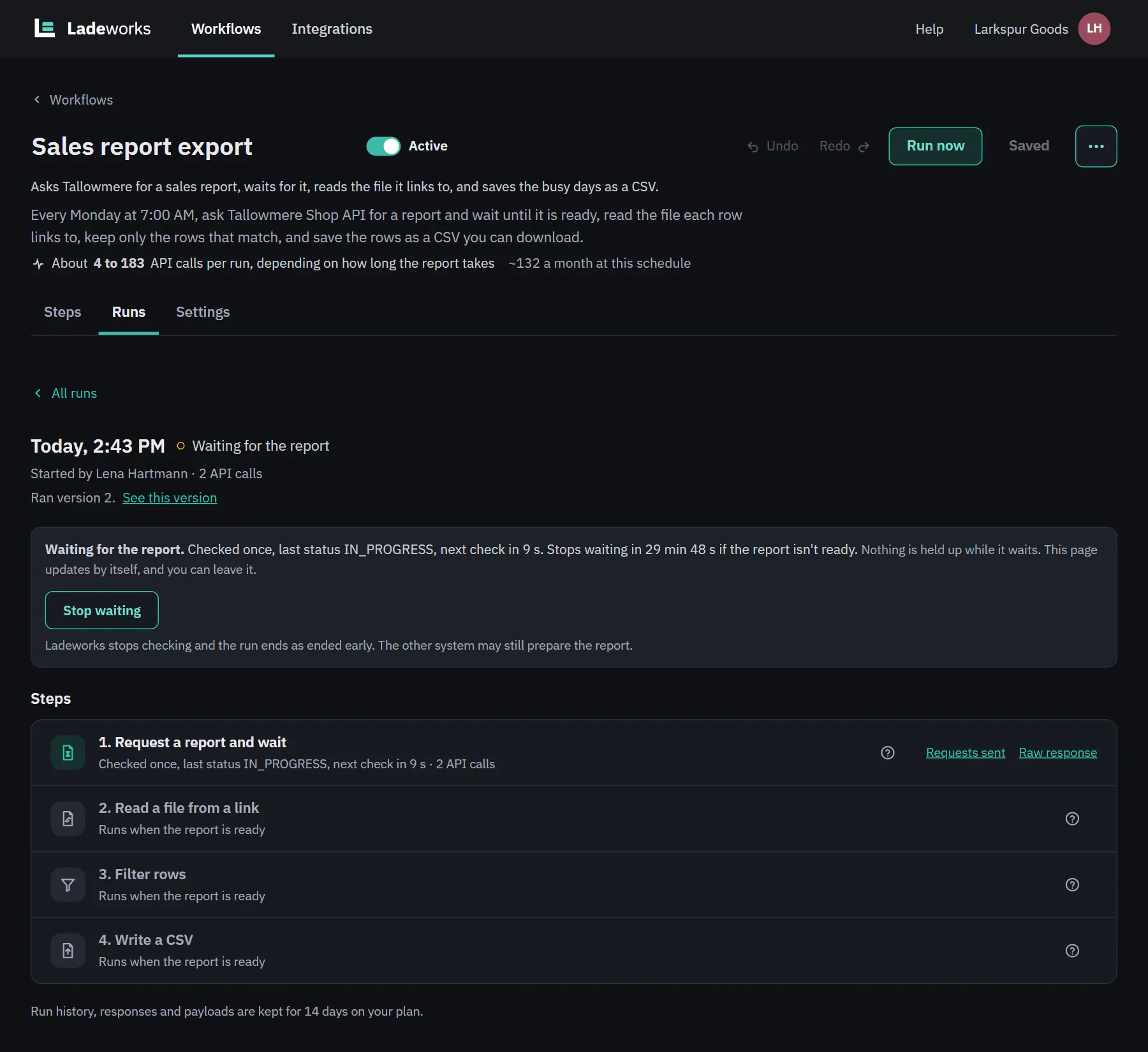 (opens the full size image in a new tab)
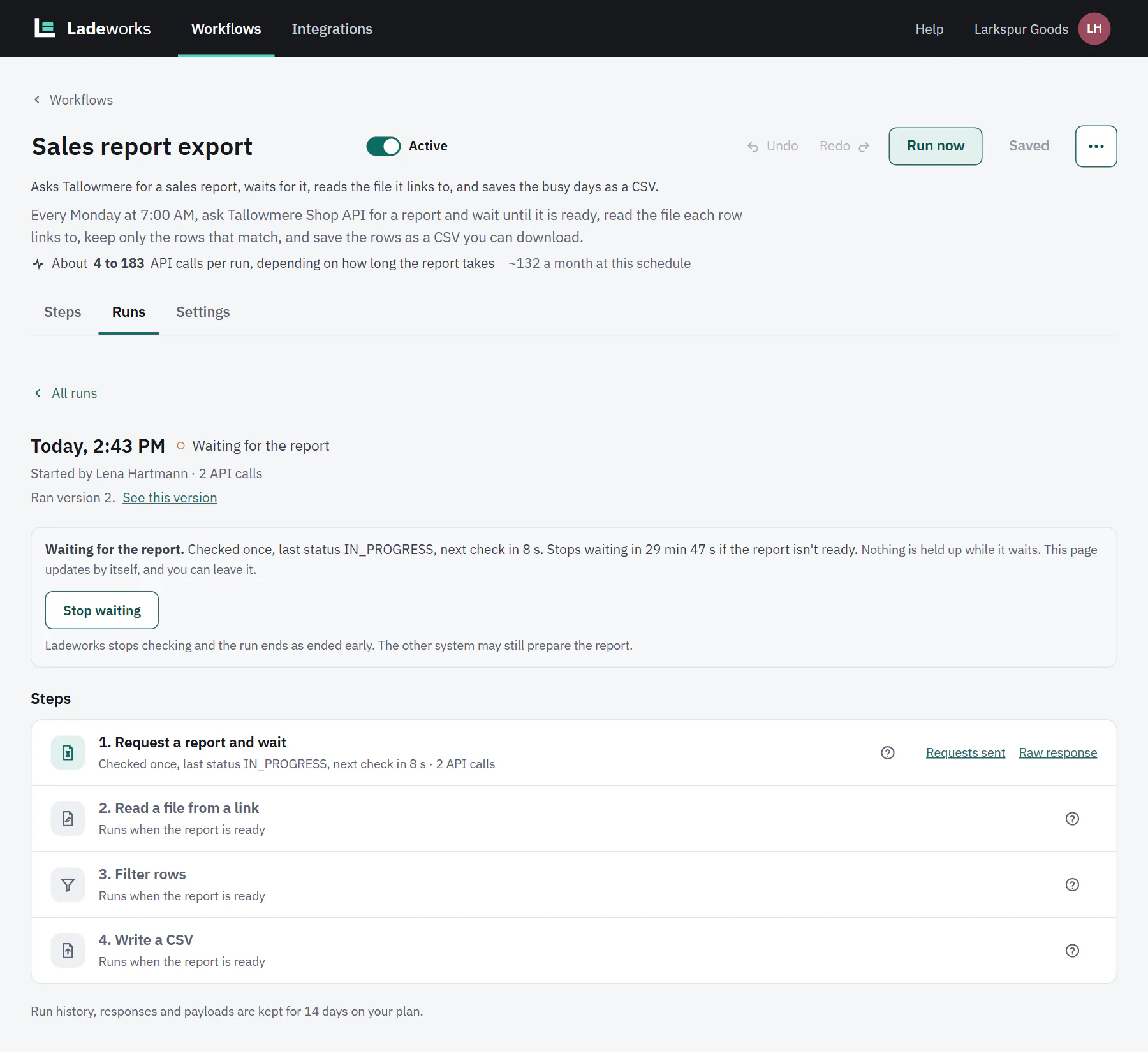 (opens the full size image in a new tab)
When it does not finish
- The give-up time passes: the run fails with "The report wasn't ready after 30 minutes. Last status: IN_PROGRESS."
- The status is one you listed under Failed when it is: the run fails and names the status and, if you set a failure message field, the reason.
- The start answer has no report id, or the check answer has no status: the run fails and says which, so you know which field to fix. Open this step goes to it.
- A rate limit or server error on a check is retried by the usual retries and counted as a check. Five in a row fail the run.
- The workflow is paused or changed, or the workspace runs out of calls, while the run waits: the run ends as ended early with a message that says so.
What it costs
The start request, each check and the optional extra request are 1 API call each. A report that is ready at the first check costs 2 calls, or 3 with the extra request. The step shows a range, for example "About 2 to 181 API calls, depending on how long the report takes", worked out from the interval and the give-up time, assuming a typical report takes about 5 minutes. After a few runs it uses what recent runs used. Checking less often costs less: every check is a call.
The worked example builds a weekly export with it.