DocsYour first workflow
Create a workflow
A workflow starts on the New workflow page with five questions. Ladeworks turns your answers into steps and opens the builder, where you check them. Nothing runs until you turn the workflow on.
These pages build one workflow from start to finish: Orders to shipments. It gets orders from an API called Tallowmere Shop API and creates a shipment for each one. Go to New workflow, or choose Create a workflow on the Workflows page.
The five questions
- Name it. Say what it does, so your team knows at a glance. For example "Paid orders to billing".
- What are you trying to accomplish? A sentence or two. It is shown at the top of the workflow, so whoever opens it later knows why it exists.
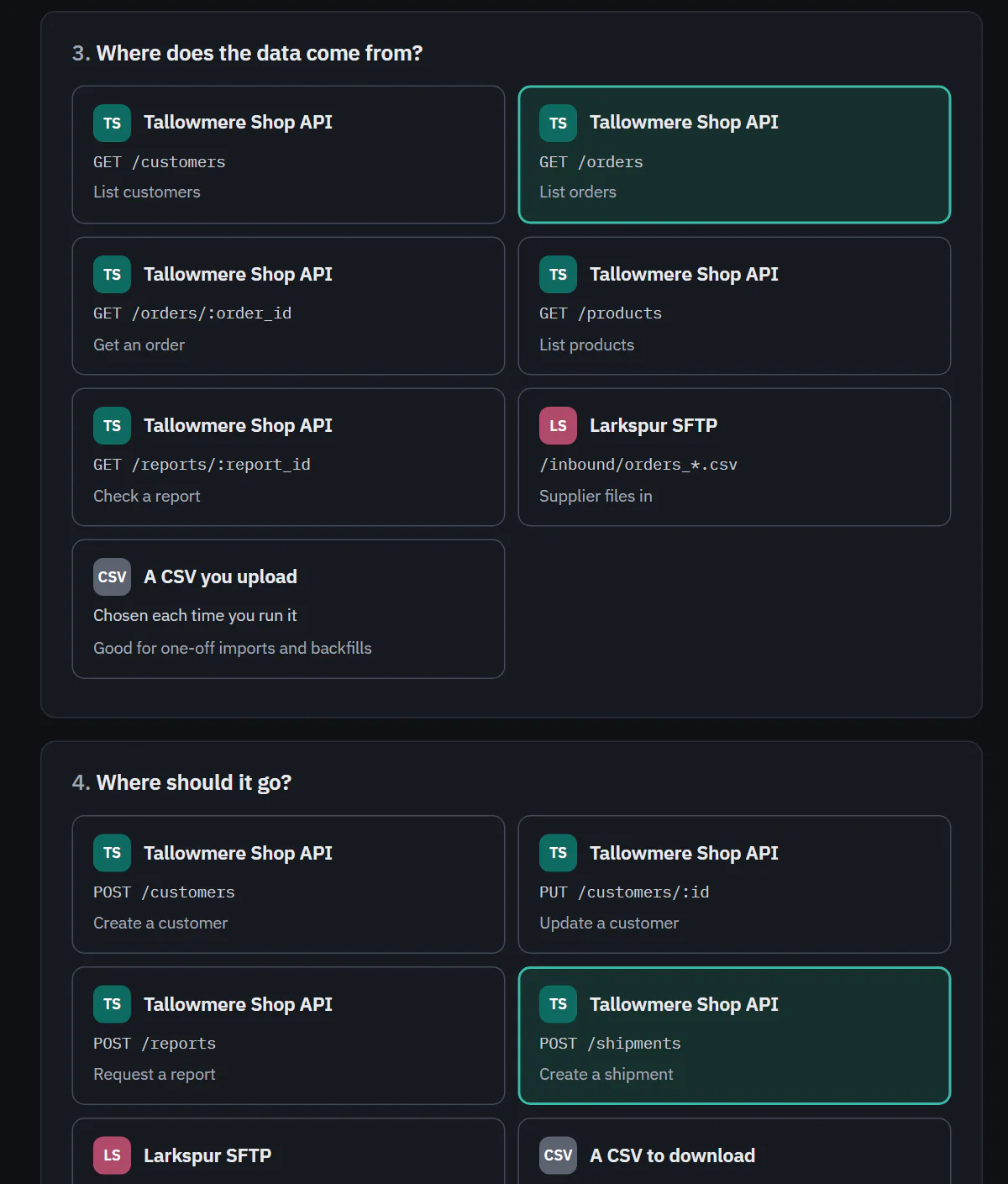
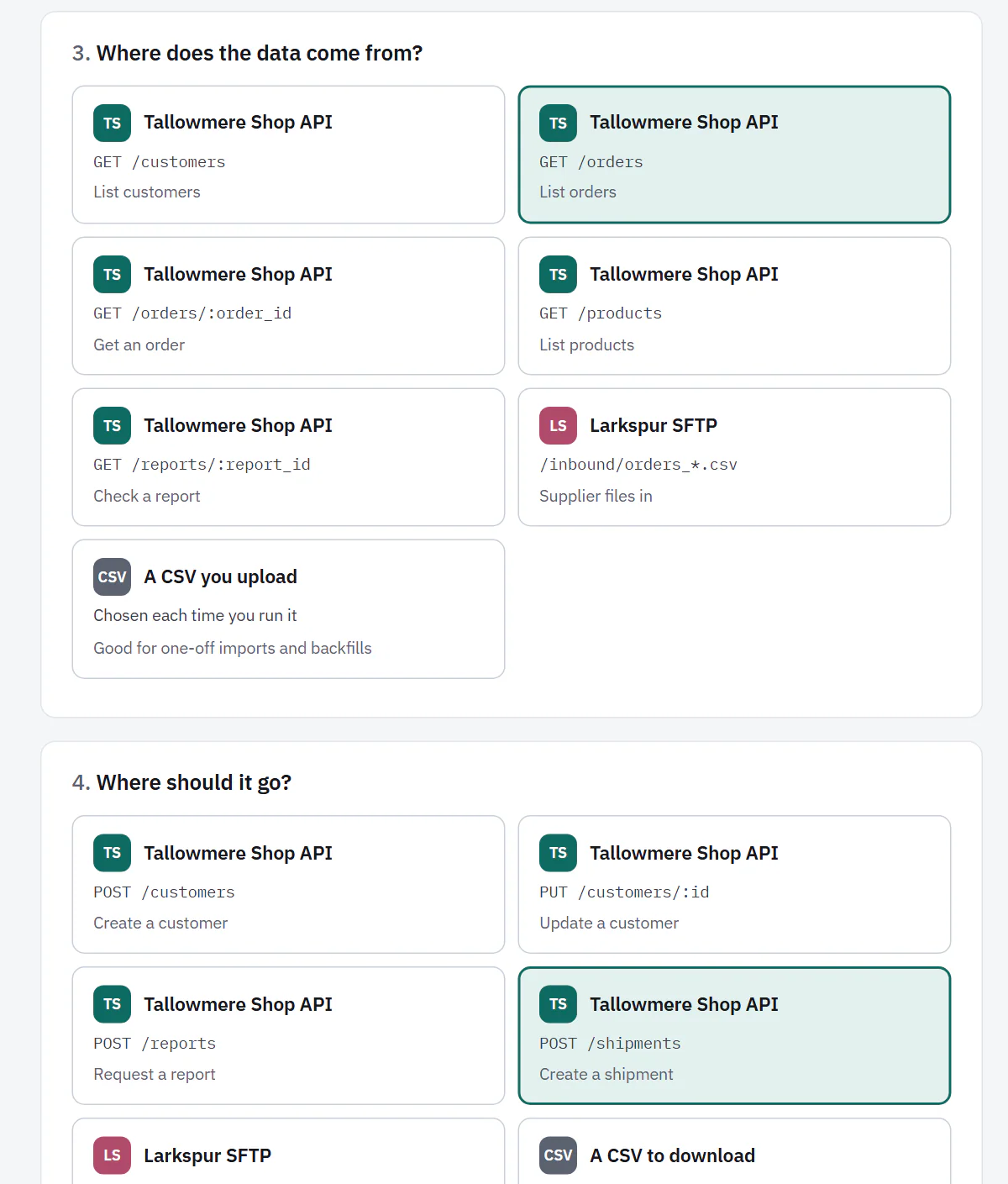
- Where does the data come from? An endpoint of a connected API, a file server folder, or A CSV you upload. Every endpoint that pulls data is a card. An integration with nothing to pick shows greyed out, with the reason.
- Where should it go? An endpoint that pushes data, a file server folder, or A CSV to download.
- When should it run? On a schedule, When a file lands, When a webhook is called or Only when someone clicks Run. Choose the last one while you test. A source of A CSV you upload always runs by hand.
Schedules are not available on Free, which run by hand only. On Starter, Pro and Business. When a file lands is only for file server sources. On Pro and Business. Webhooks start a run from your own system. On Pro and Business. Choices a plan does not have are shown with a lock and an upgrade button, not hidden.
 (opens the full size image in a new tab)
 (opens the full size image in a new tab)
The side panel: steps and cost
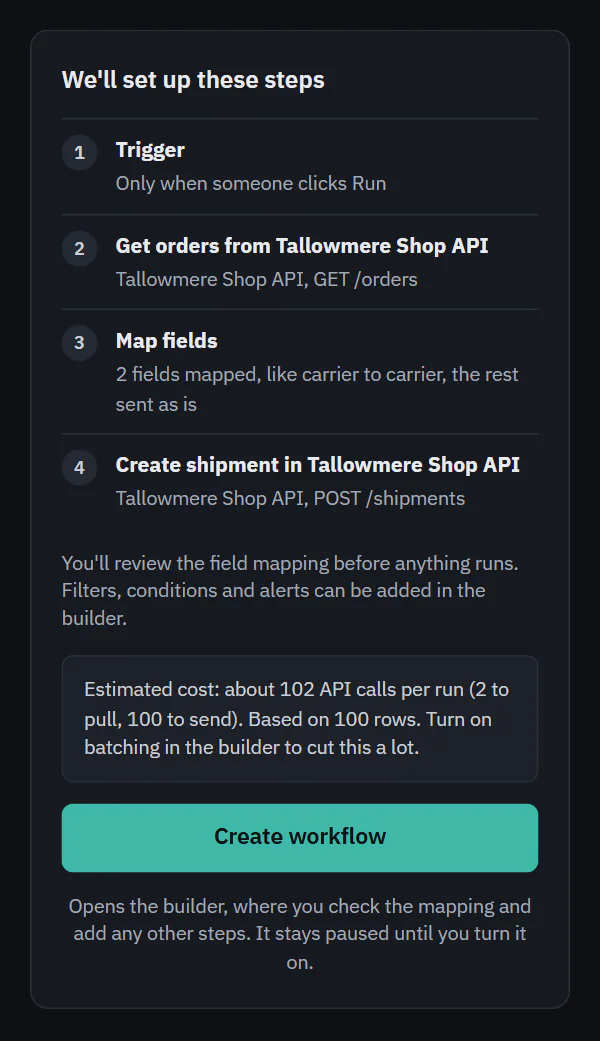
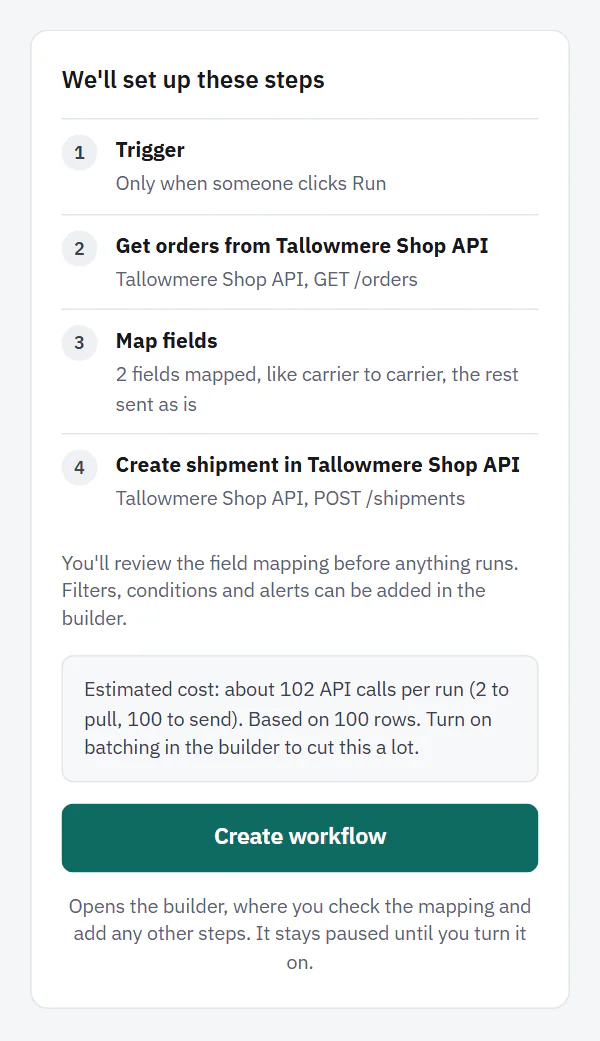
The panel on the right, We'll set up these steps, shows the steps Ladeworks will create, in order, starting with the trigger. It changes as you answer. Under it, a line says Estimated cost: about how many API calls one run will use, split into what each step needs, for example "2 to pull, 100 to send". When the workflow has never run, the estimate assumes 100 rows and says so. If batching would cut it a lot, the line says so too.
Choose Create workflow. The note under the button says what happens: "Opens the builder, where you check the mapping and add any other steps. It stays paused until you turn it on."
 (opens the full size image in a new tab)
 (opens the full size image in a new tab)
An estimate is a guess from the endpoint and from earlier runs. The usage gate counts real calls, so a real run can differ.
Starting from a details endpoint
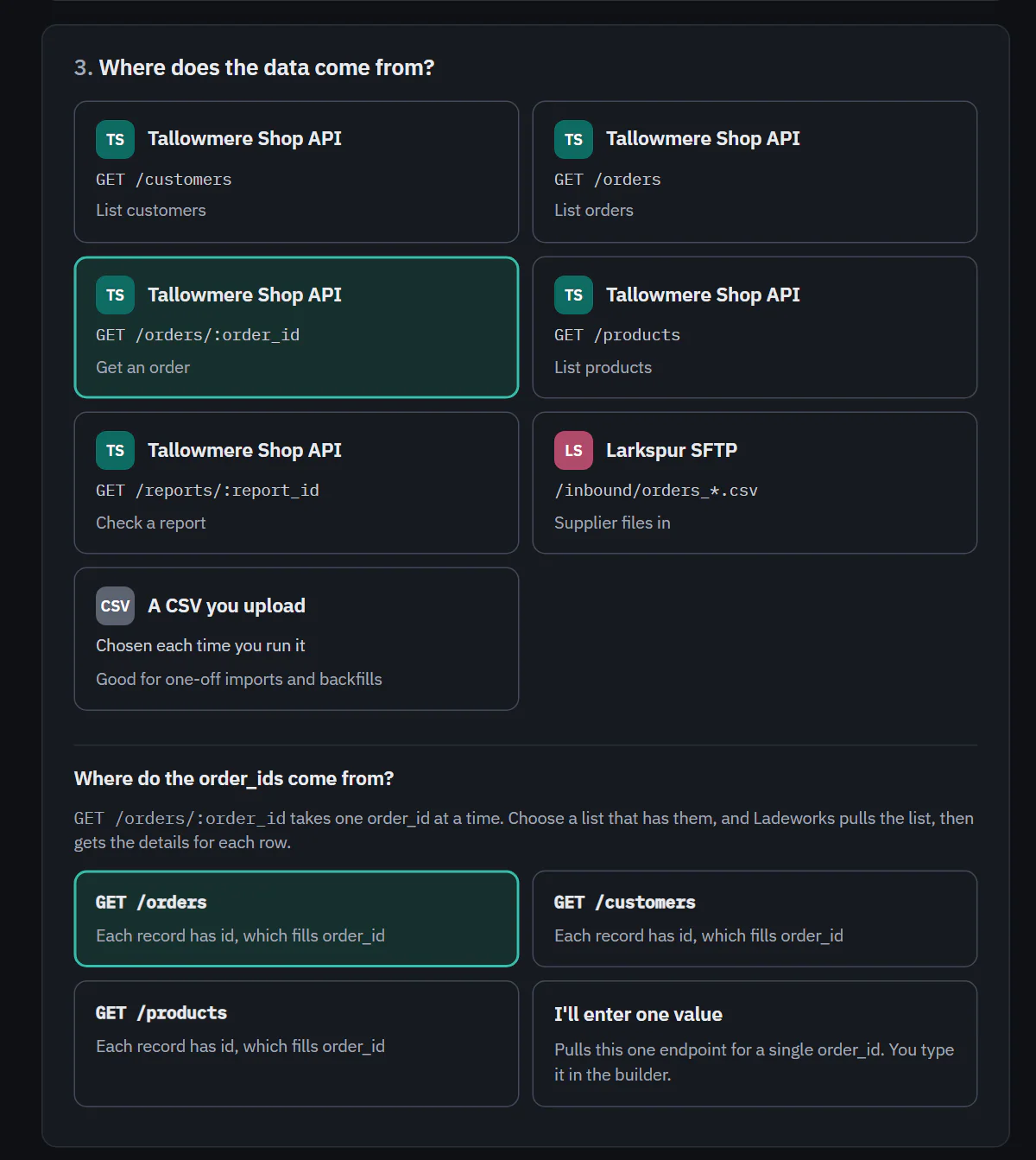
Some endpoints return one record and need a value in their address, such as GET /orders/:order_id. When you choose one as the source, a question appears under the cards: Where do the order_ids come from? (the name changes with the value the address needs, for example "slugs" for :slug).
The answers are the list endpoints of the same integration whose records have a matching field. Each says what it matches, for example "Each record has id, which fills order_id". The ones about the same thing come first, and the first is already chosen. Ladeworks then builds three steps: a Pull from the list, Get details for each row with the value filled in, and the rest of the workflow. Choose I'll enter one value instead to pull the one endpoint for a single value that you type in the builder.
If none of the other endpoints has the field, the page says so and links to the integration, where you can add a list endpoint. Get details for each row is not on Free. There the list is shown with a lock and an upgrade button, and I'll enter one value stays chosen. On Starter, Pro and Business.
 (opens the full size image in a new tab)
 (opens the full size image in a new tab)
Next: the builder.