DocsConnect an integration
Sign-in methods
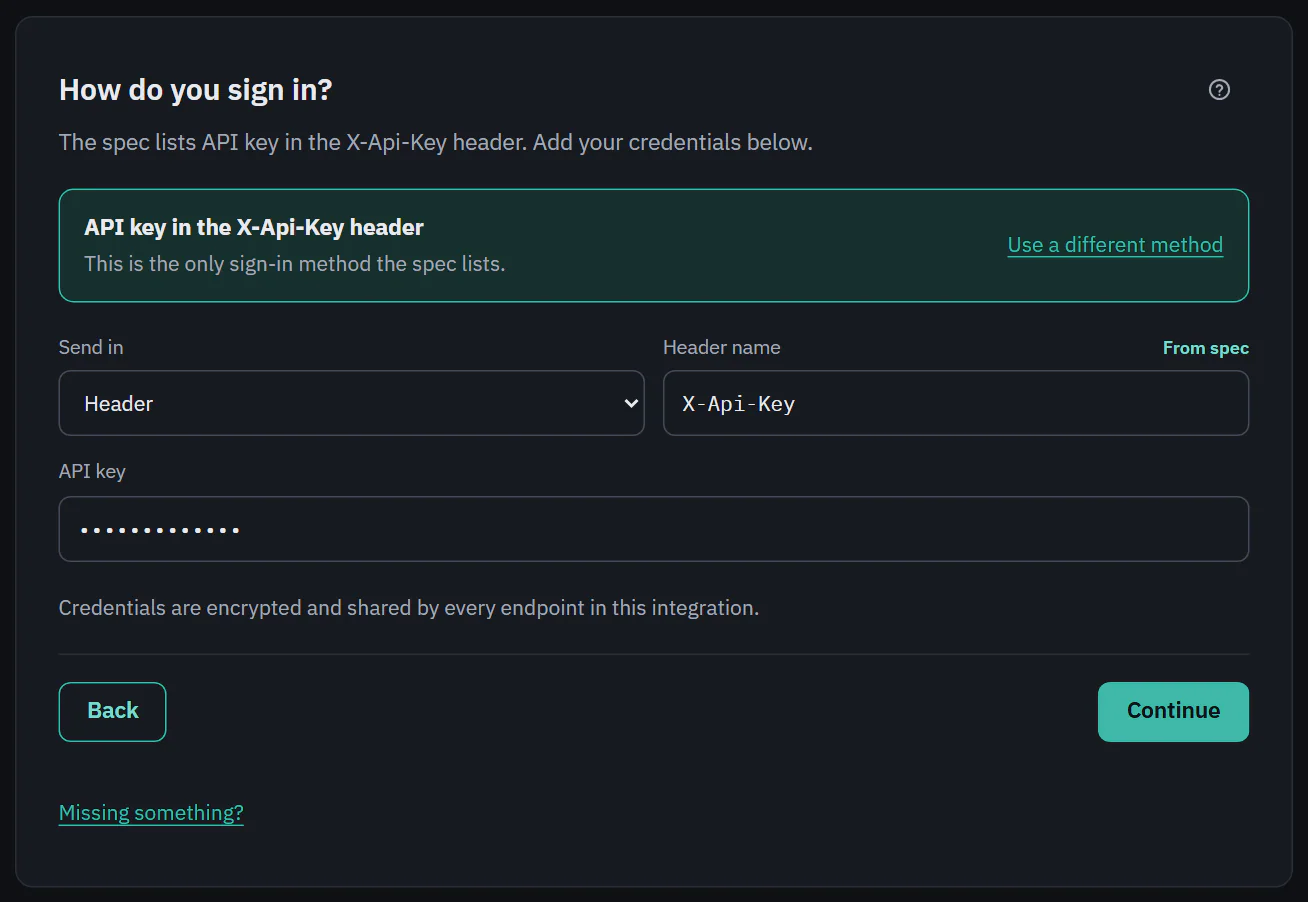
Step 3 asks how Ladeworks proves who it is. Choose the method the API uses, and Ladeworks adds the credentials to every request. They are encrypted, shared by every endpoint in the integration and never shown again in full.
What "From spec" means
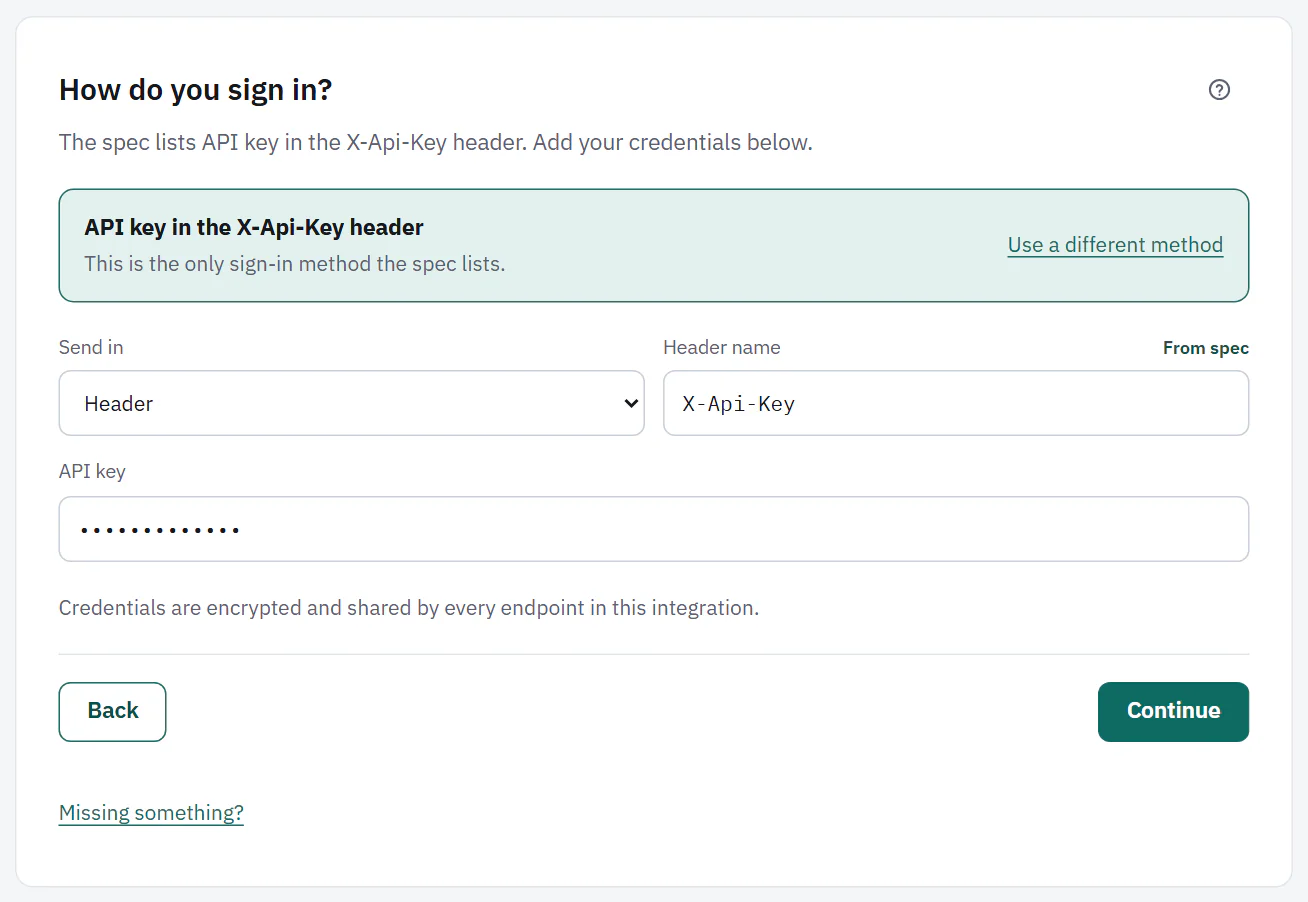
When a spec lists the sign-in method, Ladeworks fills it in and shows it as a locked card, for example "API key in the X-Api-Key header", with "This is the only sign-in method the spec lists." (or "The spec lists more than one method. This is the first."). Values the spec supplied, such as the header name or a token URL, are labeled From spec. When the sign-in came from reading docs, they say From docs instead, and a low confidence adds "and Ladeworks is not sure".
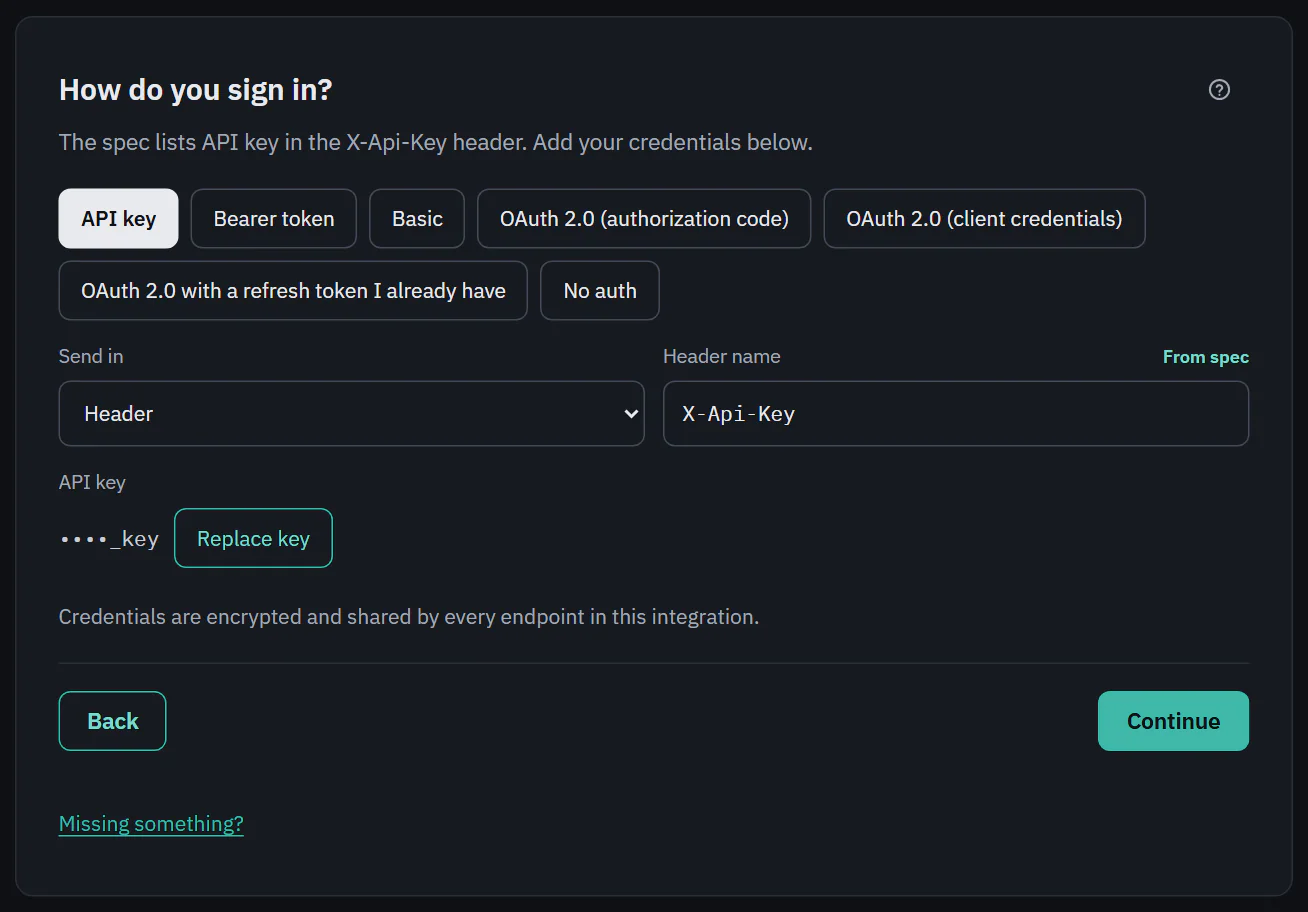
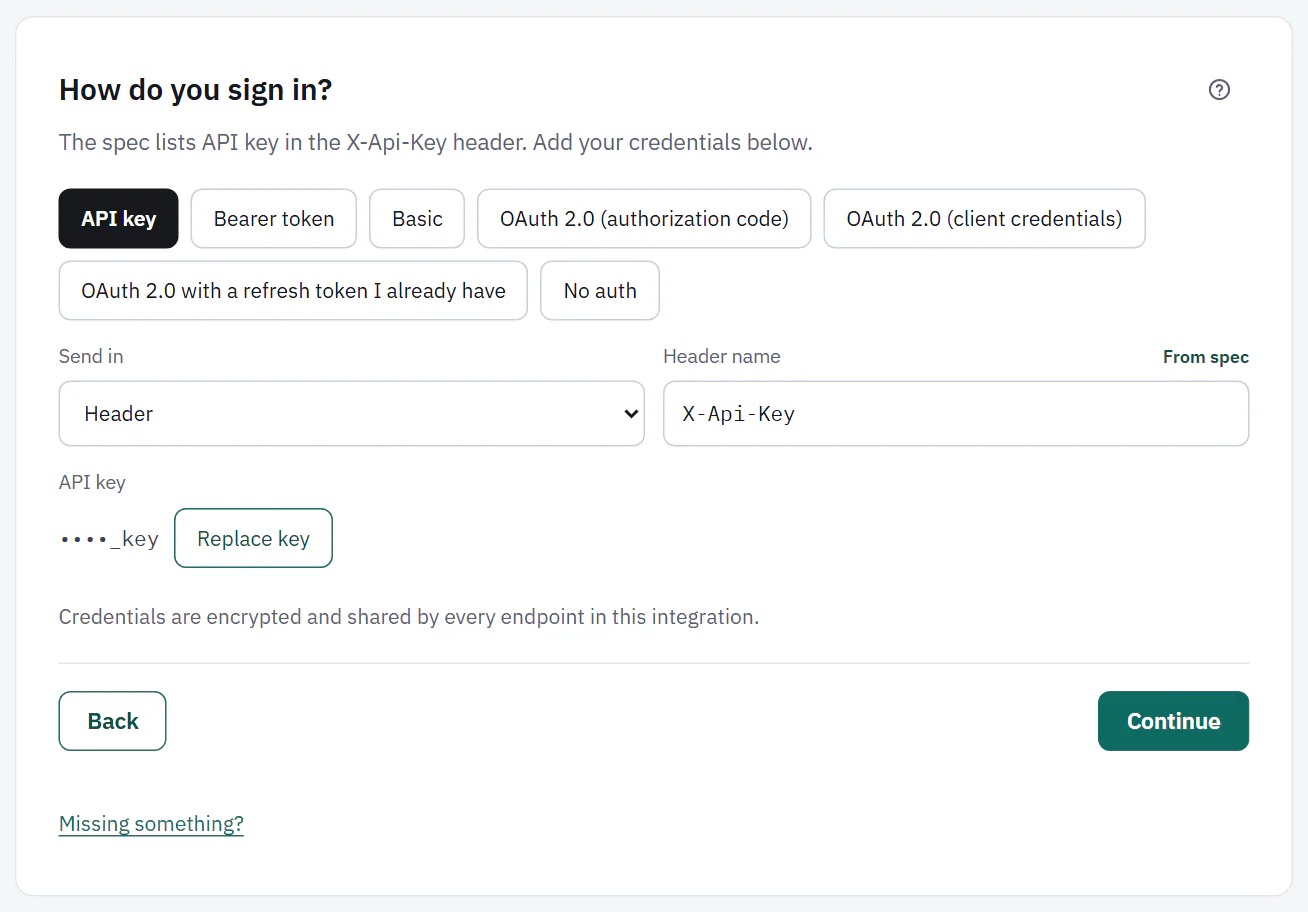
You still add the credentials yourself. If the spec is wrong, choose Use a different method to see every method. Ladeworks warns "The spec only lists" the method it found, because other methods may not work with that API.
 (opens the full size image in a new tab)
 (opens the full size image in a new tab)
 (opens the full size image in a new tab)
 (opens the full size image in a new tab)
When neither the spec nor the docs say, Ladeworks does not guess. It says so, and you choose.
API key
Choose where the key goes with Send in: Header or Query parameter. Then give the Header name (or Parameter name), such as X-Api-Key, and paste the API key. Once saved, only the end of the key shows, with Replace key to paste a new one. The old one keeps working until you save.
Bearer token
Paste the Token. Ladeworks sends it as Authorization: Bearer your token. Some APIs want it somewhere else, which the Advanced section handles (see below).
Basic
Enter the Username and Password. Ladeworks sends them as a Basic authorization header.
OAuth 2.0
There are three kinds of OAuth 2.0 sign-in.
- OAuth 2.0 (authorization code). For APIs where a person signs in and approves. Three steps: add the redirect URL shown ("Add this redirect URL to your OAuth app") to your OAuth app, enter its Client ID, Client secret, Authorization URL, Token URL and optional Scopes (optional), then choose Connect to the integration's name to sign in and approve. After that it shows Connected, with Reconnect.
- OAuth 2.0 (client credentials). For APIs that give your app its own client ID and secret. Enter the Client ID, Client secret, Token URL and optional scopes. Ladeworks gets and refreshes the access token by itself.
- OAuth 2.0 with a refresh token I already have. When an OAuth app's console gives you a refresh token. Enter the Token URL, Client ID, Client secret, Refresh token, optional scopes, and whether to send client credentials in the Request body or a Basic auth header. Ladeworks trades the refresh token for access tokens as they expire.
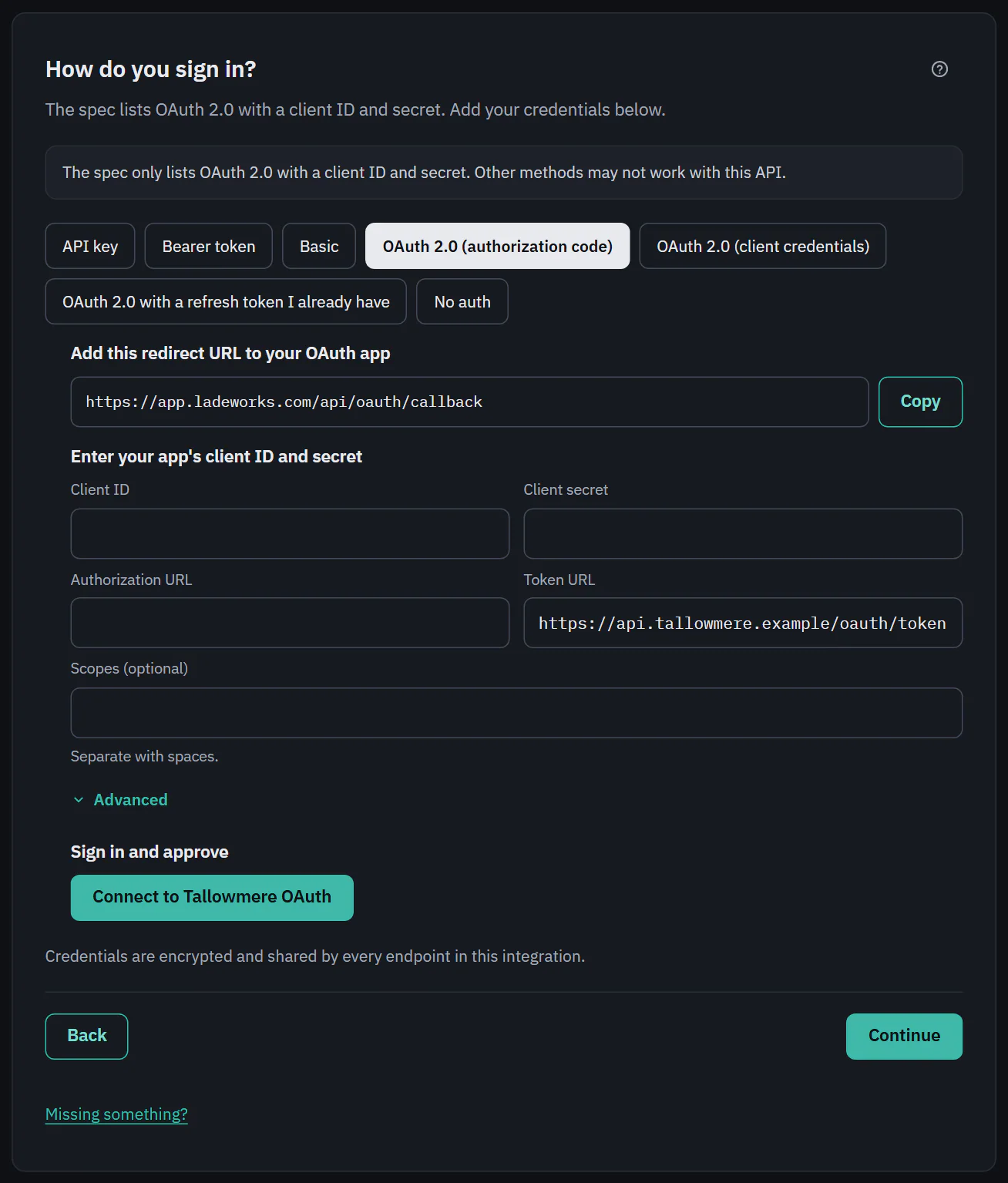 (opens the full size image in a new tab)
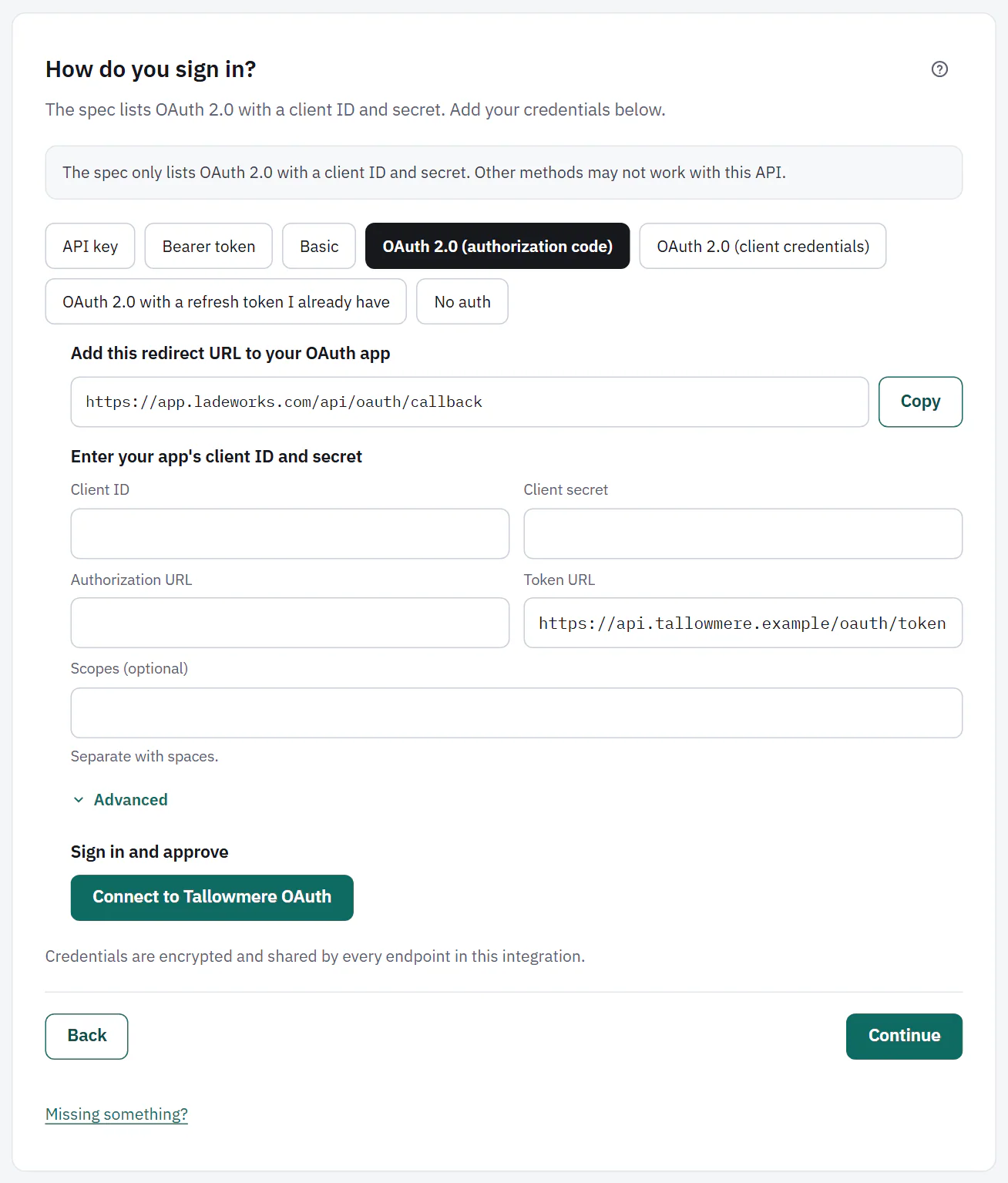 (opens the full size image in a new tab)
If a refresh fails, the integration is marked Needs attention and the usual reconnect alert goes out.
Sending the token in a custom header
A Bearer token or an OAuth access token goes in Authorization: Bearer your token unless you say otherwise. Open Advanced under the credentials to change it.
- Send the access token in is the header name, for example x-tallow-token.
- Prefix is written before the token, then a space. Leave it empty to send the token alone.
- A line shows exactly what Ladeworks will send, such as x-tallow-token: ••••.
- Header names can't contain spaces, colons or other special characters. Headers that Ladeworks or the connection sets itself, such as Host or Content-Type, are refused. If the name matches a default header you set in Advanced settings, saving is refused until one of them changes.
- The token header is treated like a credential. It is left out of downloads and run details.
- Extra parameters on the token request adds name and value pairs to every token request, for example an audience. For the authorization code kind, Extra parameters on the sign-in address does the same for the address people are sent to, for example access_type set to offline. Don't put secrets in either. Ladeworks sets parameters such as client_id and scope itself, so those can't be replaced.
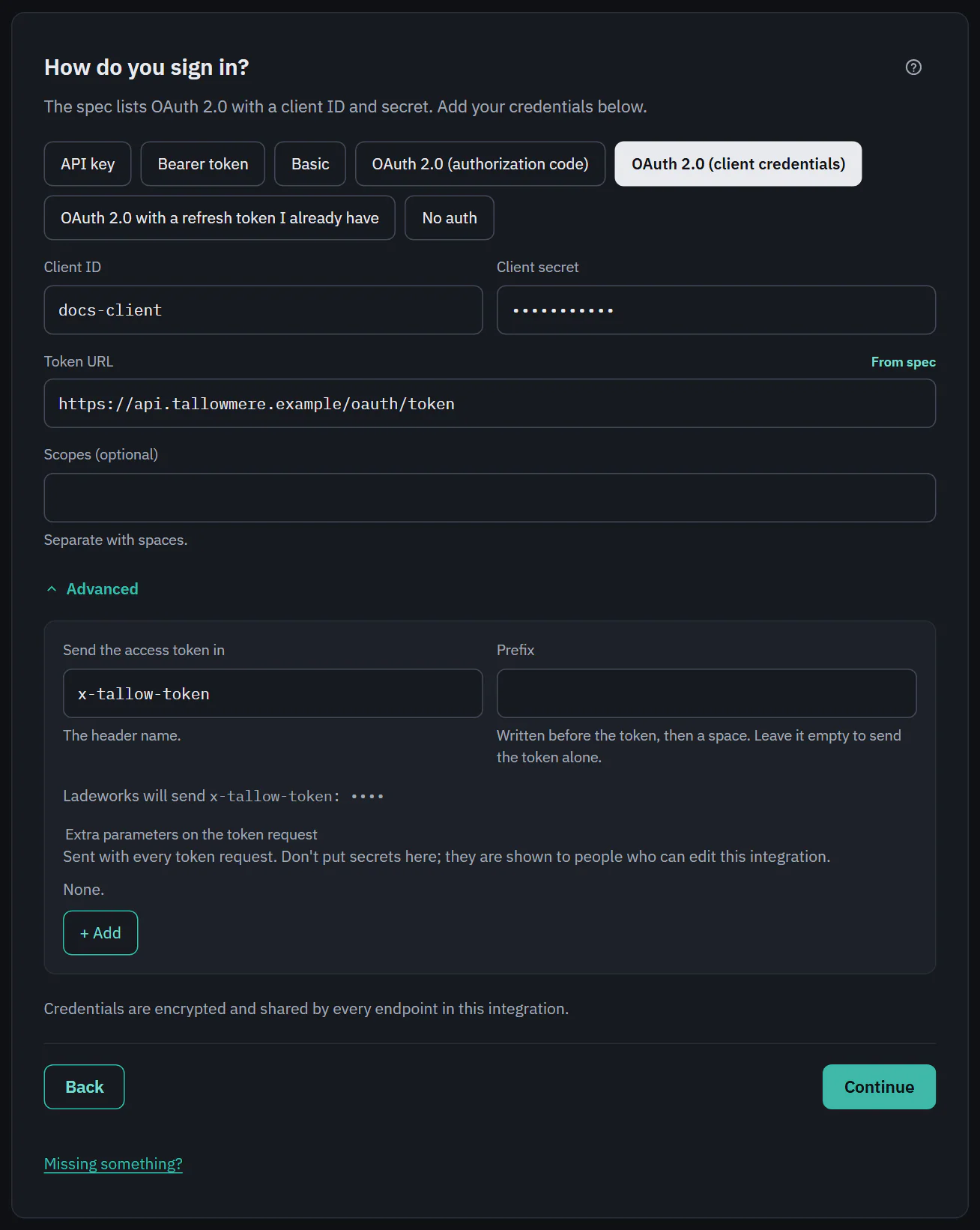 (opens the full size image in a new tab)
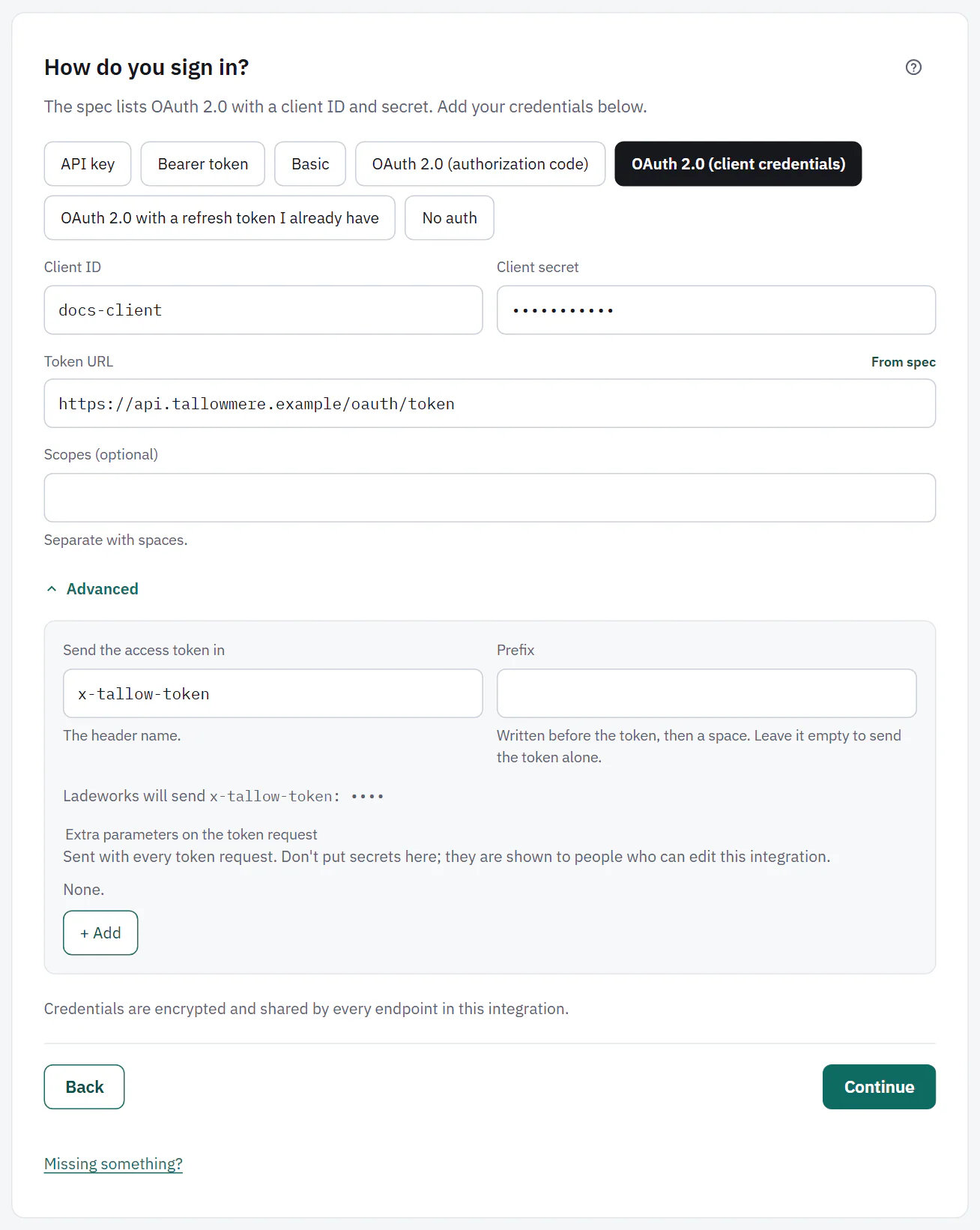 (opens the full size image in a new tab)
No sign-in
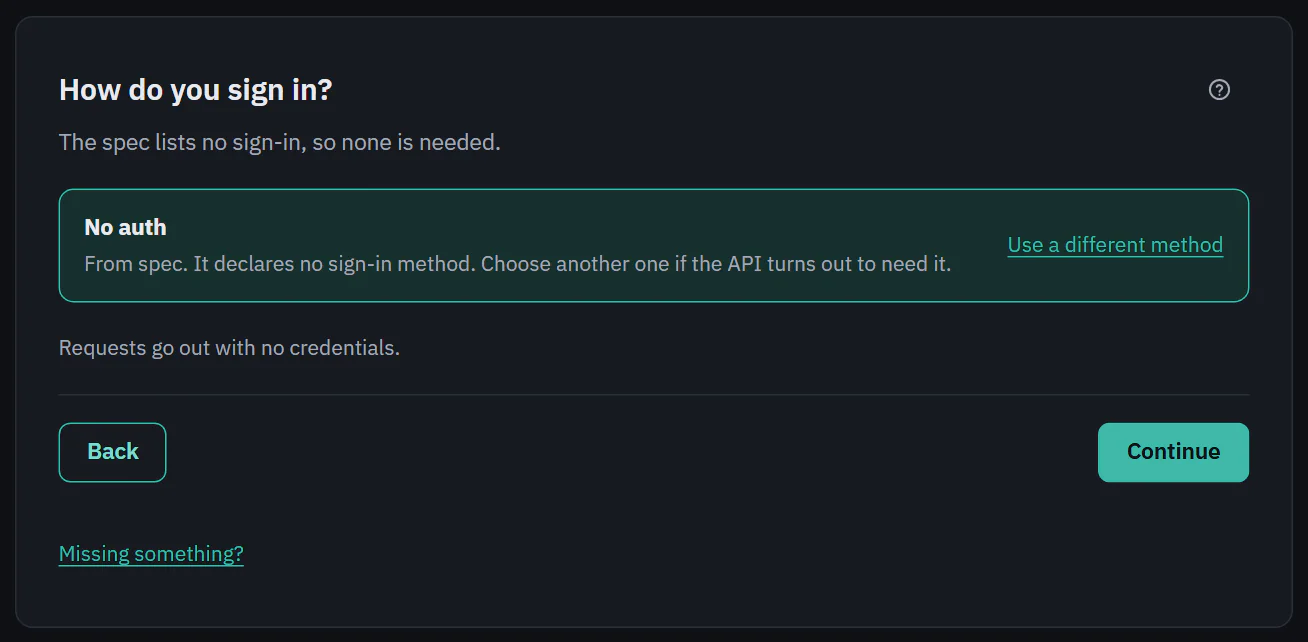
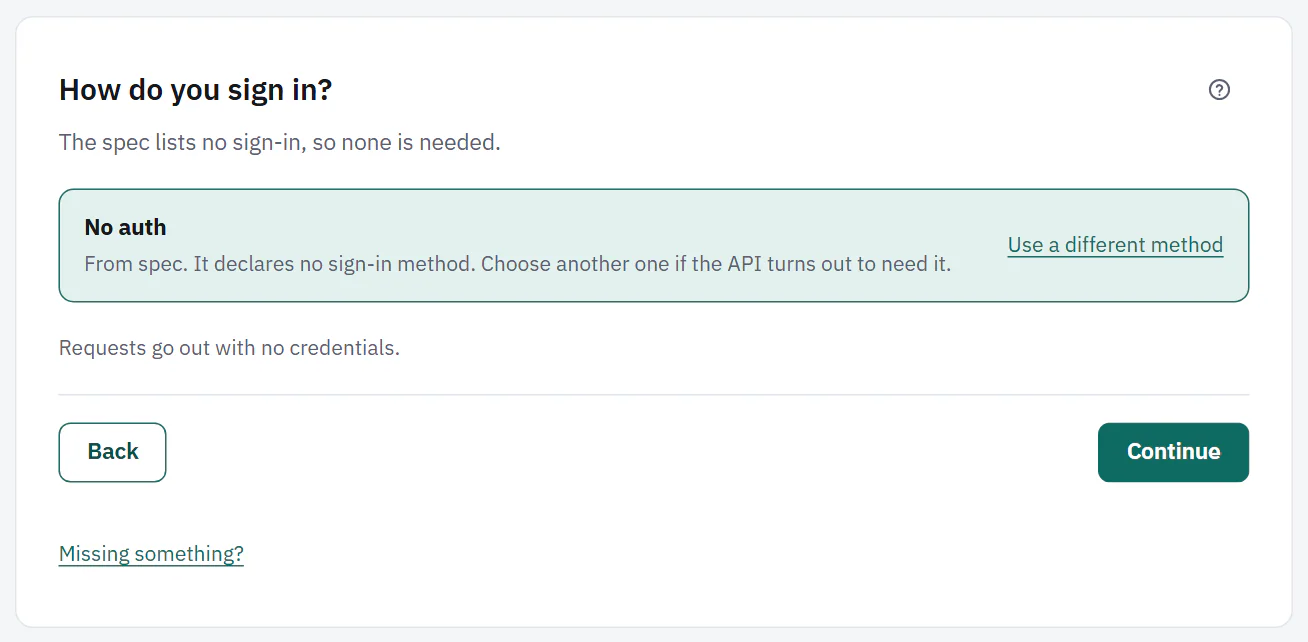
Choose No auth for an API that needs none. Requests go out with no credentials. When a spec lists no sign-in method, Ladeworks preselects it, shows "No auth" with "From spec. It declares no sign-in method.", and says "The spec lists no sign-in, so none is needed." You can still choose another method if the API turns out to need one. Docs that say no key is needed give the same result, quoting the sentence.
 (opens the full size image in a new tab)
 (opens the full size image in a new tab)
File servers have their own sign-in choices. See Connect a file server. Next: the test step.