DocsAdvanced workflows
Example: an async report export
The shop's API builds a sales report in the background. This workflow asks for last fortnight's report every Monday, waits for it, reads the file the report links to, keeps the busy days and saves them as a CSV. On Pro and Business.
Larkspur Goods is a made-up shop that sells through a made-up platform called Tallowmere Commerce. Its data and its file server run on a test machine, so nothing here touches a real system.
Build it
- Create a workflow that runs On a schedule, Weekly on Monday at 7:00 AM. Add Request a report and wait as the first step.
- Section 1, Start the report: the endpoint POST /reports, and a request body of {"report_type": "SALES_BY_DAY", "date_from": "{{ daysAgo(14) }}", "date_to": "{{ startOfToday() }}"}. Report id is in report_id.
- Section 2, Check until it's ready: the endpoint GET /reports/:report_id, sent report_id. Status is in status. Ready when it is DONE, Failed when it is FATAL, Failure message is in error. Check every 10 seconds, give up after 30 minutes.
- Section 3 stays as it is: the finished answer is the row. It has report_id, status, file_url and error.
- Add Read a file from a link, with Link field file_url and File type CSV. The builder suggests this after the report step.
- Add Filter rows: orders more than 20. Then Write a CSV as a download.
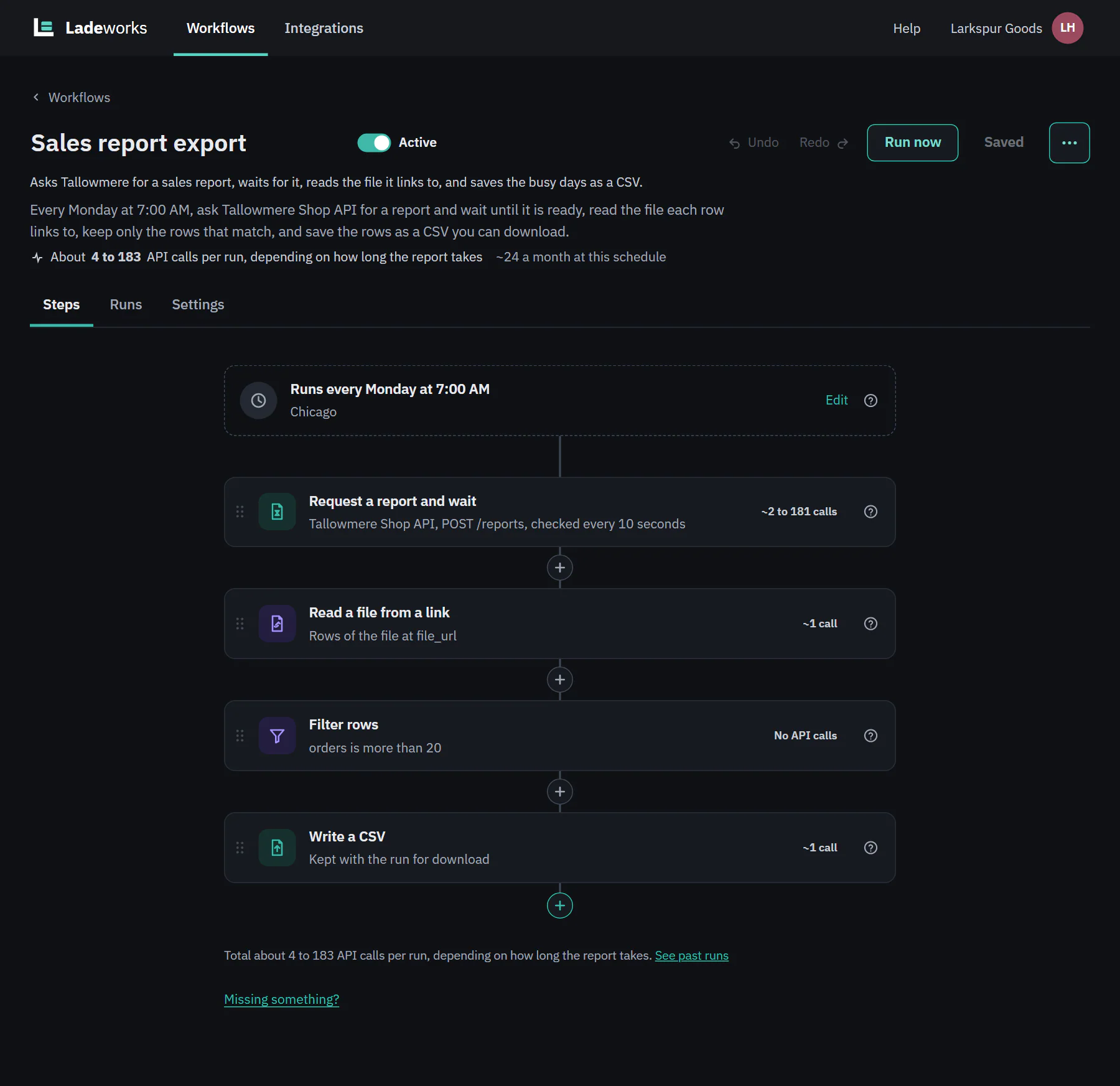 (opens the full size image in a new tab)
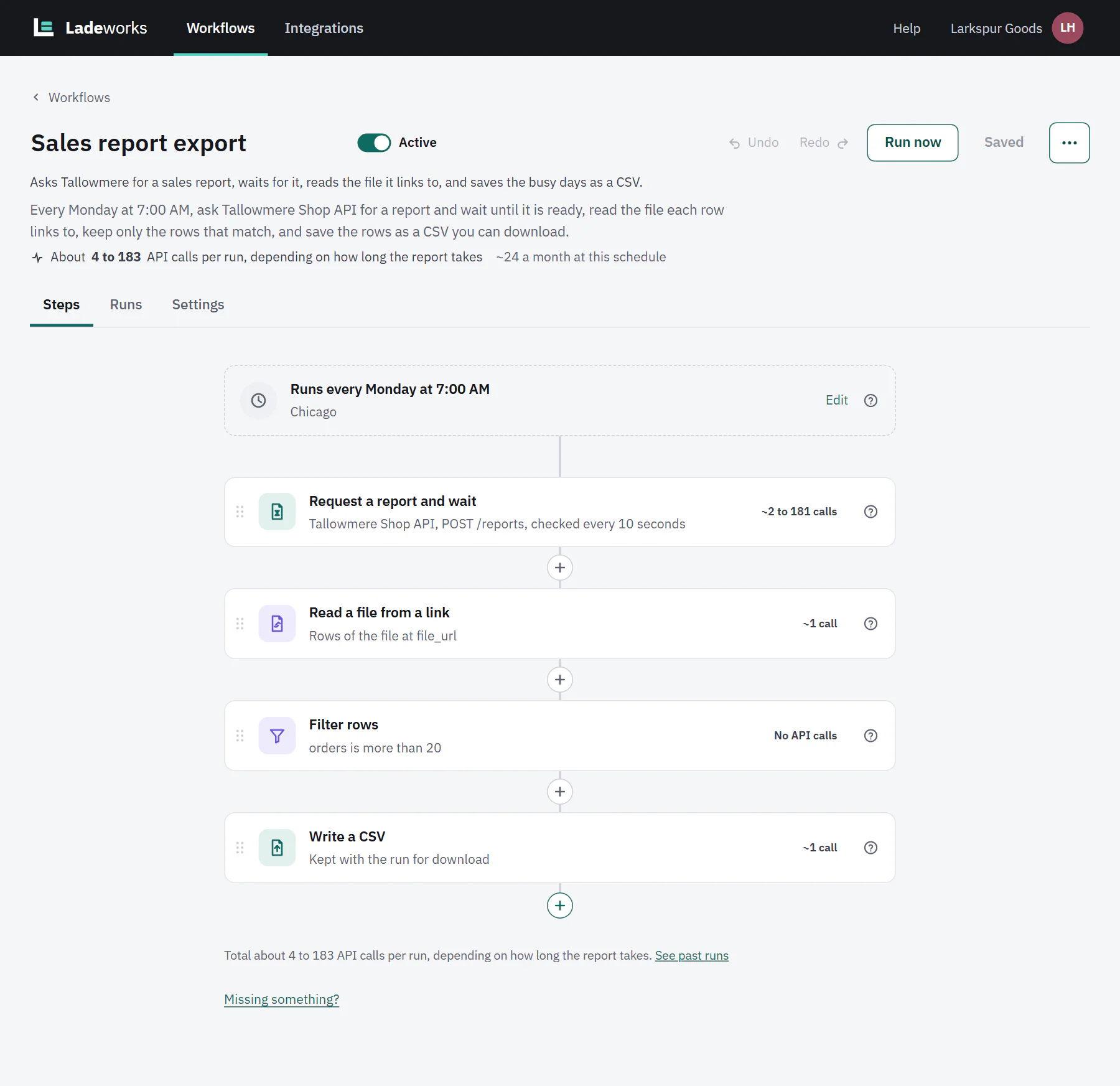 (opens the full size image in a new tab)
Details of every setting are on reports that take time and files from links.
Run it
Choose Run now. The run becomes Waiting for the report almost at once, and the later steps say they run when the report is ready (see the waiting screen on the report page). This report was ready after three checks:
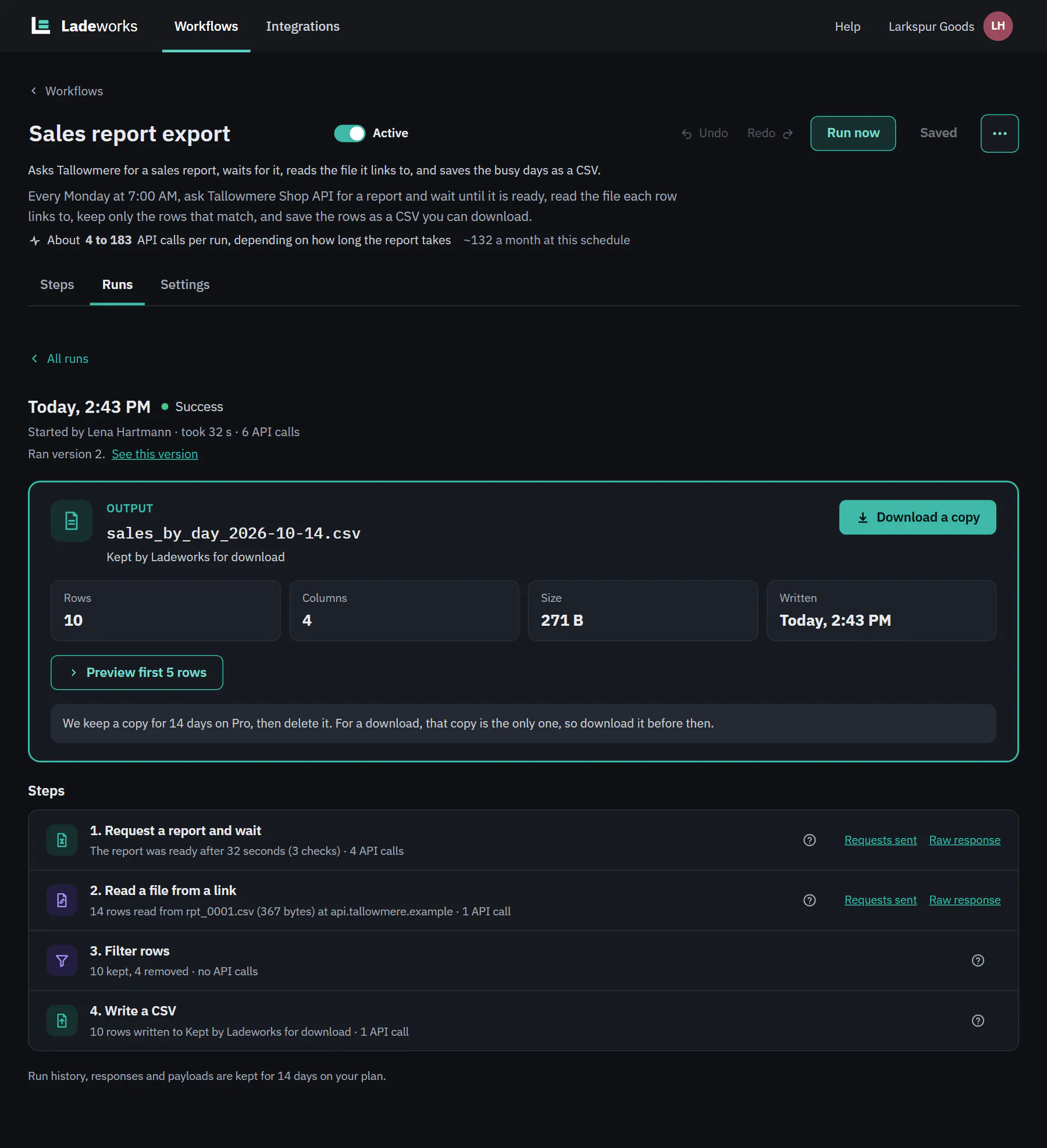 (opens the full size image in a new tab)
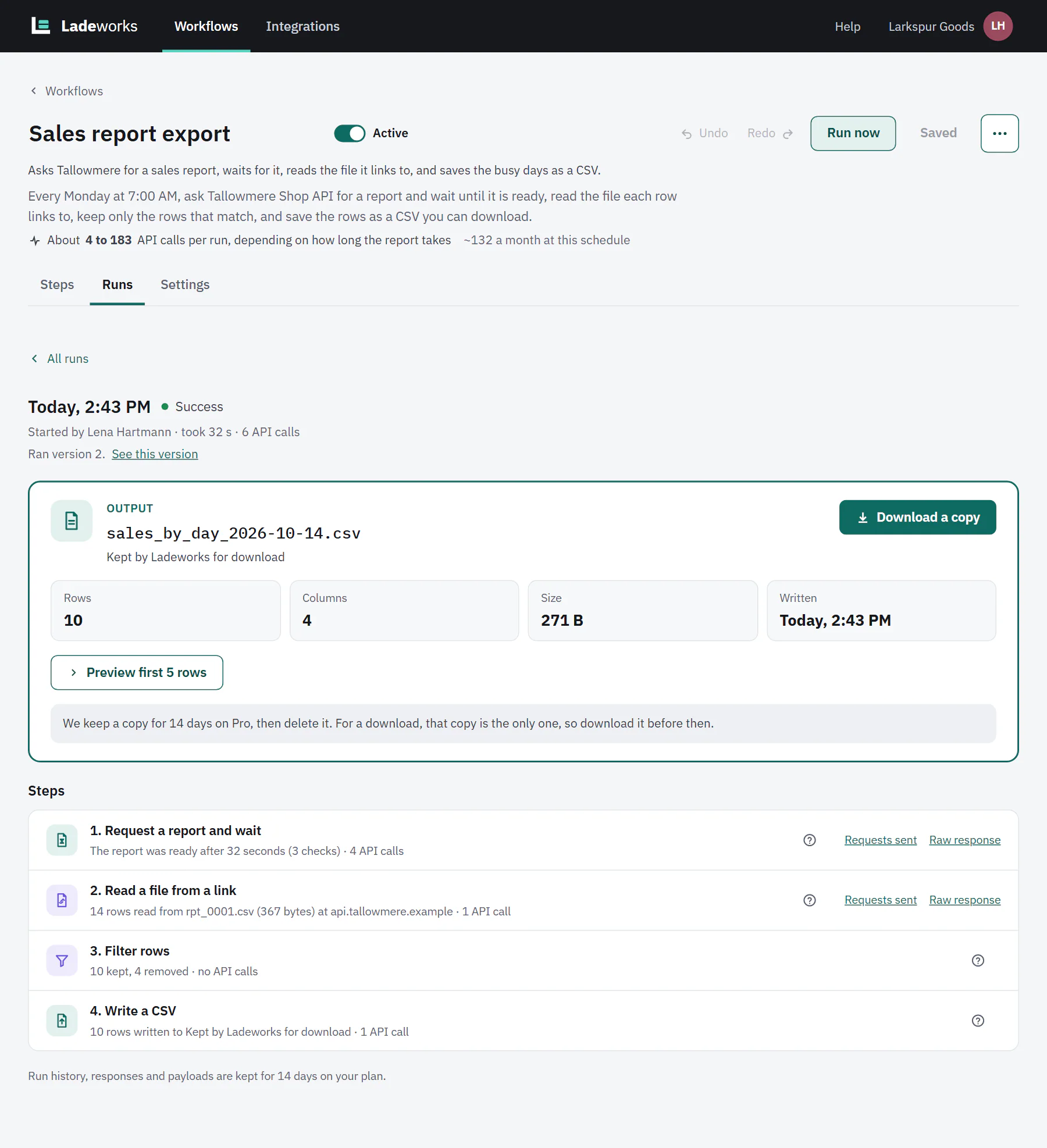 (opens the full size image in a new tab)
- Step 1 cost 4 calls: the start request and three checks. The estimate before the run said 4 to 183, because Ladeworks cannot know how long a report takes. The most it could cost is one check every 10 seconds for the whole 30 minutes.
- Step 2 read 14 rows from the file the report linked to, for 1 call. The link itself is not shown: only the host and file name.
- Steps 3 and 4 kept the 10 days with more than 20 orders and wrote them: 1 more call. In all, 6 calls.
- To spend fewer calls, check less often. A report that normally takes about 5 minutes needs far fewer checks at 1 minute than at 10 seconds.