DocsConnect an integration
The integration page
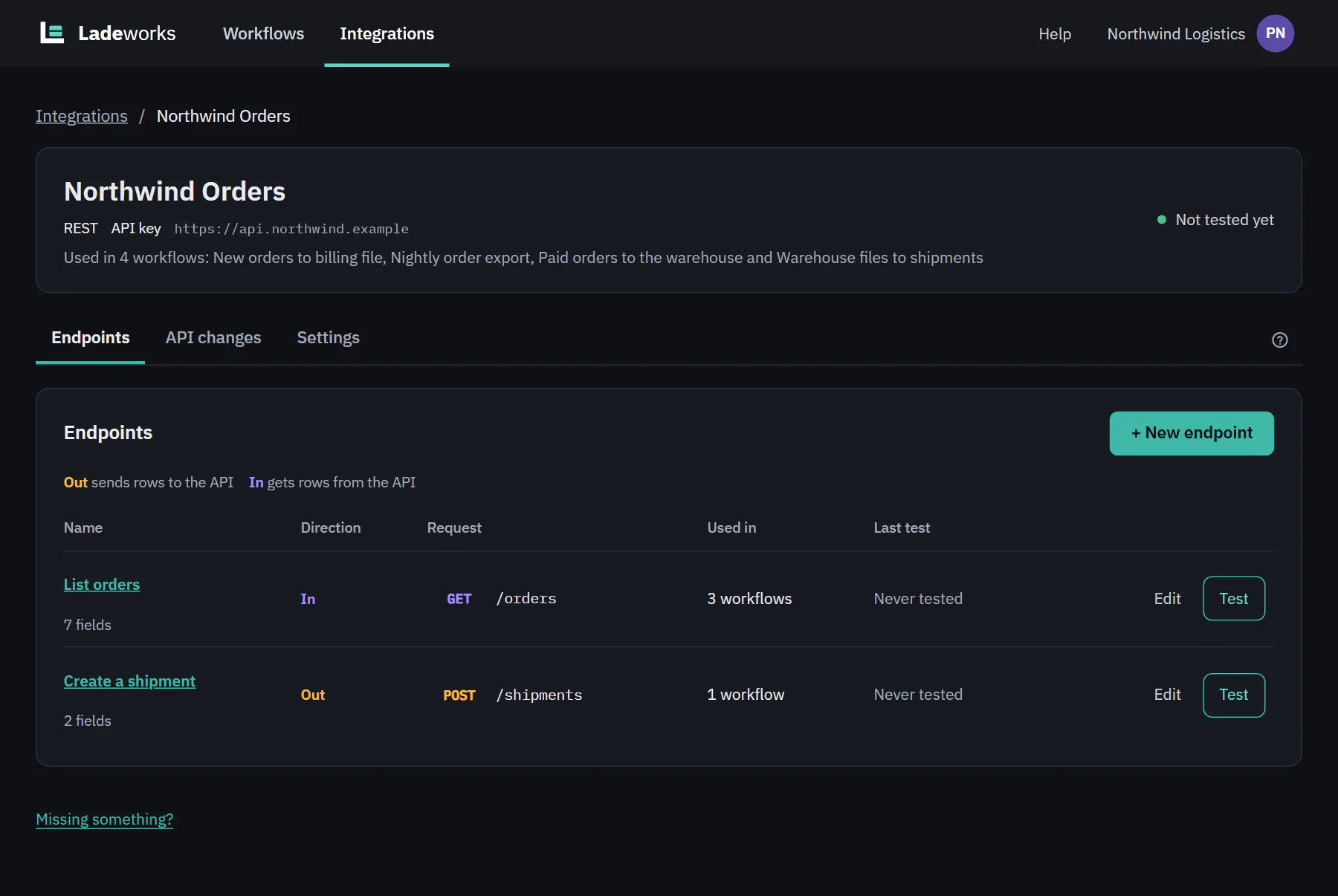
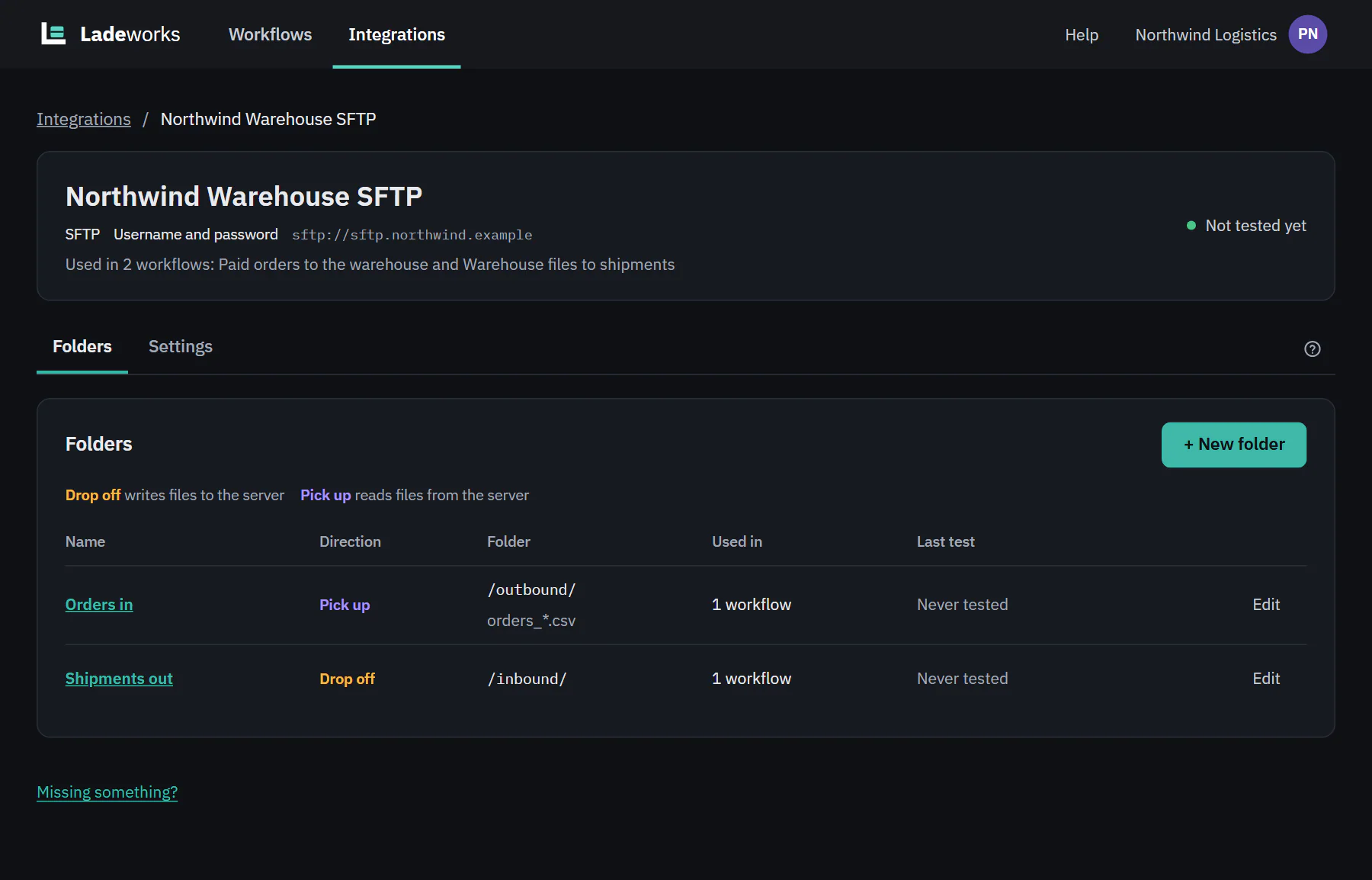
Click an integration on the Integrations page to open it. The header shows its name, what kind it is, how it signs in, its address, its status and which workflows use it. Below are tabs.
The header
- The line under the name shows the protocol (REST, SFTP and so on), the sign-in method and the address. Integrations with a pinned version show "Pinned to" the version.
- "Used in" names the workflows that use it.
- The status is a dot and a word: Connected with when it was last tested, Not tested yet, or Needs attention with the reason. A docs link goes to the API's docs.
- People who can't manage integrations see "View only".
The tabs
- Endpoints (Folders for a file server). Each endpoint with its method, path and the workflows that use it.
- API changes, for APIs only, with a count of new changes. See API changes.
- Settings. See Integration settings.
The Endpoints tab
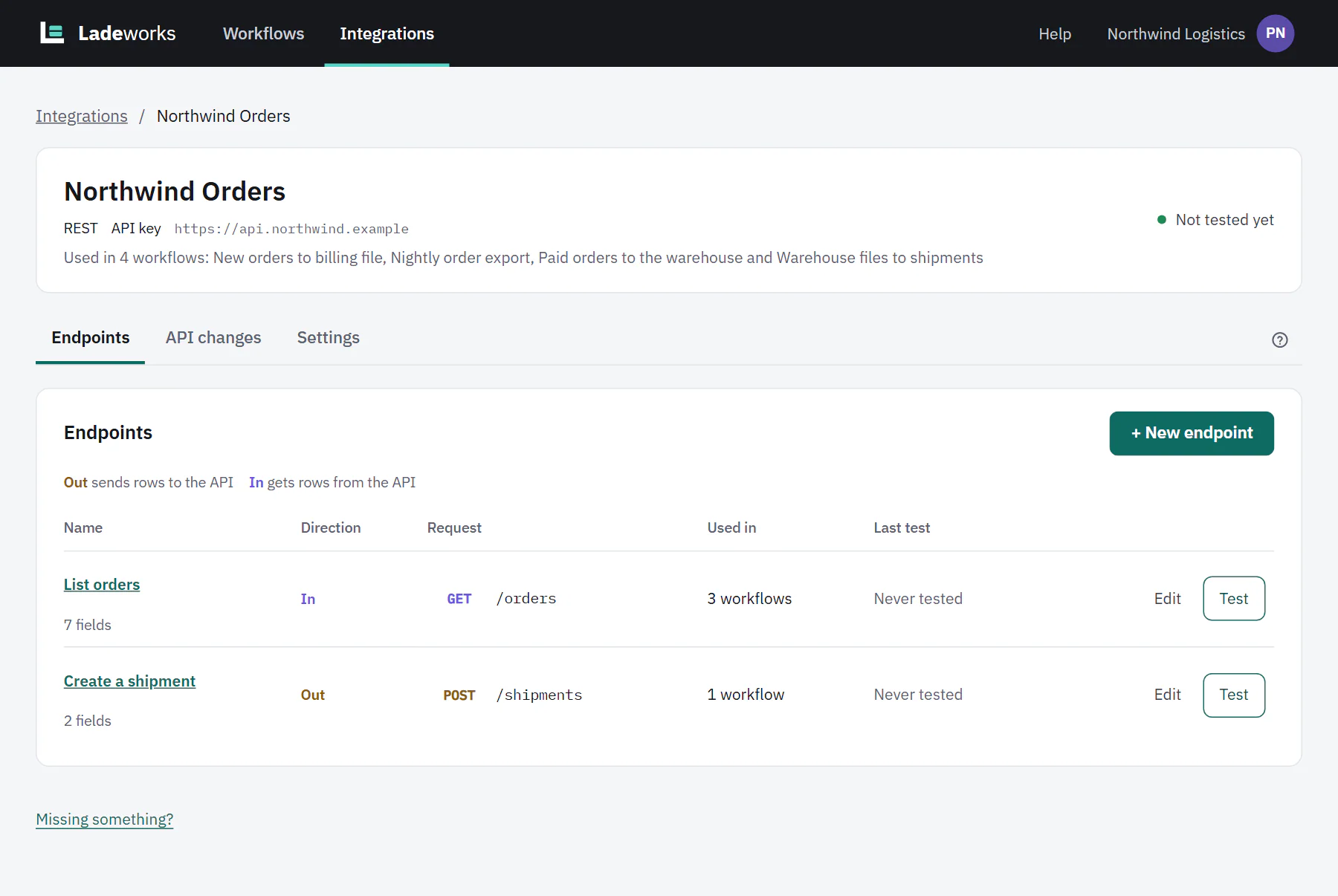
A table lists each endpoint with its Name, Direction, Request, Used in and Last test. The legend explains the directions: Out sends rows to the API, In gets rows from the API. Click a name or Edit to open the endpoint editor, Test makes a real request to check it, and + New endpoint adds one. The field count under the name is request and response fields together. "Not used yet" means no workflow uses it. See The endpoint editor.
 (opens the full size image in a new tab)
 (opens the full size image in a new tab)
The Folders tab
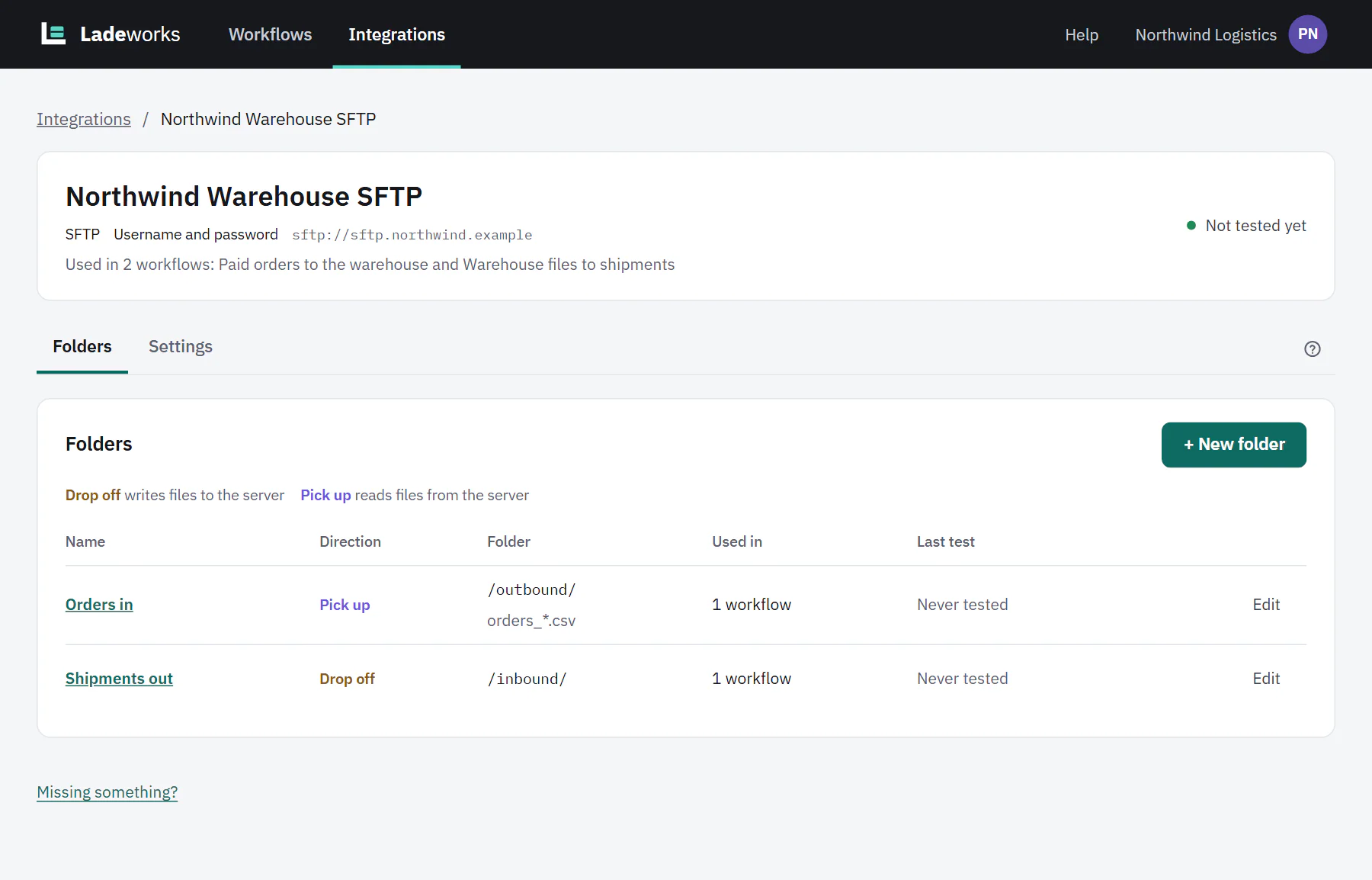
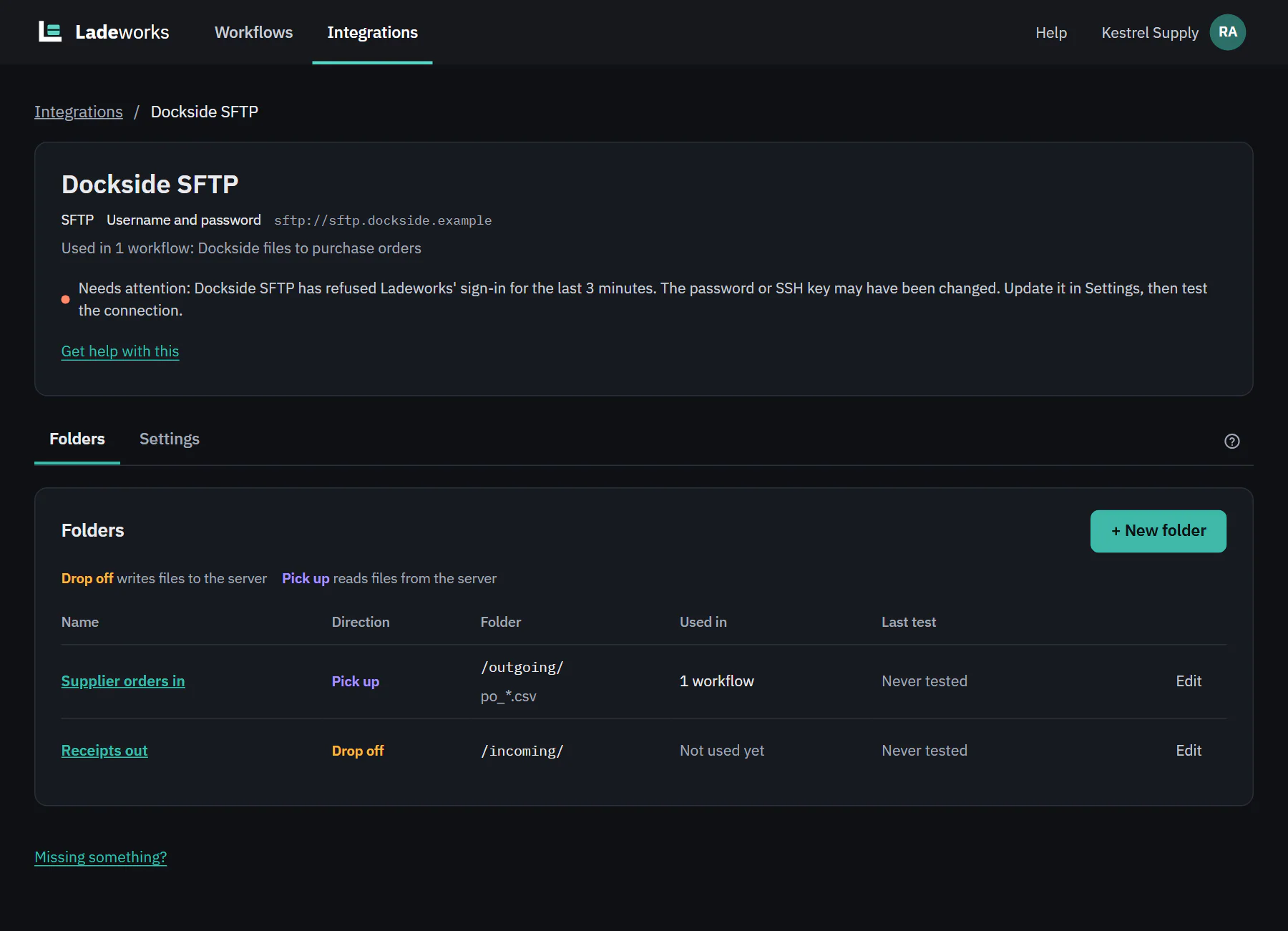
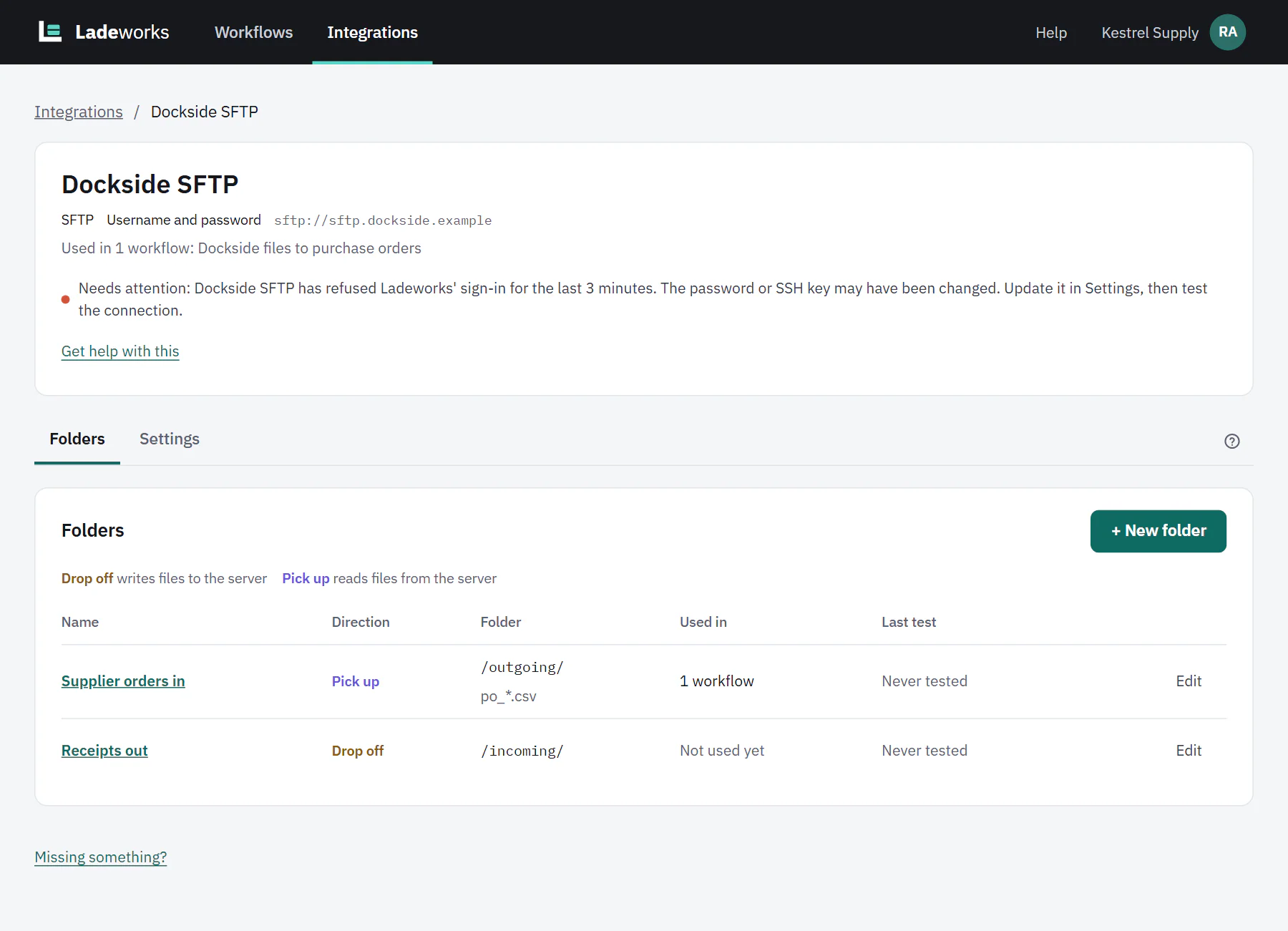
For a file server the tab is Folders. The legend reads Drop off writes files to the server and Pick up reads files from the server. The table shows each folder's name, direction, path and file pattern, and the workflows that use it. + New folder adds one. A file server has no API changes tab.
 (opens the full size image in a new tab)
 (opens the full size image in a new tab)
When an integration needs attention
Ladeworks marks an integration Needs attention when it can no longer use it, and says why. Workflows that use it show the problem too, and the reconnect alert goes out once, not on every attempt.
For a file server, every sign-in counts: runs, folder checks and listings. After 3 refused sign-ins in a row over at least 2 minutes, the status turns to Needs attention, with a reason such as "has refused Ladeworks' sign-in for the last 3 minutes. The password or SSH key may have been changed. Update it in Settings, then test the connection." One or two failures change nothing. The first sign-in that works clears it. A changed fingerprint sets it at once, and stays until you confirm it.
For an API, a refused token or key can do the same.
To fix it, open Settings, update the credentials under Authentication, and choose Test connection. Get help with this opens the support form with the integration attached.
 (opens the full size image in a new tab)
 (opens the full size image in a new tab)