DocsUsage and billing
Canceling
Owners and Admins can cancel in the app. The plan stays active until the end of the period you have paid for, there is no refund, and you will not be charged again. On Starter, Pro and Business.
Cancel is for Starter and Pro. A custom plan is managed with you, so the page shows Talk to us instead.
How to cancel
- In Plan and billing, under Billing, choose Cancel subscription. It is a quiet text button. The lowest plan's card on the plans page does the same.
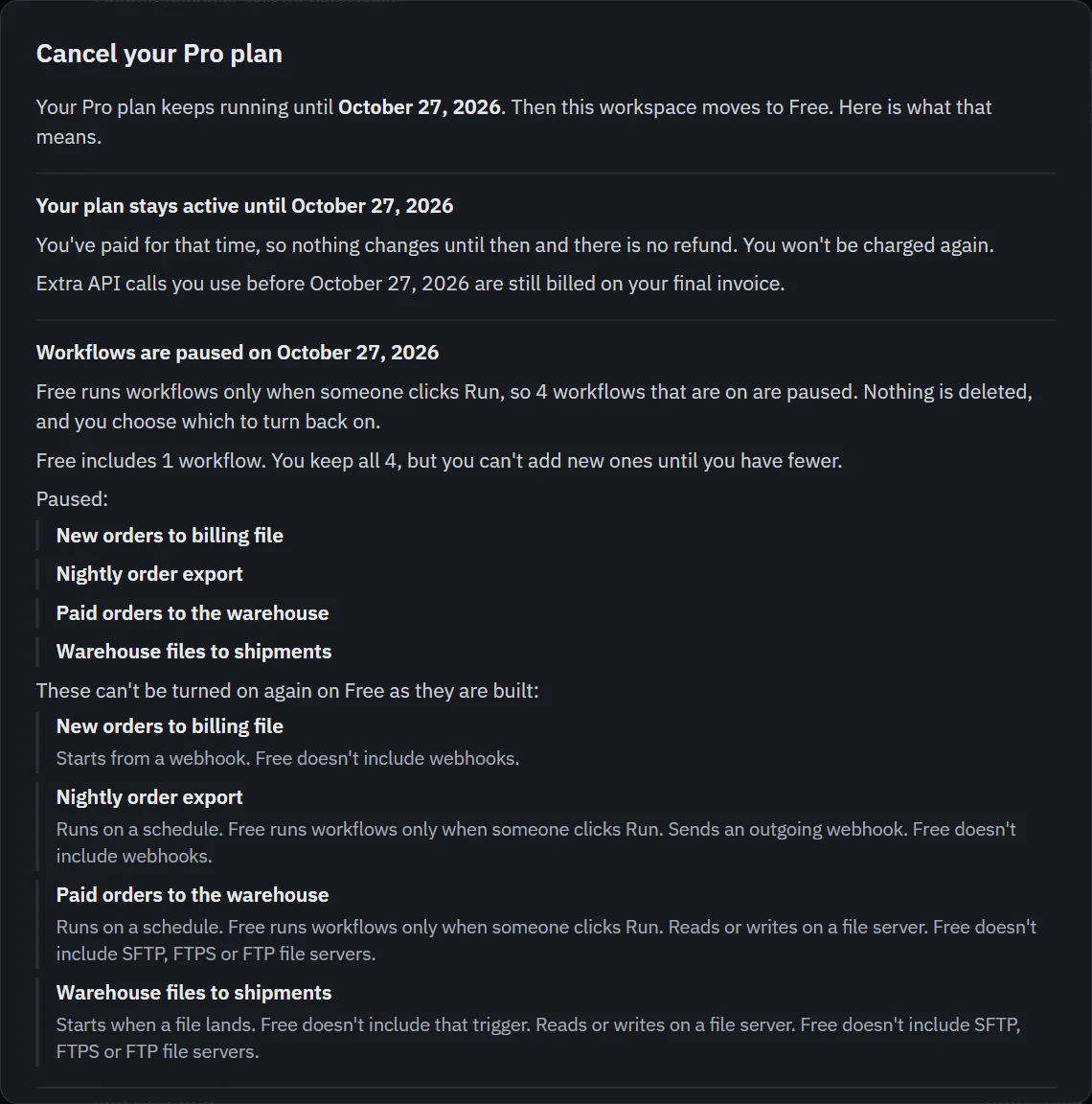
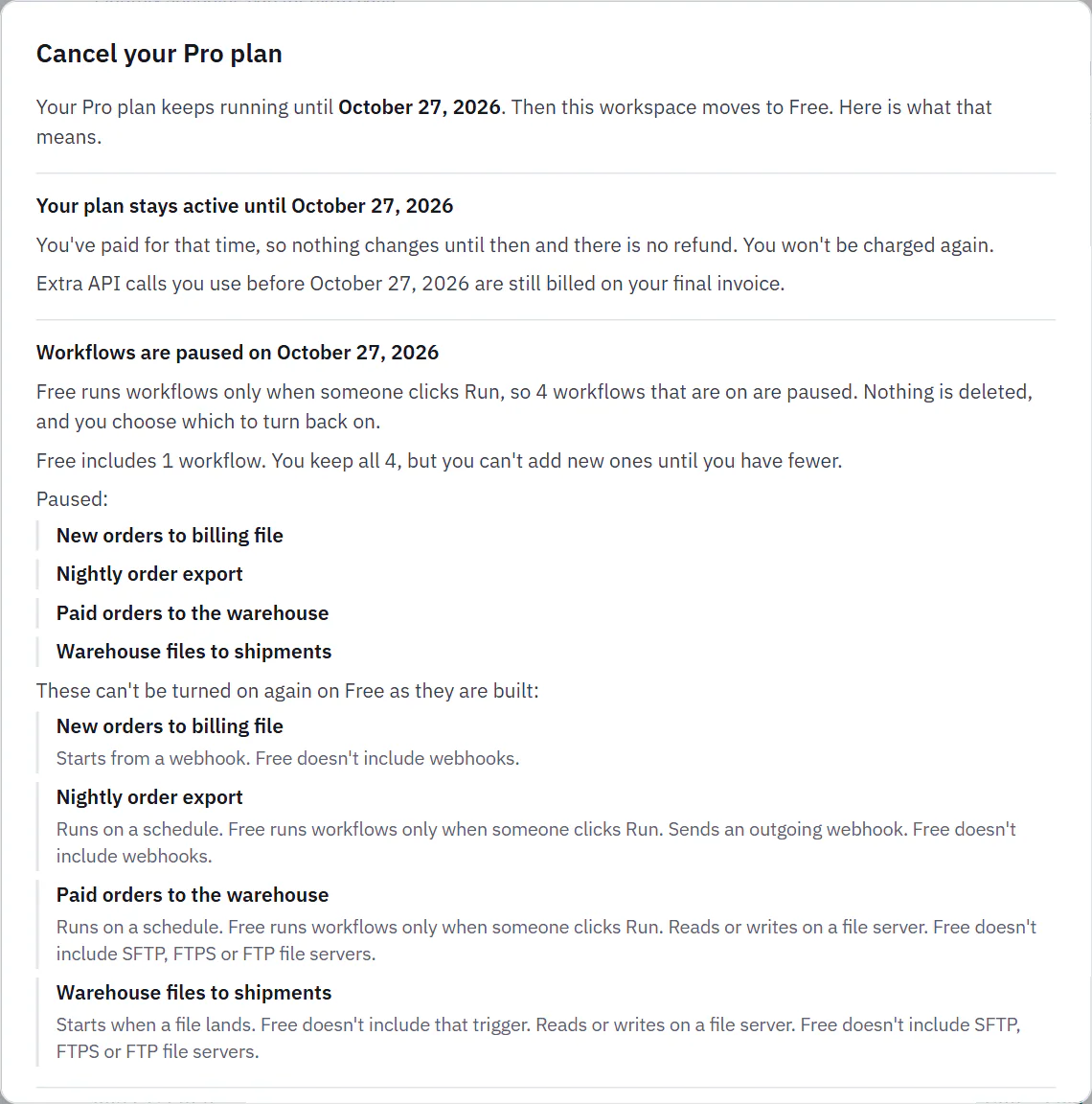
- Read the dialog, "Cancel your plan". It is worked out from your real workspace, so the names and numbers are yours.
- Optionally say why in "Why are you leaving?" and add a note of up to 500 characters.
- Choose Cancel subscription, or Keep my plan to close the dialog.
 (opens the full size image in a new tab)
 (opens the full size image in a new tab)
What the dialog says
- Your plan stays active until the date. Extra API calls you use before then are still billed on your final invoice.
- Workflows are paused on that date. Every workflow that is on is listed by name. Nothing is deleted. The lowest plan runs workflows only when someone clicks Run, and it includes 1 workflow. You keep all your workflows but cannot add more until you have fewer. Workflows that cannot be turned on again as built are listed with the reason (a schedule, a file or webhook trigger, an outgoing webhook, a file server, more than 4 steps, or a step the plan lacks).
- Integrations beyond the lowest plan. Nothing is deleted, and your oldest one keeps working. Workflows that use the others cannot run until you upgrade or remove integrations.
- What stops. Add-ons end with the plan, with their count and monthly amount. Team alerts to Slack and Discord stop, and email alerts keep working.
- API calls. The lowest plan includes 100 a month counted by calendar month. Calls you use in the month your plan ends count toward that, so workflows may not be able to run until calls reset on the 1st.
- Run history gets shorter. History is kept 14 days on your plan and 3 on the lowest plan. Nothing is deleted before the end date. After that, the daily clean-up deletes runs older than 3 days, and the dialog says how many runs that is today.
Until the end date
Plan and billing and the plans page show a gray note: "Your plan ends on" and the end date, then "After that this workspace is on Free." with Keep my plan. The subtitle says "ends" and the date instead of "renews". Everything keeps working. Choose Keep my plan, or choose a plan on the plans page, to undo it. Add-ons stay locked until you do. We also email the billing email with what happens and how to undo it.
At the end
On the end date the workspace moves to the lowest plan. Every workflow that was on is paused with the status "Paused: plan ended". Nothing is deleted. The final invoice includes any extra calls. You choose which workflows to turn back on, and those must fit the plan you have then. A paused workflow shows "Your paid plan ended, so this workflow was paused. Nothing was deleted. Turn it on when it fits your plan." Workflows stay paused until you turn them on, even if you upgrade again.
To come back, upgrade from the plans page as you did the first time. See Workflow statuses.