DocsShaping data
Split a list into rows
Turns each item of a list into its own row, with the other fields of the row copied onto it. An order with three line items becomes three rows. It makes no API calls, and it counts toward a plan's step limit.
A list of records
 (opens the full size image in a new tab)
 (opens the full size image in a new tab)
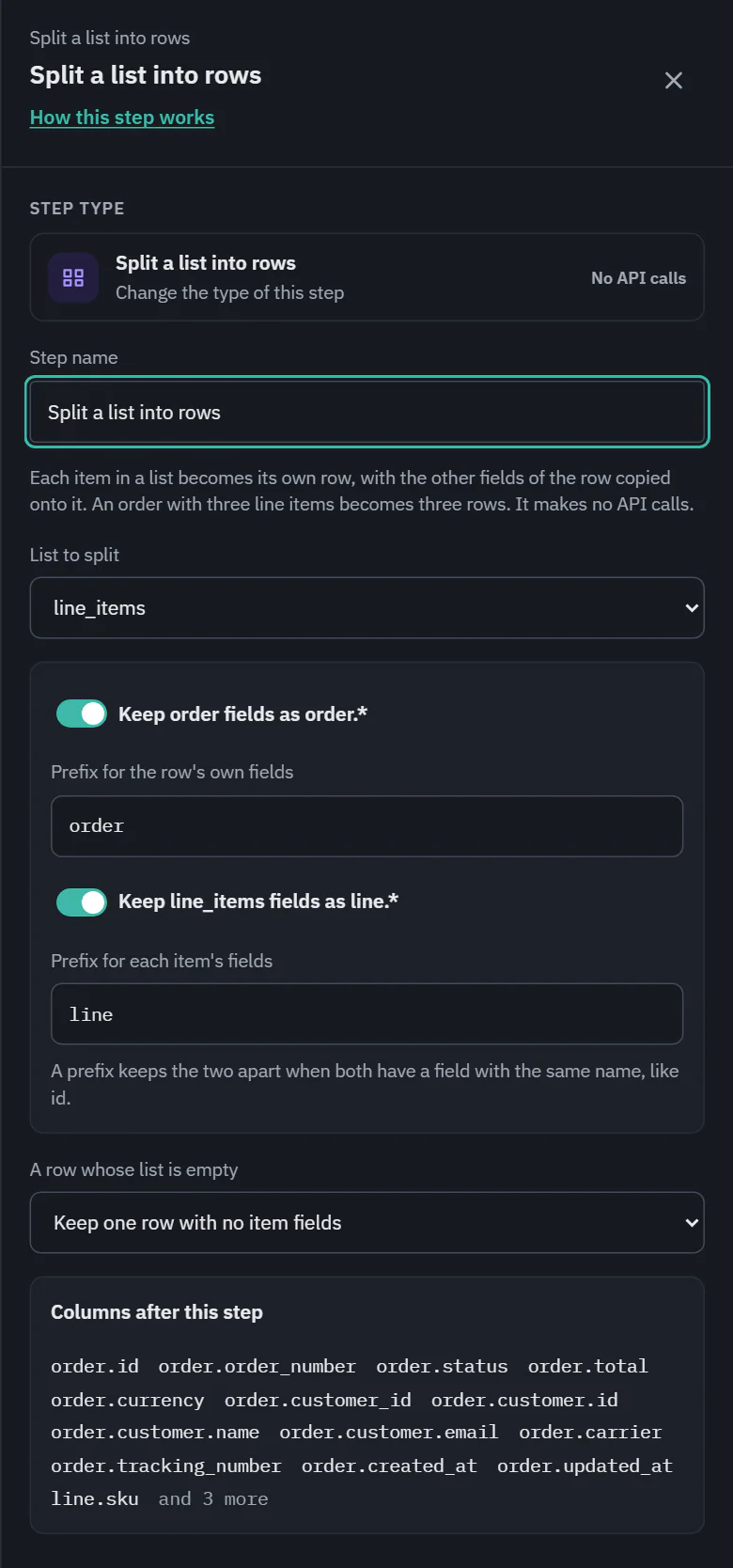
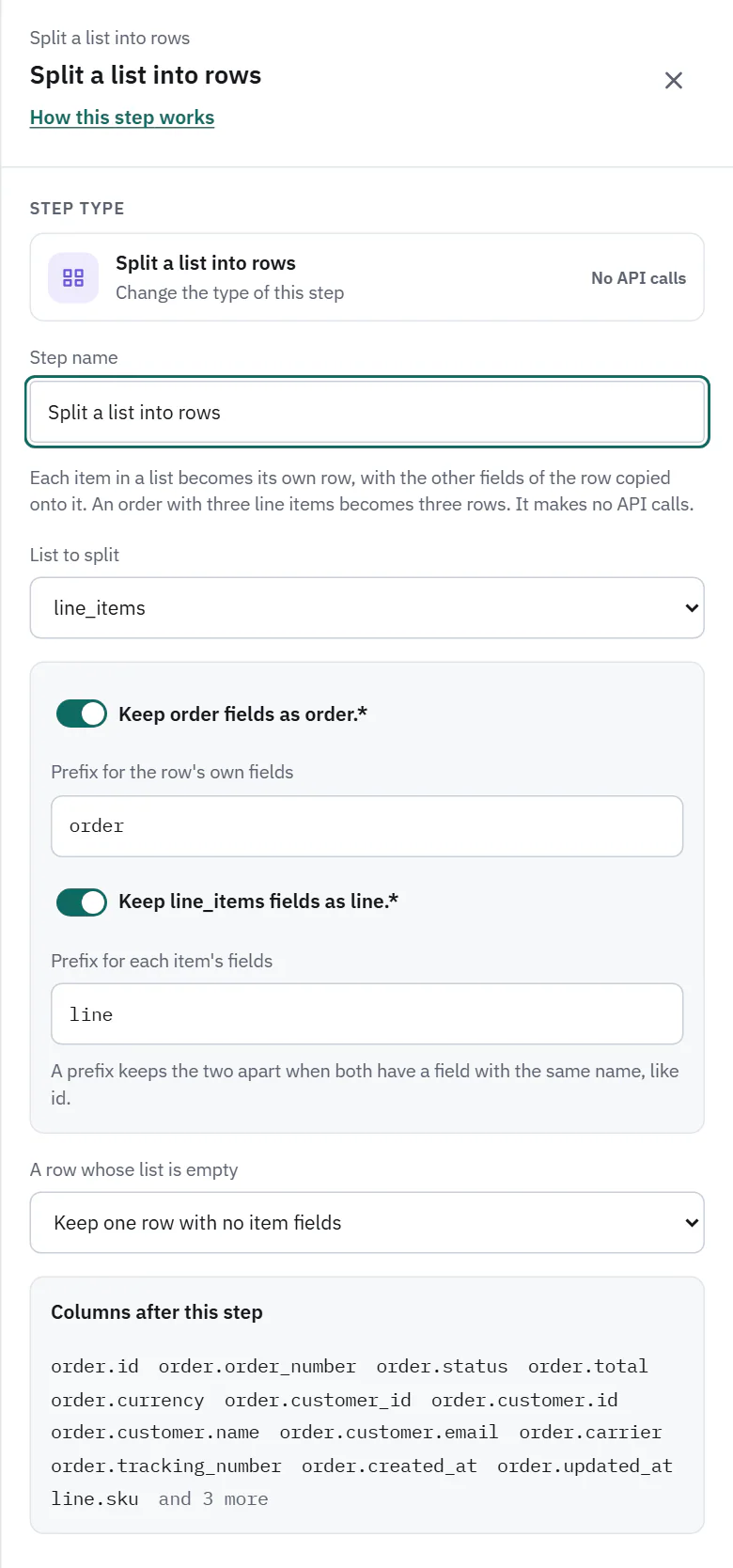
- List to split: the fields that hold lists in the pulled data. Another field… lets you type a path such as order.items in Name of the list field.
- Keep order fields as order.* (the name follows the endpoint): the row's own fields keep a prefix, with a box for it. Switch it off to flatten, where an item's field wins a name clash and the drawer warns about the clashes.
- Keep line_items fields as line.*: the same for each item's fields, so line.sku and order.id are different columns.
- A row whose list is empty: Keep one row with no item fields or Drop the row. A row with no list at all follows the same choice. A value that is not a list skips the row with the cause Source data.
- Columns after this step: a preview of the columns the next steps will see. Map fields after it lists them and auto-maps against them. If two columns would have the same name, a coral note says so and which prefix to keep.
A list of plain values
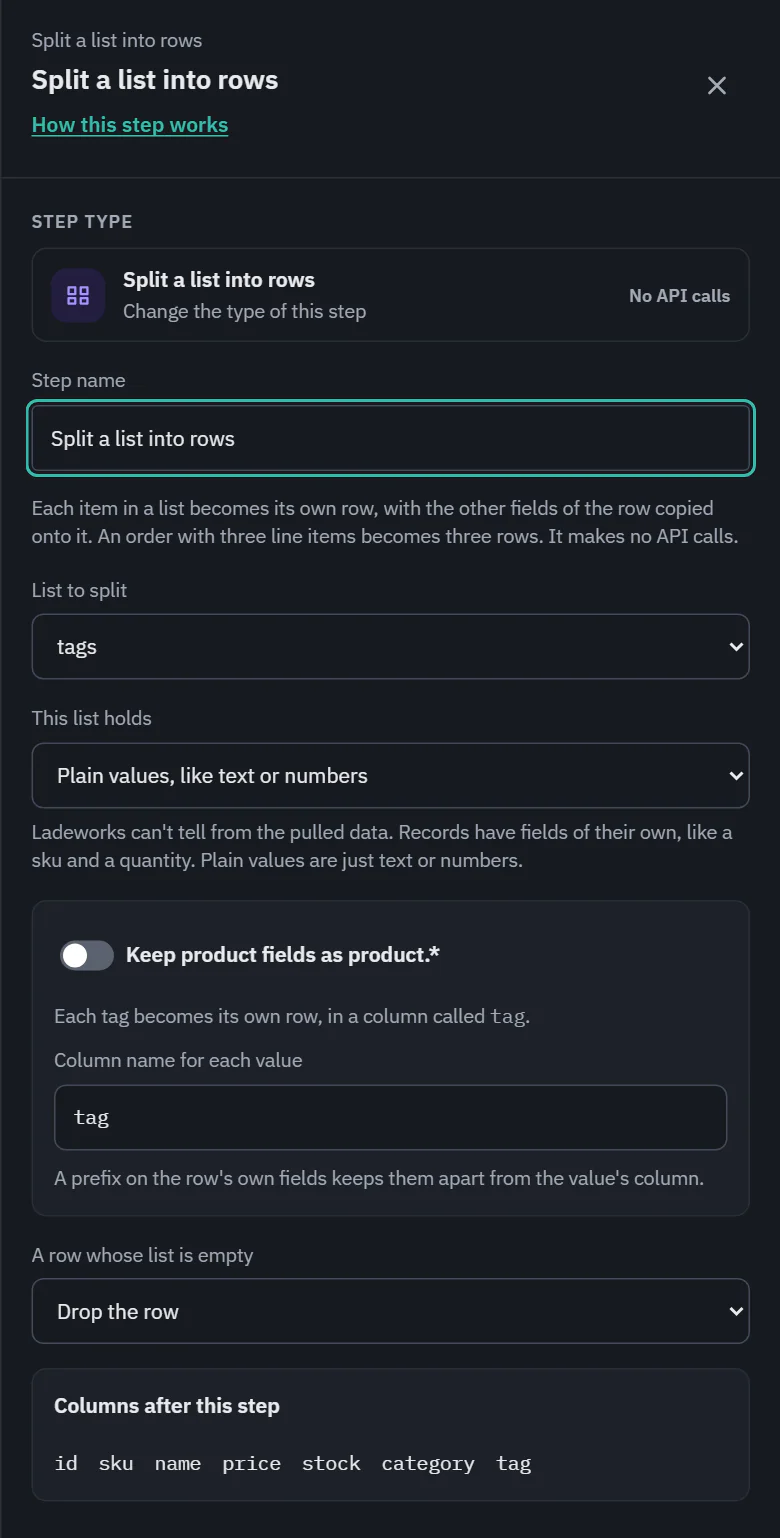
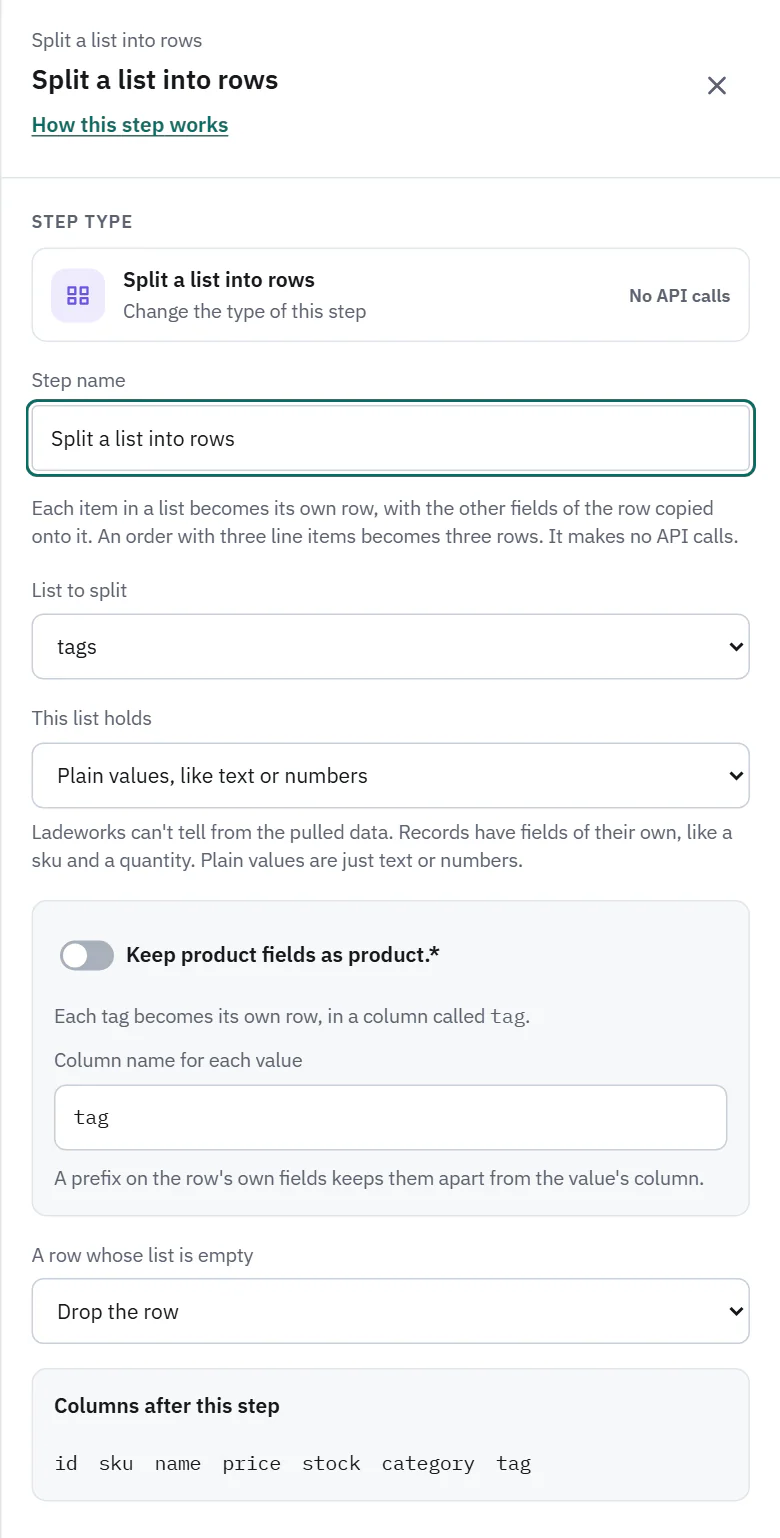
A list can also hold plain values, like text or numbers: a product's tags are "gift" and "sale", with no fields. Each value becomes its own row, with the value in one column and no item prefix. The drawer knows which kind it is from the endpoint's field details. When it cannot tell (a name you typed, a list with no item information), it asks This list holds: Records, with fields of their own or Plain values, like text or numbers.
 (opens the full size image in a new tab)
 (opens the full size image in a new tab)
- Column name for each value: starts as the singular of the list's name (tags gives tag, categories gives category).
- The row's own fields can still keep a prefix, to keep them apart from the value's column.
- A row whose list is empty reads Keep one row with no value or Drop the row.
- A null item makes one row with an empty value. A list inside the list is kept as that list in the column.
Cost and the run line
No API calls. The line reads "Split 120 rows into 340 rows", or "Split 120 rows into 340 rows, 2 skipped". Rows are produced one at a time, so a very long list is never held in memory as rows. If the list field was not in any of the rows, the step says "core_tasks wasn't in any of them, so none got item fields. Open this step and pick another list." (with your field's name).
Splitting is not suggested for lists of plain values, since it multiplies rows and is rarely what you want.