DocsConnect an integration
The test step
Step 4 makes a real request to the API, or signs in to the file server and lists the starting folder. You see a clear pass or fail before anything is created.
Testing an API
Under What to test you choose An endpoint from the spec (or from your docs, or one you added) or A request I type. The endpoint list holds only GET endpoints that need no values, so a test never creates or changes anything, and the simplest one is chosen for you. A line, Will send, shows the exact request. Ladeworks runs the test by itself when you arrive. A test is never counted as an API call.
With no spec and no endpoints, there is nothing to pick, so you give the Method and the Path, and optionally Query parameters and Extra headers. For a POST, a JSON body too, which is a real request that can create something in the other system. The sign-in from the last step is added for you. Keys and tokens do not belong in extra headers.
A pass
A green result says "Connected to" the integration's name, what was requested, and the answer, for example "GET /api/v2/orders returned 200 OK". It shows the status and how long it took. Response details opens the response headers and a sample of the body. If your account has no payload access, the body is hidden because it can contain customer data.
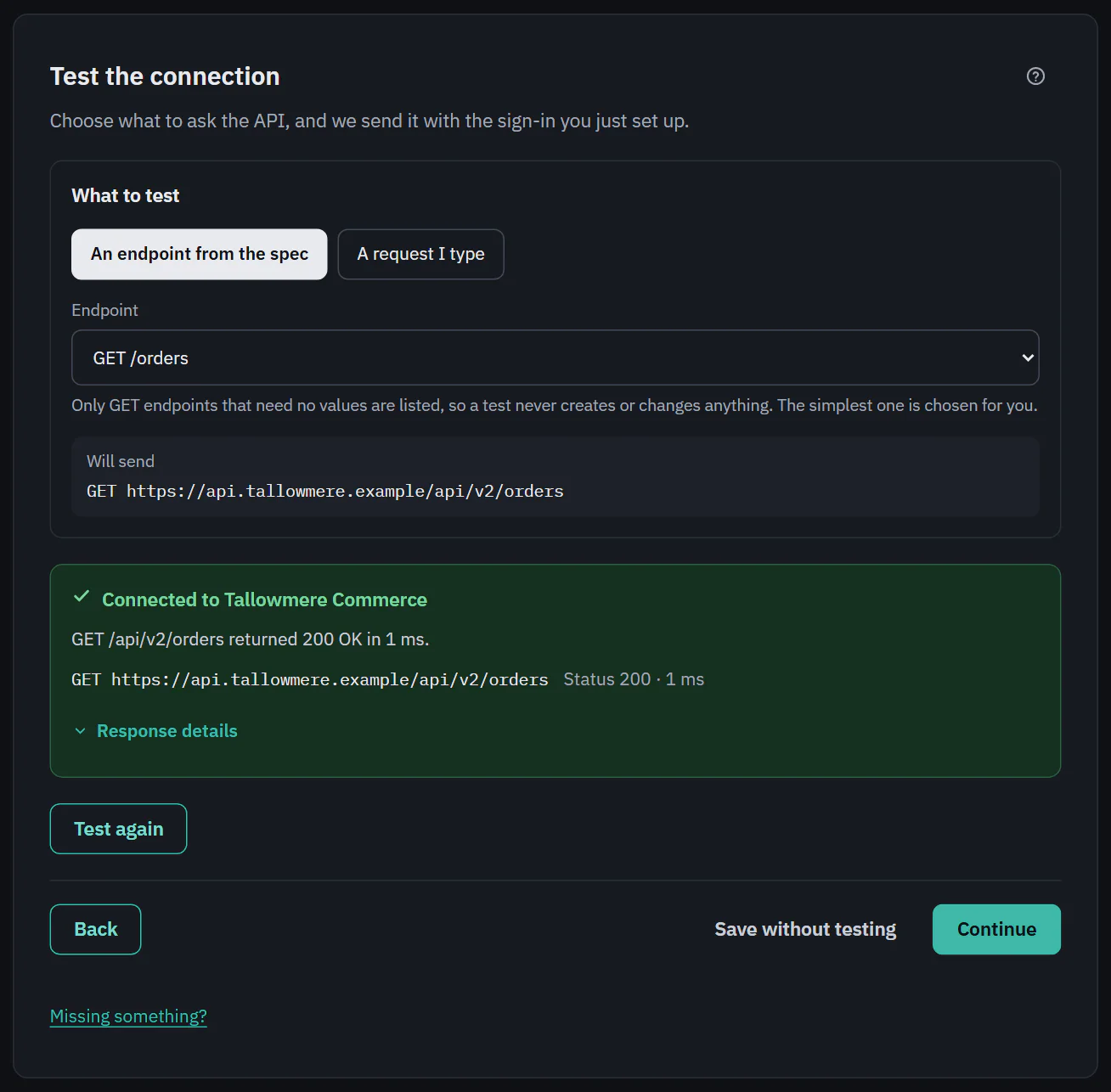 (opens the full size image in a new tab)
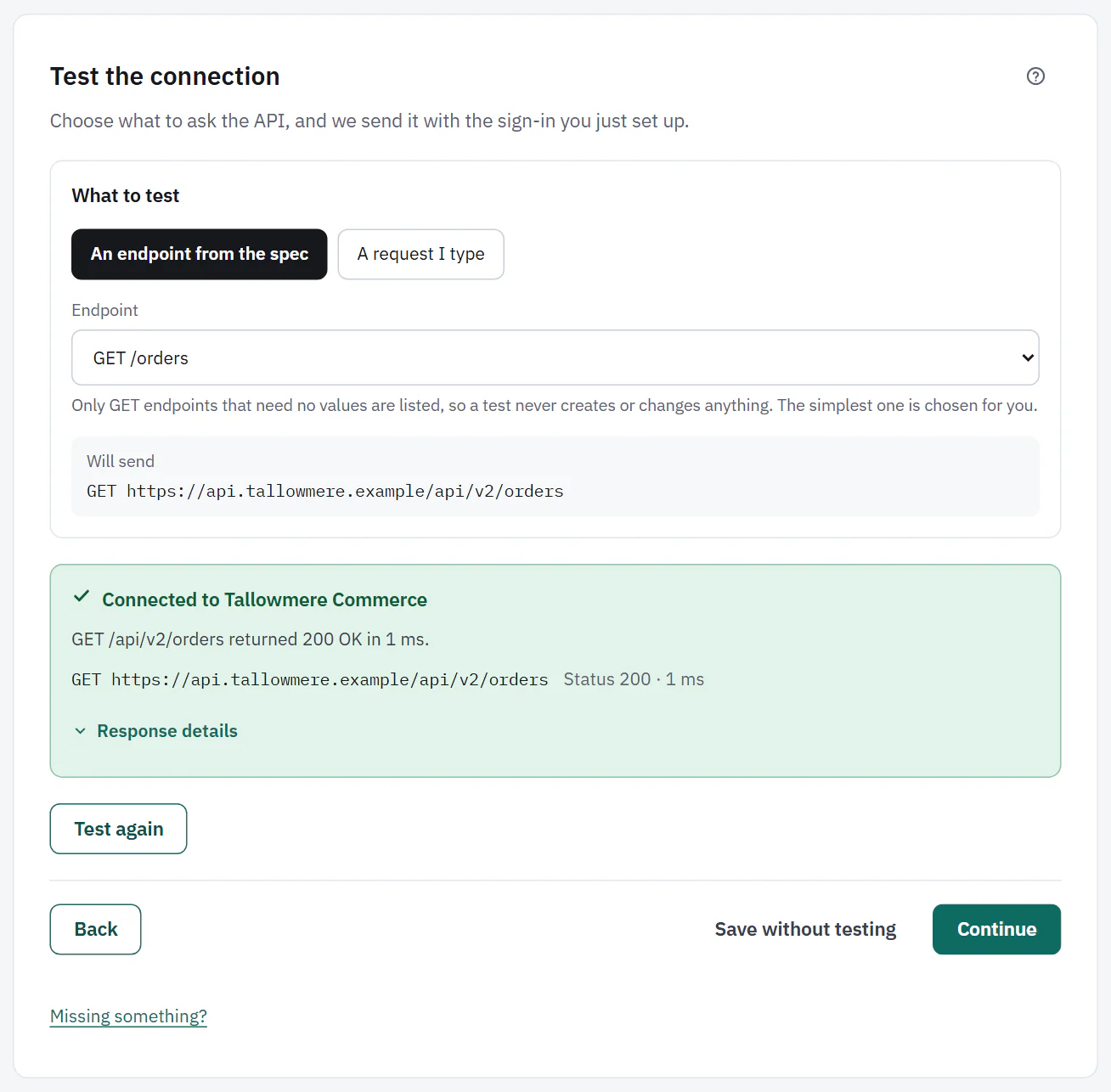 (opens the full size image in a new tab)
A fail
A red result says "The test didn't pass" and what went wrong in words, for example 401 Unauthorized with "didn't accept the credentials. Check that the key or token is copied in full, hasn't expired, and has access to this endpoint." The result has Back to sign-in and Test again buttons.
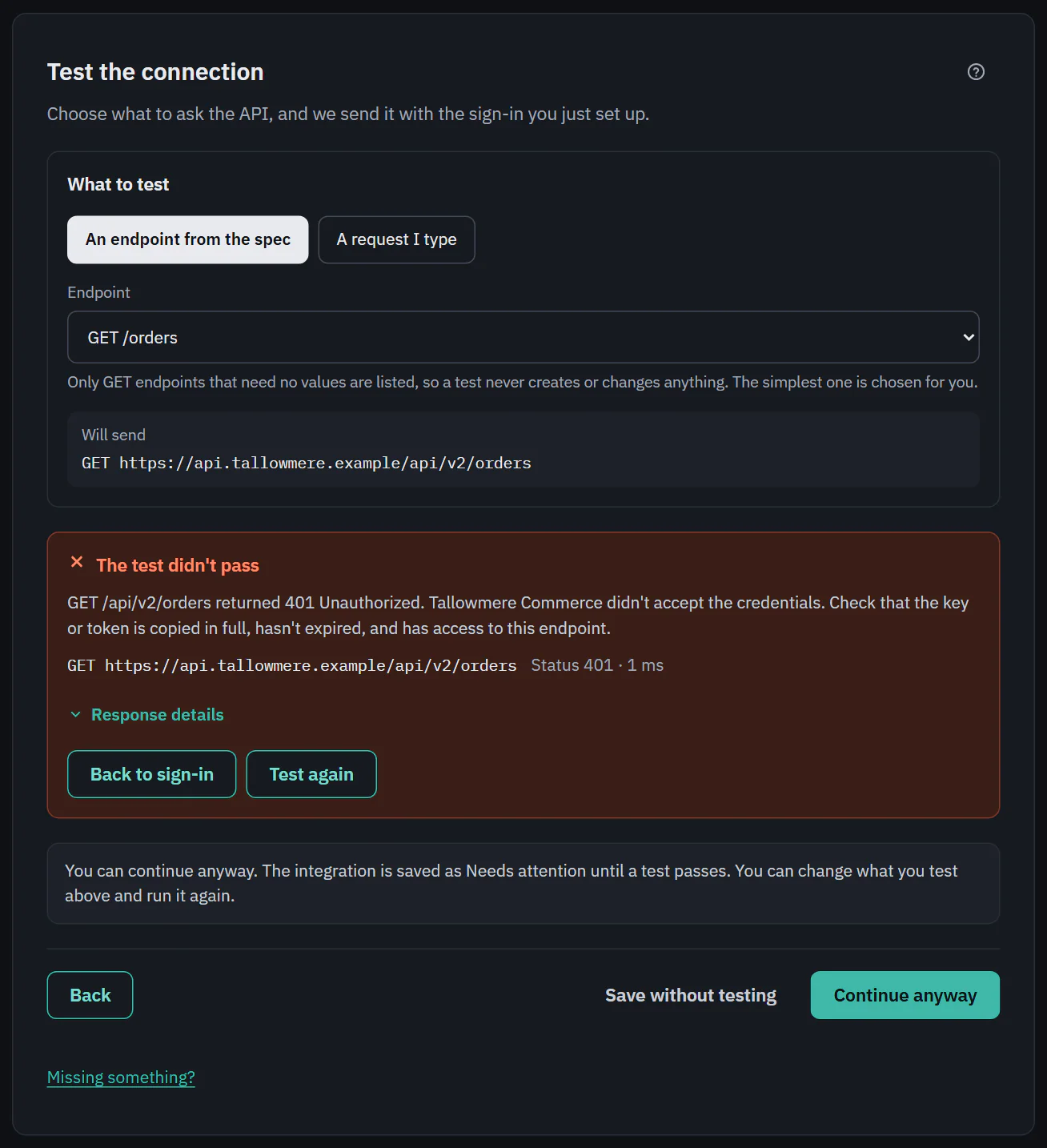 (opens the full size image in a new tab)
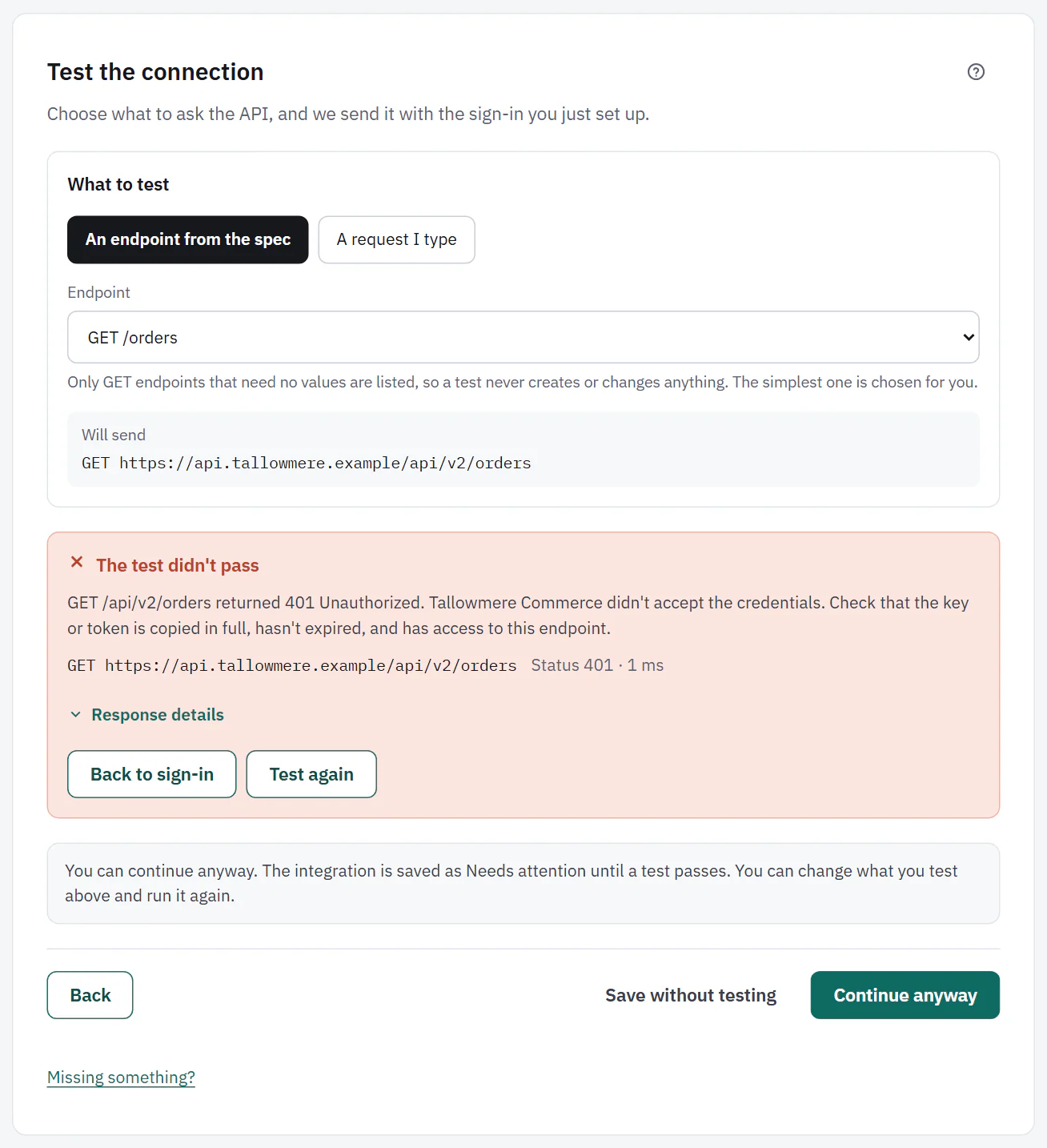 (opens the full size image in a new tab)
Continue anyway
After a failed test, the main button changes to Continue anyway, and a note explains: "You can continue anyway. The integration is saved as Needs attention until a test passes." You can also choose Save without testing at any time. An integration saved without a passing test is marked Needs attention, or reads "Not tested yet", until you test it from Settings. Workflows that use it show the problem too.
Testing a file server
The test checks the server's identity, signs in and lists the starting folder. No files are changed.
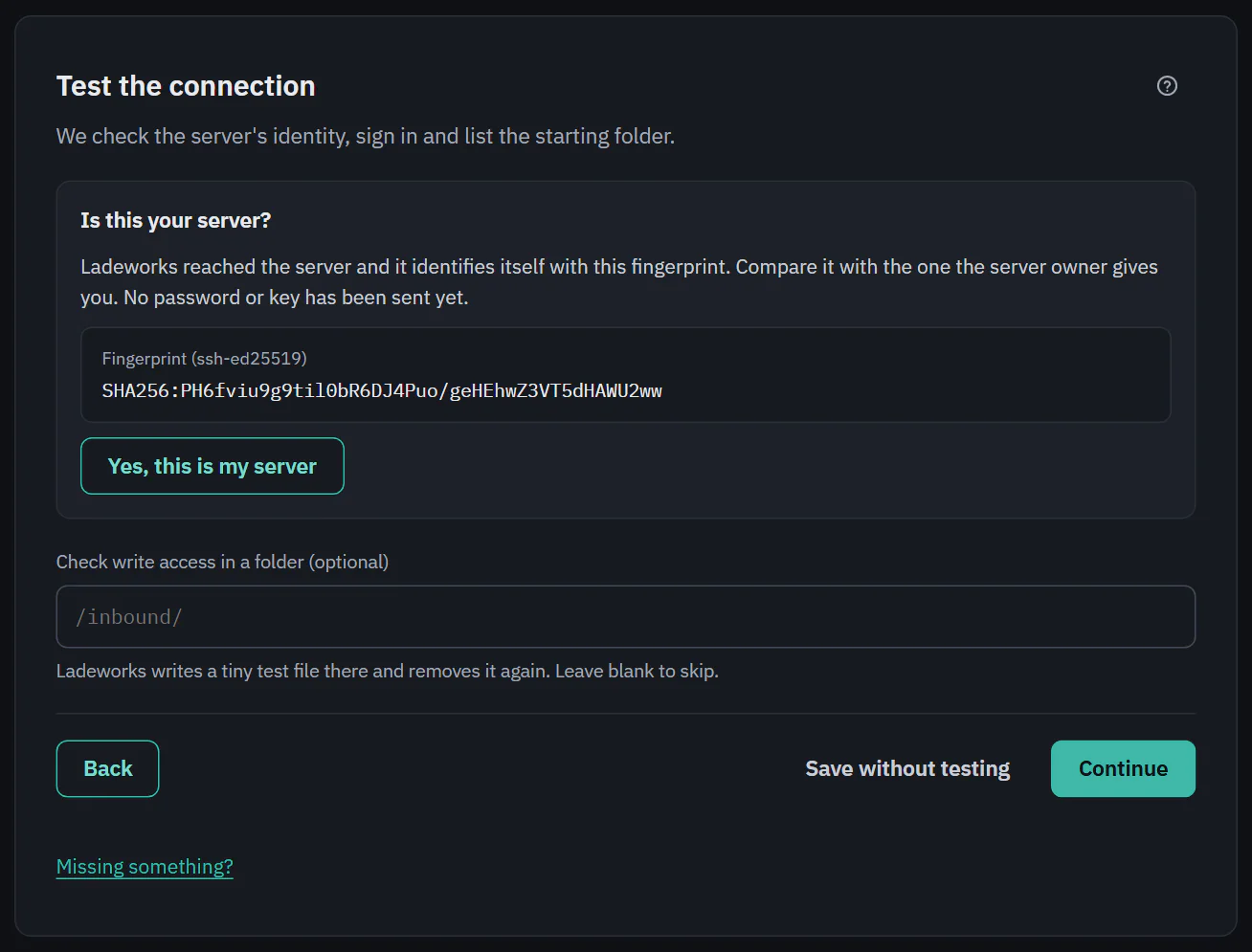
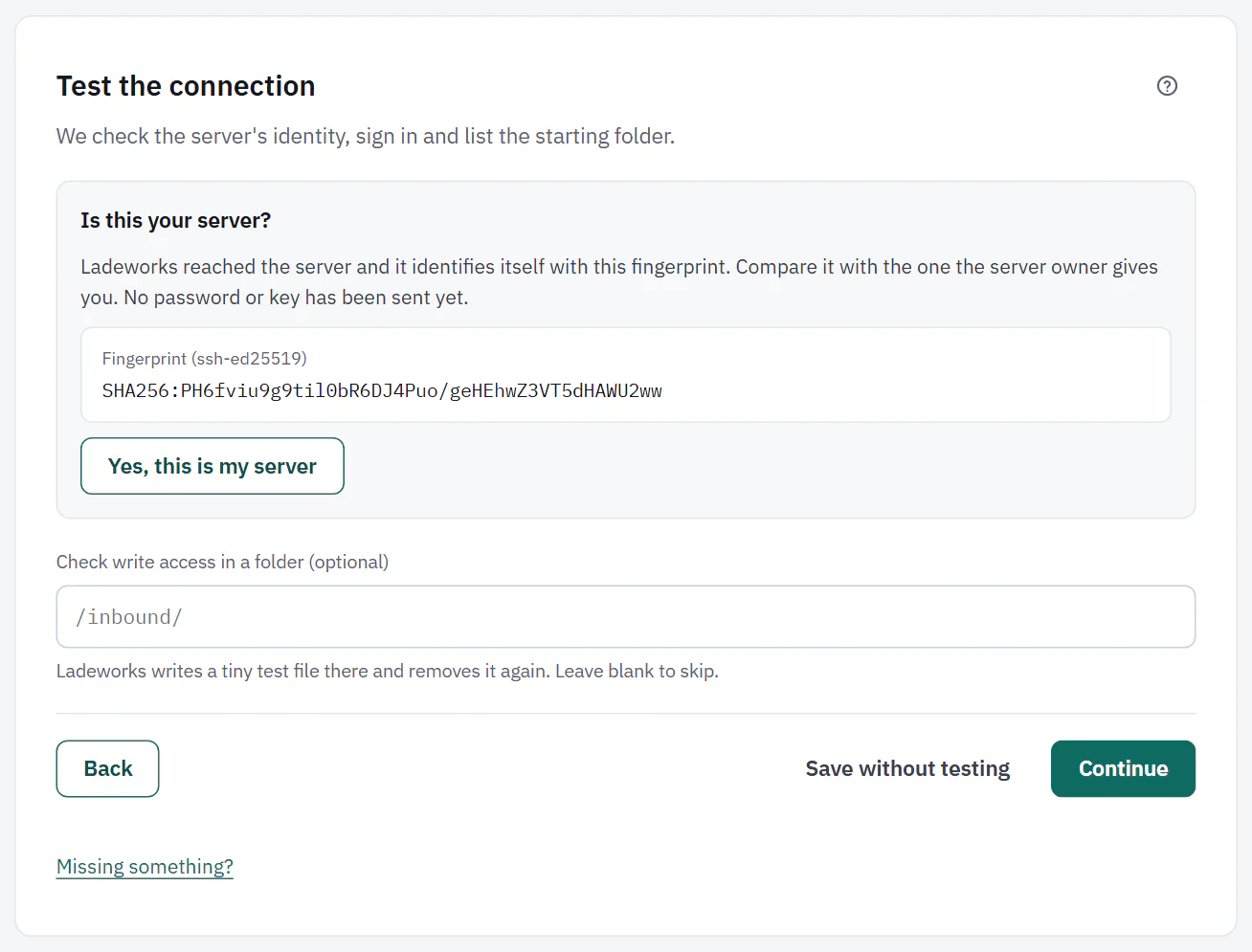
Is this your server?
The first time, Ladeworks reaches the server and shows the fingerprint it identifies itself with. Compare it with the one the server owner gives you. No password or key has been sent yet. Yes, this is my server saves it. Only Owners and Admins can confirm a fingerprint.
If the fingerprint ever changes, runs pause and Ladeworks asks you to confirm it again. The message "This server's identity has changed" offers Trust the new fingerprint. That protects you from someone impersonating the server, so check with whoever runs it first.
 (opens the full size image in a new tab)
 (opens the full size image in a new tab)
The checks
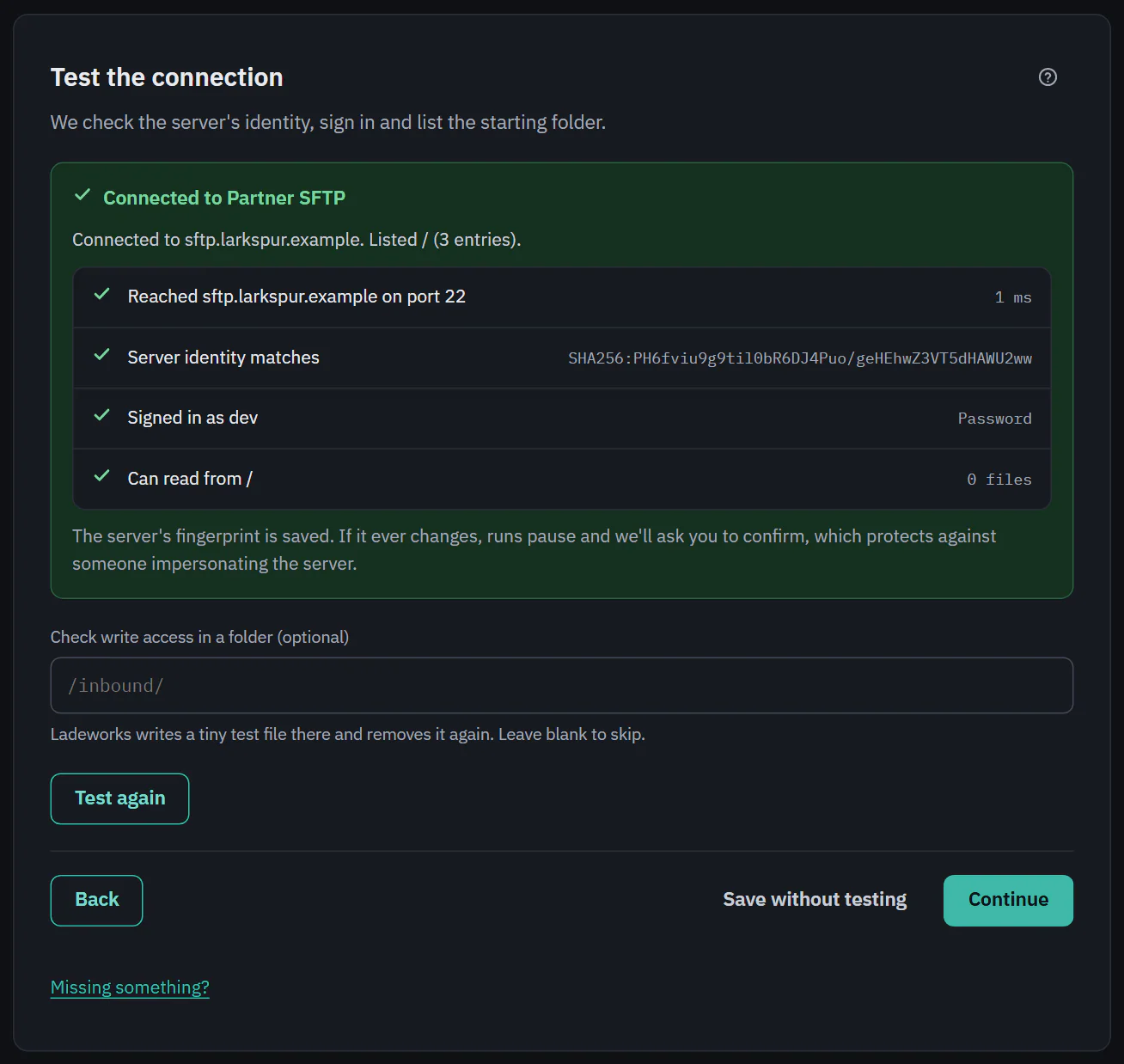
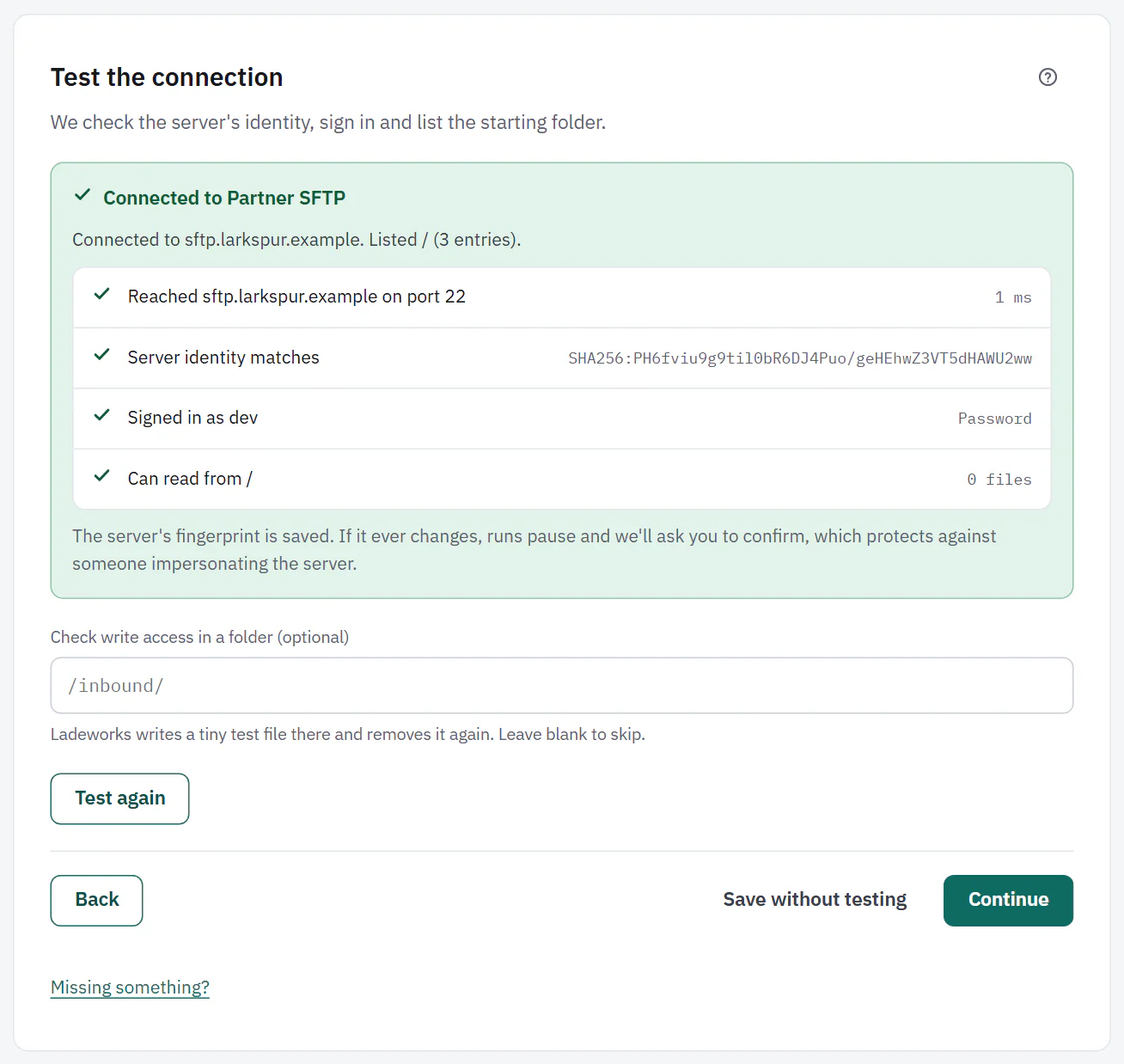
After you confirm, a list shows each check with a tick or a cross: "Reached" the server on its port, "Server identity matches", "Signed in as" the user, and "Can read from" the starting folder with how many files it holds. A failure says what to do in plain words, for example that the server refused the sign-in, did not answer, or speaks another protocol than the one you chose.
Check write access in a folder (optional) writes a tiny test file to the folder you name and removes it again. Leave it blank to skip.
 (opens the full size image in a new tab)
 (opens the full size image in a new tab)
Next: the integration page.