DocsAdvanced workflows
Example: a list, then details for each row, then a CSV
The list of orders does not hold the shipping address. Each order's own record does. So the workflow gets the list, then calls the details endpoint once for every row, then saves a CSV with both. On Starter, Pro and Business.
Larkspur Goods is a made-up shop that sells through a made-up platform called Tallowmere Commerce. Its data and its file server run on a test machine, so nothing here touches a real system.
Build it
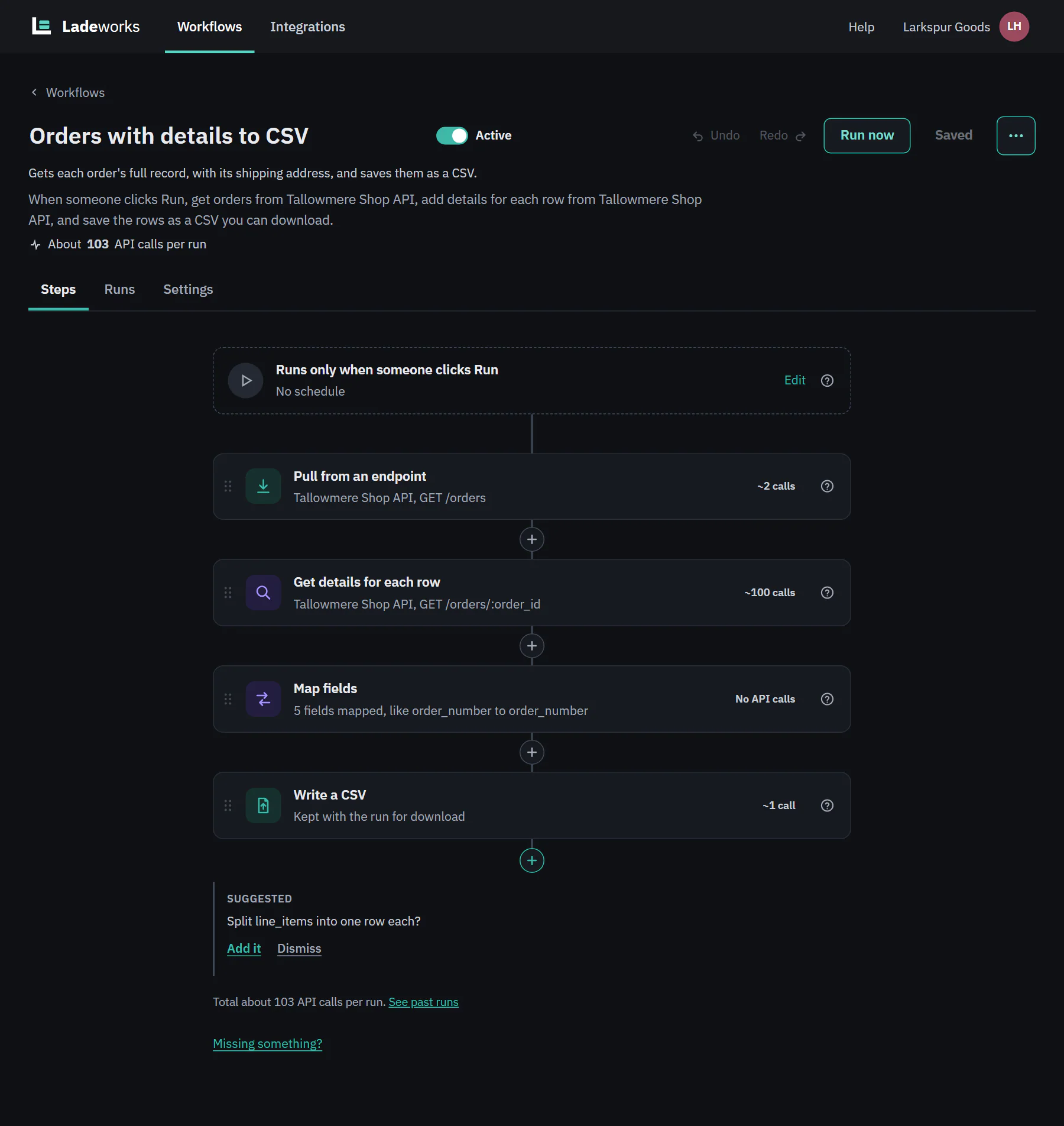
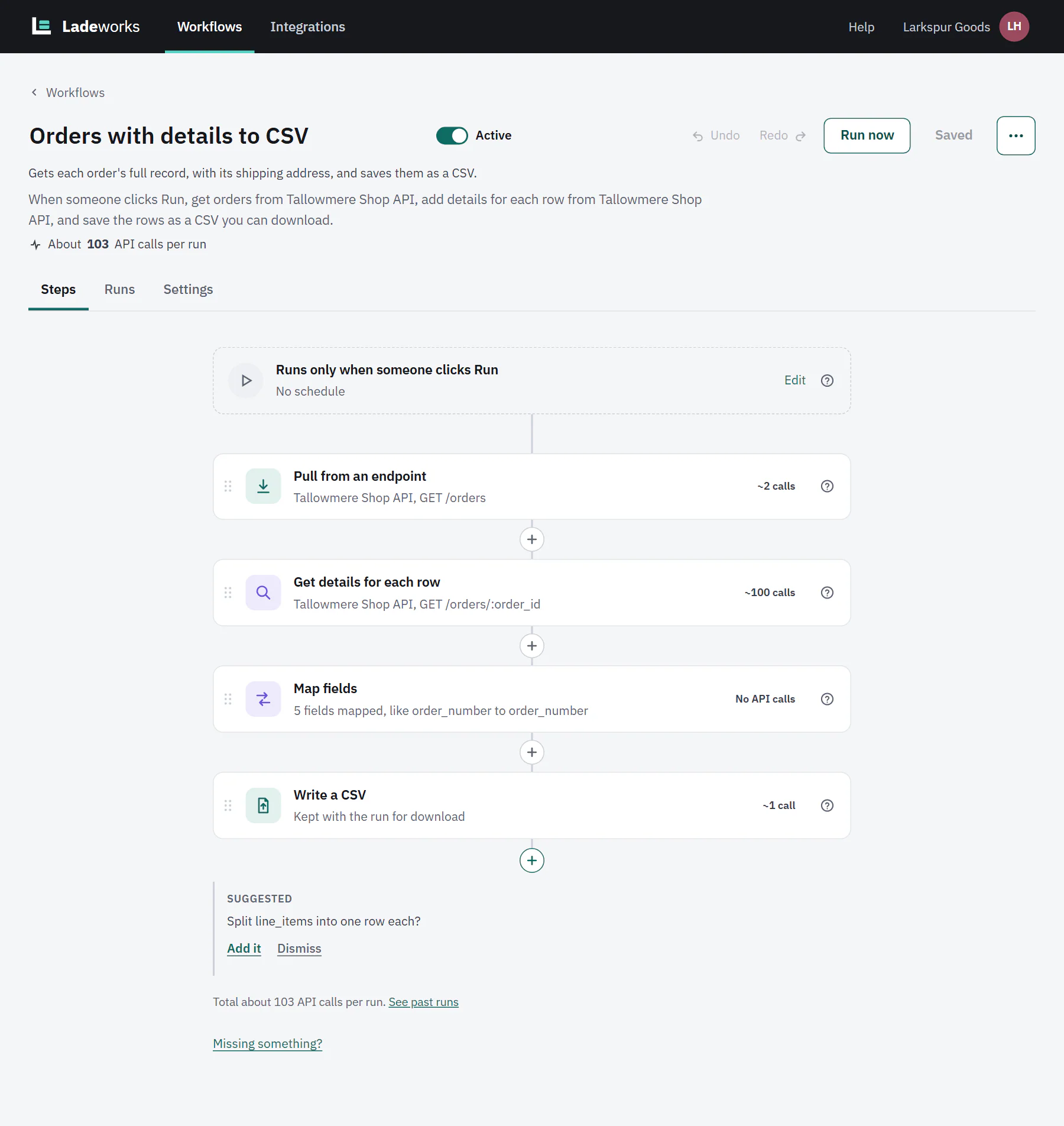
- Choose + New workflow. The source is GET /orders, the destination is A CSV to download, and it runs Only when I click Run.
- Pull from an endpoint gets the list. Here it stops after two pages, 100 orders, with Stop after this many pages (optional), so a test stays small.
- Add Get details for each row. Under Endpoint to call for each row choose GET /orders/:order_id. Under What to send for each row, Value for order_id is the field id of the row. Under What to add to the row tick only the fields you want, and set Name prefix (optional) to detail., so they arrive as detail.shipping_address.city and so on. If an order comes back empty, choose Skip the row under If nothing comes back: the row is listed in run details with the cause Source data.
- Add Map fields. The fields the details step added are in the list under their prefix, so you map detail.shipping_address.city to ship_to_city.
- Write a CSV as a download, named orders_with_details_{date}.csv.
The builder helps with step 3: after a Pull of a list it suggests "Get each order's full record from /orders/:order_id?", with Add it, and fills in the value. The same step is described, with every setting, in Shaping data.
 (opens the full size image in a new tab)
 (opens the full size image in a new tab)
What it costs
Get details for each row makes 1 call for each row. The builder says so before you run: "About 103 API calls per run".
 (opens the full size image in a new tab)
 (opens the full size image in a new tab)
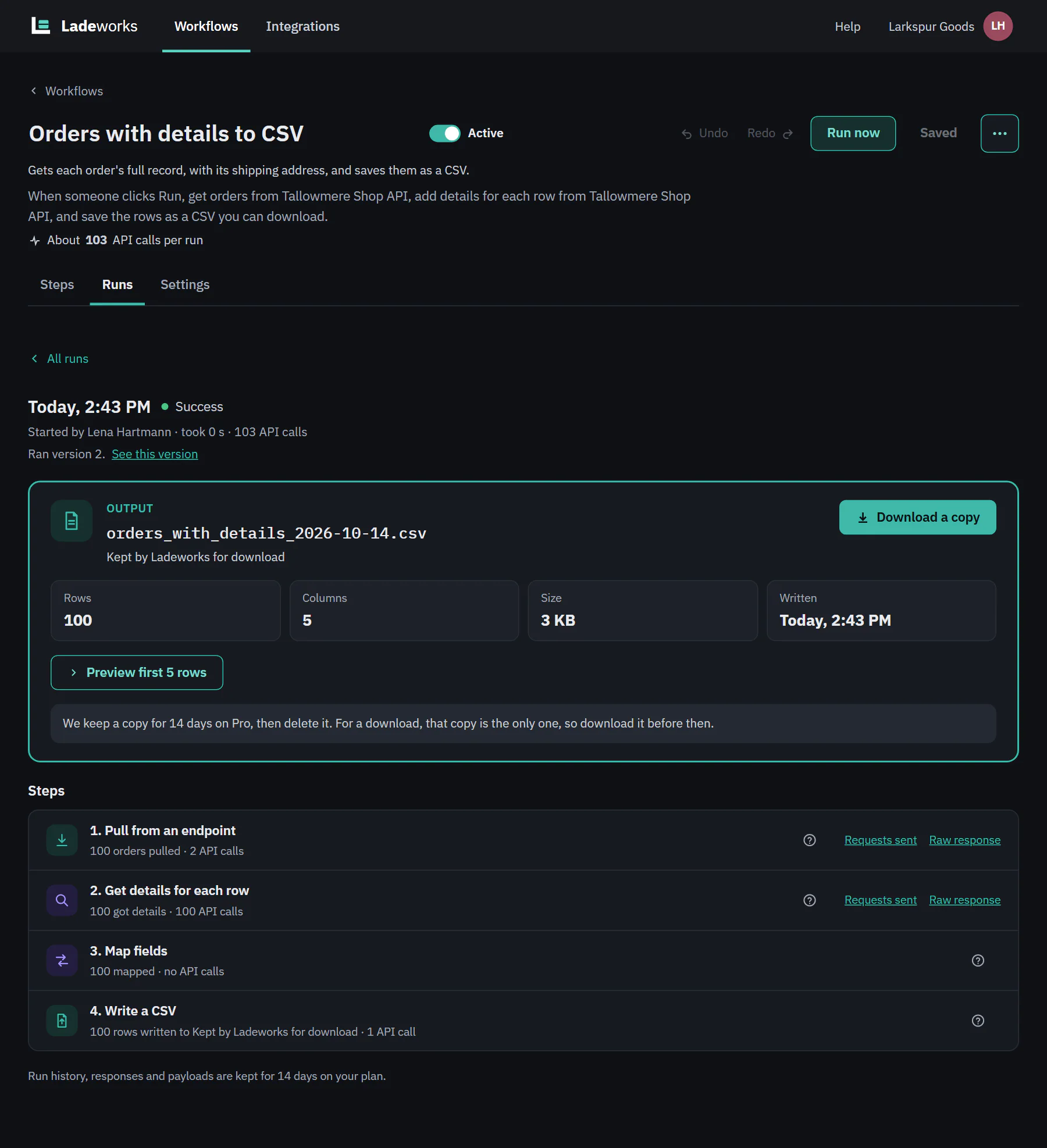
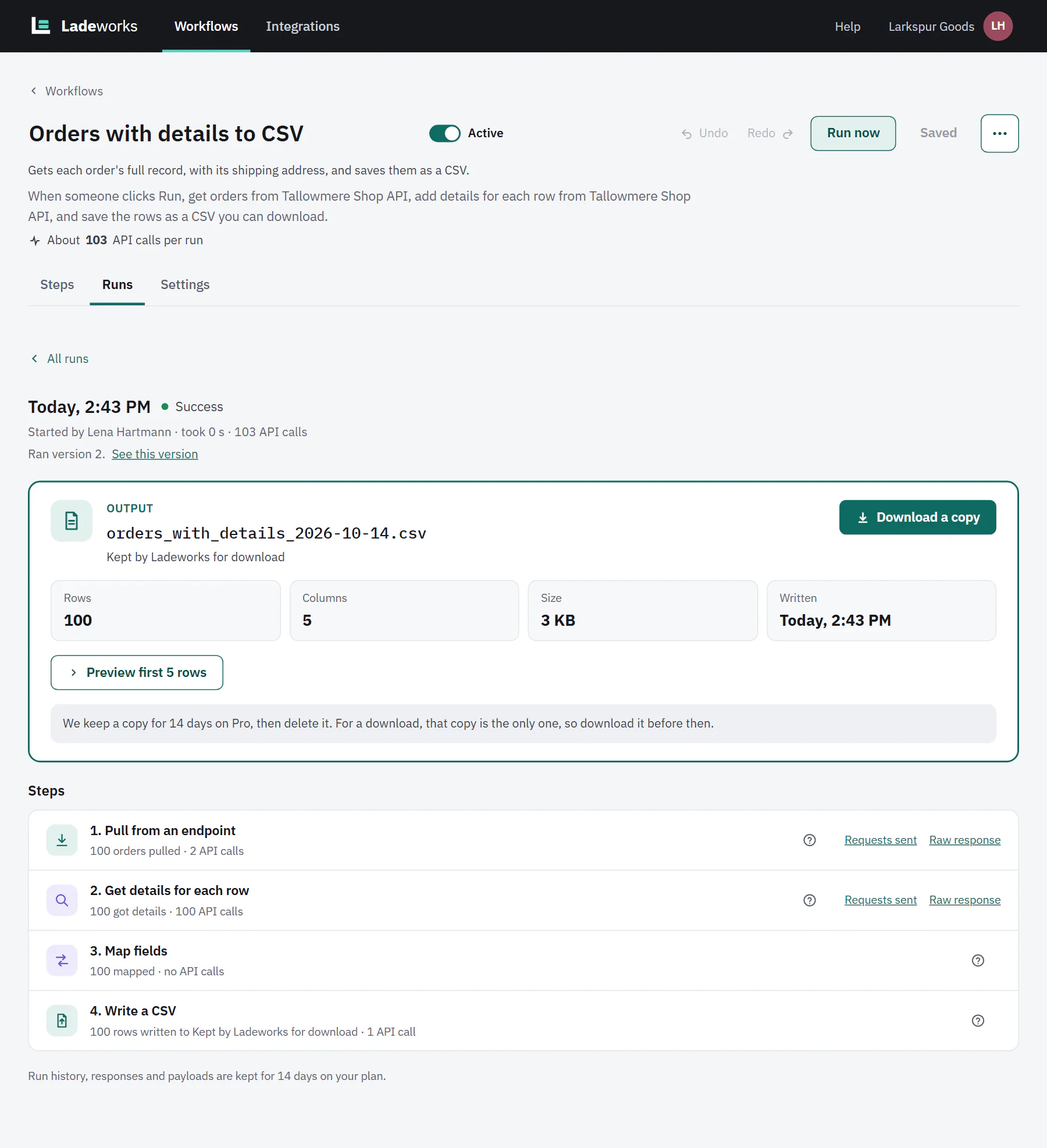
- 2 calls for the two pages, 100 for the details and 1 for the file: 103.
- For a file that is only ever kept by Ladeworks, Download a copy is the only copy, so download it before the plan's retention ends.
- For a long list, use the first run's numbers to decide. A schedule of every hour would mean 100 calls an hour from this step alone.