DocsAdvanced workflows
Example: an API to a CSV on SFTP every night
A shop wants one row for every line item of every order, in a file its warehouse partner picks up from an SFTP folder, ready each morning. This builds it from start to finish.
Larkspur Goods is a made-up shop that sells through a made-up platform called Tallowmere Commerce. Its data and its file server run on a test machine, so nothing here touches a real system.
What it does
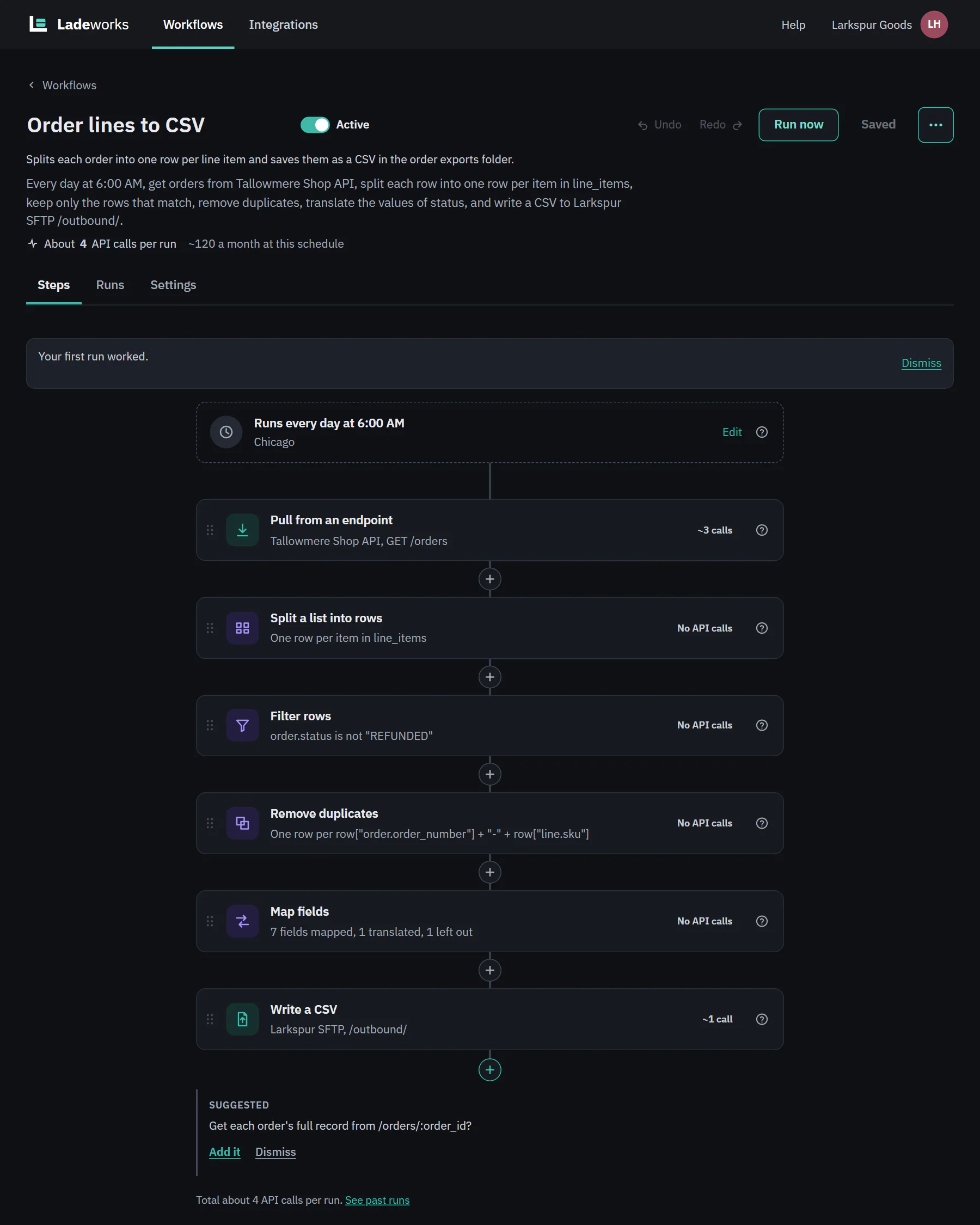
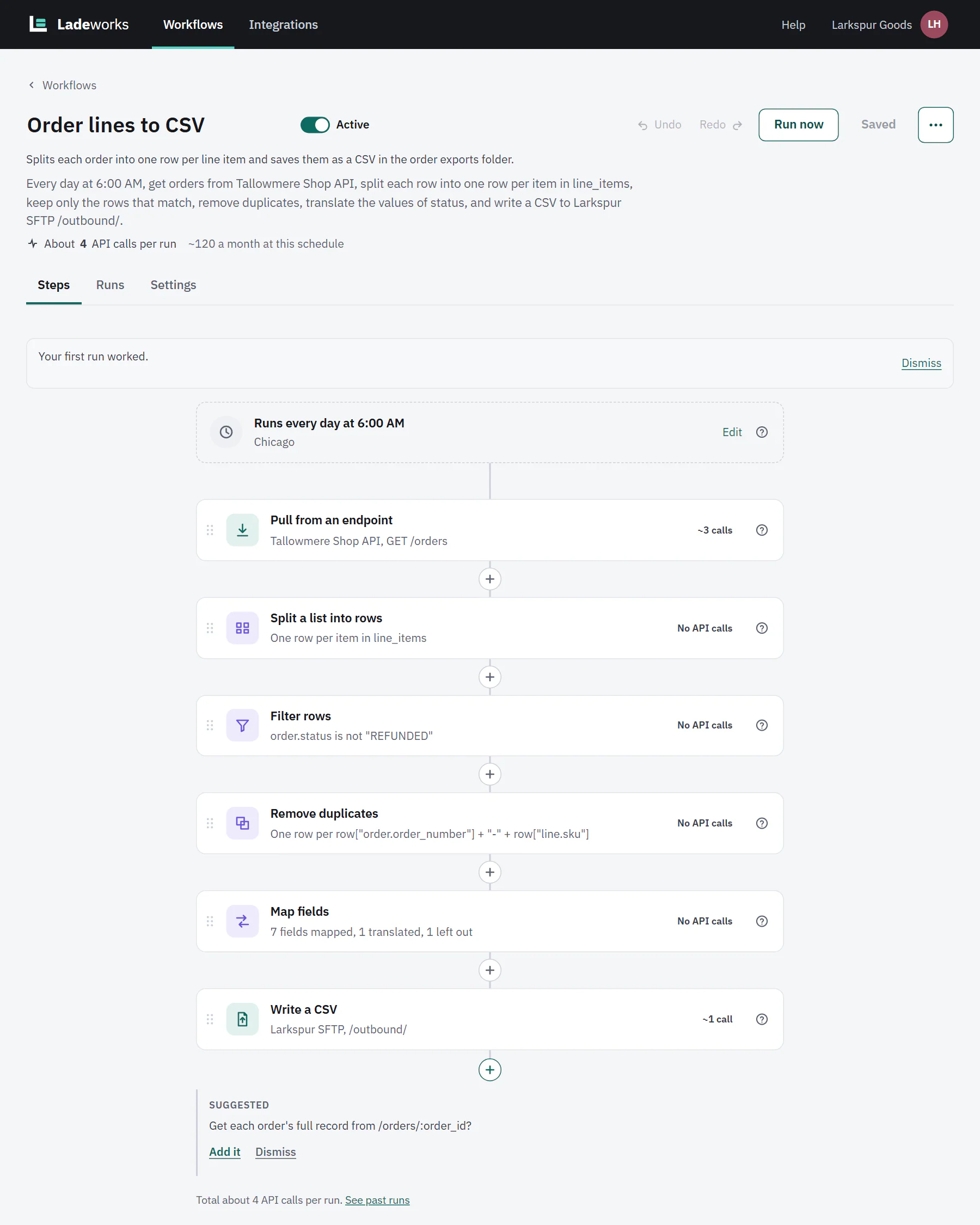
Every day at 6:00 AM, Order lines to CSV pulls orders from Tallowmere Shop API, splits each order into one row per line item, drops refunded orders, tidies the columns, and writes order_lines_{date}.csv to /outbound/ on Larkspur SFTP.
Build it
- Choose + New workflow and answer the questions (new workflow): the source is the endpoint GET /orders, the destination is the folder /outbound/, and it runs On a schedule, Daily at 6:00 AM in your time zone. On Starter, Pro and Business.
- Pull from an endpoint gets the orders page by page. Each page is 1 API call.
- Add Split a list into rows and choose line_items. Each item becomes its own row. The order's fields are kept as order.* and the item's as line.*, so a row has both order.status and line.sku.
- Add Filter rows: order.status is not REFUNDED.
- Add Remove duplicates with a key that joins the order number and the SKU, so a line that appears twice is written once.
- Add Map fields. Translate the status values (PAID to Paid, and so on), upper-case the currency, lower-case and trim the email, work out line_total as quantity times unit price, and leave order.customer_id out. Set Fields without a mapping to Leave out, so the file has only the columns you chose. Every step is described in Shaping data.
- Write a CSV goes to the SFTP folder. The file name is order_lines_{date}.csv, and Protect against spreadsheet formulas is on, so a cell that starts with = or @ opens as text in Excel.
 (opens the full size image in a new tab)
 (opens the full size image in a new tab)
Turn it on and run it
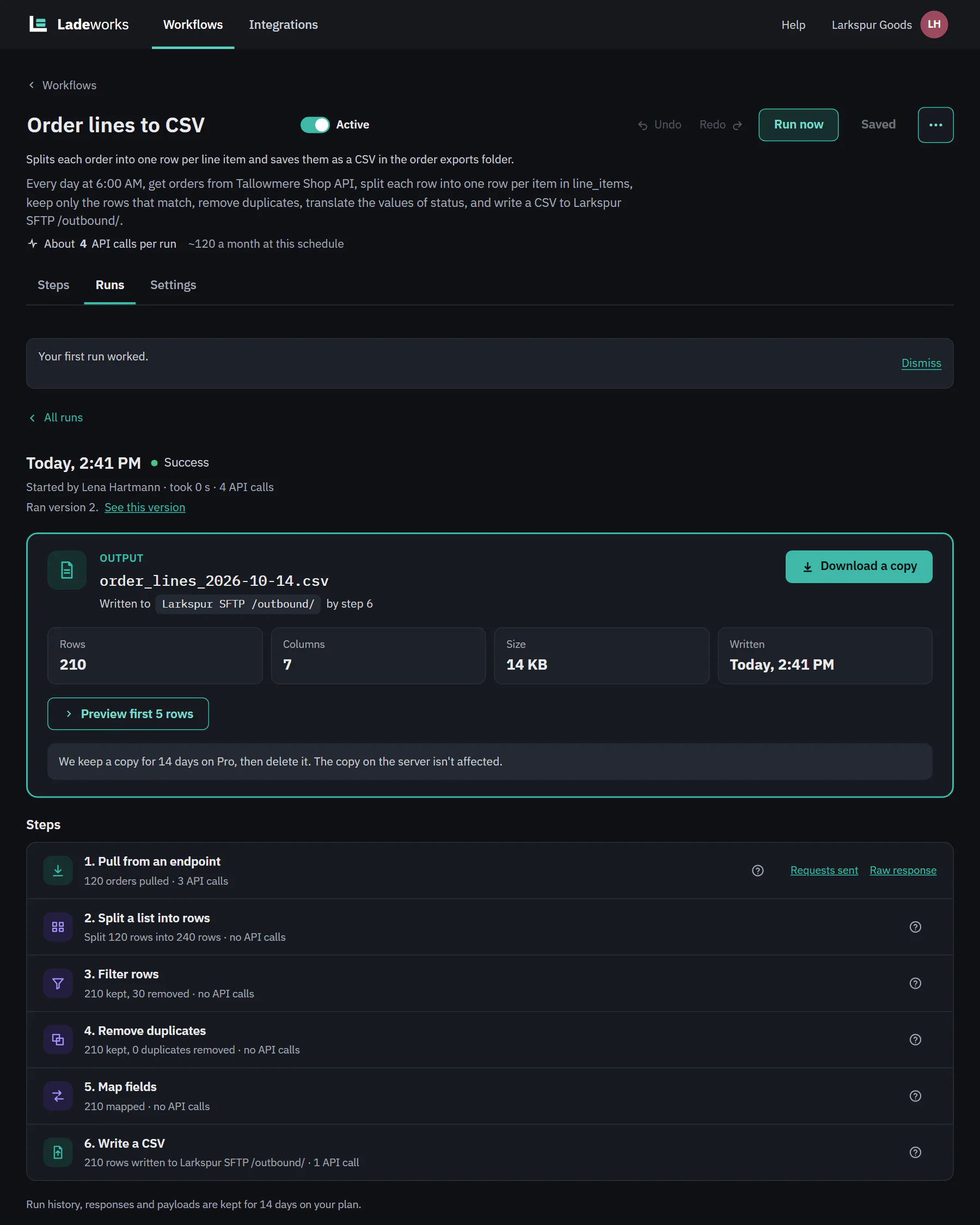
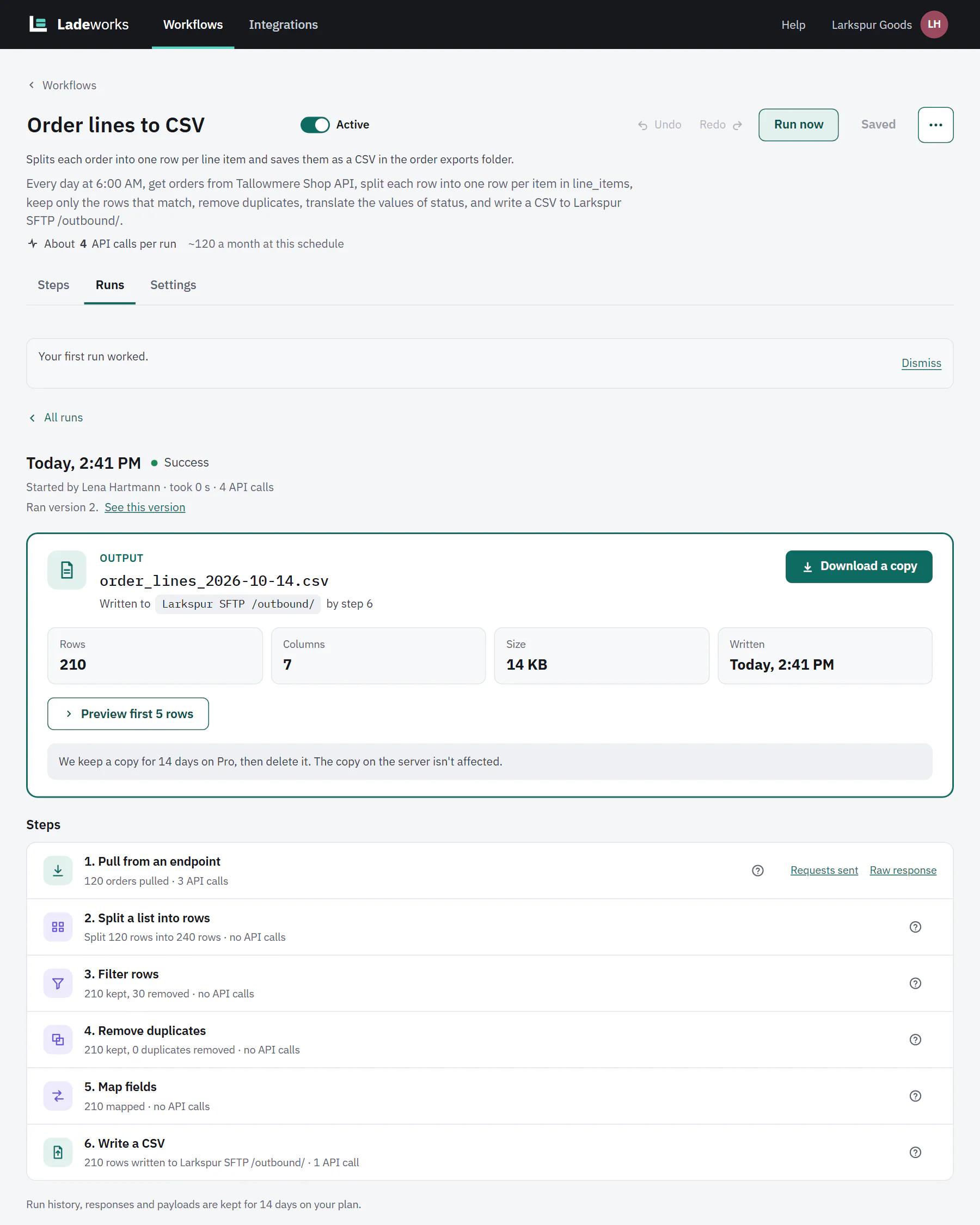
New workflows start paused. Use the switch next to the name to turn it on, then choose Run now to see a run before the first 6:00 AM. Open the run:
 (opens the full size image in a new tab)
 (opens the full size image in a new tab)
- Step 1 pulled 120 orders in 3 pages, which is 3 calls. Step 2 split them into 240 line-item rows, step 3 kept 210, and the file has 210 rows and 7 columns.
- Step 6 is 1 call, for the file. The run used 4 calls, so a month of nightly runs is about 120.
- Preview first 5 rows shows the top of the file, and Download a copy saves it. Ladeworks keeps its copy for the plan's retention. The copy on the server is not affected.